One workspace for teams & agencies

Stop juggling endless tools.

Rowsh helps teams and agencies manage tasks, chat, meetings, notes, whiteboards, and AI in one simple workspace — instead of paying for five different tools. Fixed pricing per workspace, never per user.

5+
Tools replaced
$0
Per-user fees
Free
Plan to start
<24h
Support replies
Task ManagementTeam ChatCalendar SchedulingFile SharingProject BoardsMeeting LinksReal-time MessagingTask ManagementTeam ChatCalendar SchedulingFile SharingProject BoardsMeeting LinksReal-time Messaging

The solution

Three tools your team uses daily. One workspace.

Stop paying for separate subscriptions and losing context switching between apps. Rowsh replaces your task manager, chat app, and calendar — in one place your whole team shares.

Replaces Trello, Asana, Jira

Projects & Delivery

Organize delivery with Kanban boards, list views, and Gantt timelines. Assign tasks, set priorities, track time, and automate workflows inside the right space.

  • Kanban, list & Gantt views
  • Subtasks & dependencies
  • Custom fields & automations
  • Time tracking & workload

Replaces WhatsApp, Slack, Meet

Team Chat & Calls

Keep conversations, calls, and decisions connected to the teams and spaces responsible for the work.

  • Channels & DMs
  • Threaded replies & reactions
  • Voice & video calls
  • Turn any message into a task

Replaces Calendly and scheduling spreadsheets

Calendar & Scheduling

Manage scheduling, availability, and deadlines while keeping events connected to the right projects, people, and spaces.

  • Public booking links
  • Availability rules
  • Recurring events
  • Task deadlines on calendar

Everything else

And that's just the start.

Beyond chat, tasks, and calendar — Rowsh includes files, approvals, AI, goals, automations, and more. Everything your team needs, nothing extra to buy.

File Management

Upload, preview, and share files with storage quotas. Supports S3-compatible storage and links files directly to projects.

Approval Workflows

Multi-step approval chains with comments, version tracking, and auto-resolution. Approve, reject, or skip at each stage.

Goals & OKRs

Set team and company goals, link them to projects, and track progress automatically based on task completion.

Automations

Create cross-module automation rules with triggers, conditions, and actions. View execution logs and toggle rules on or off.

AI-Powered Features

AI Copilot, task suggestions, smart alerts, voice-to-task, document Q&A, daily briefings, and more — powered by OpenAI or self-hosted Ollama.

Teams & Portfolios

Organize users into teams, group projects into portfolios, and manage access with role-based permissions.

Analytics & Reporting

Project analytics with task snapshots, burndown data, and per-project breakdowns by status, priority, and assignee.

Inside the Platform

Every module, one connected platform

Nine connected work surfaces that share the same projects, conversations, files, and context. No tab switching. No data silos.

01
Work OS

A focused space for every team and function

Turn one workspace into a Work OS. Give Sales, Support, HR, Marketing, and Operations their own space — each with its own home, navigation, and modules — while people, files, and permissions stay shared across the company.

  • Top-bar space switcher to move between teams in one click
  • Per-space modules — enable only what each team uses
  • Built-in HR, CRM, Helpdesk, Marketing & Operations modules
  • Shared members, roles, and files across every space
5+Business modules
Explore spaces
app.rowsh.com/space
Work OS
A Rowsh space home showing its own modules, goals, and recent activity
02
Home base

Your team's command center, every morning

A focused, glanceable home screen that surfaces what matters today — active projects, open tasks, recent approvals, and storage usage — without forcing anyone to dig through tabs.

  • Real-time metrics across projects, tasks, files & approvals
  • Quick-action launchpad to create work in one click
  • Daily briefing — what changed since you last logged in
  • Open Goals & Teams cards link straight into deeper views
<5sTime to first action
Explore dashboard
app.rowsh.com/
Live data
Rowsh workspace dashboard with active project metrics, quick-action launcher, and today's tasks
03
Plan & deliver

List, board, and timeline — one source of truth

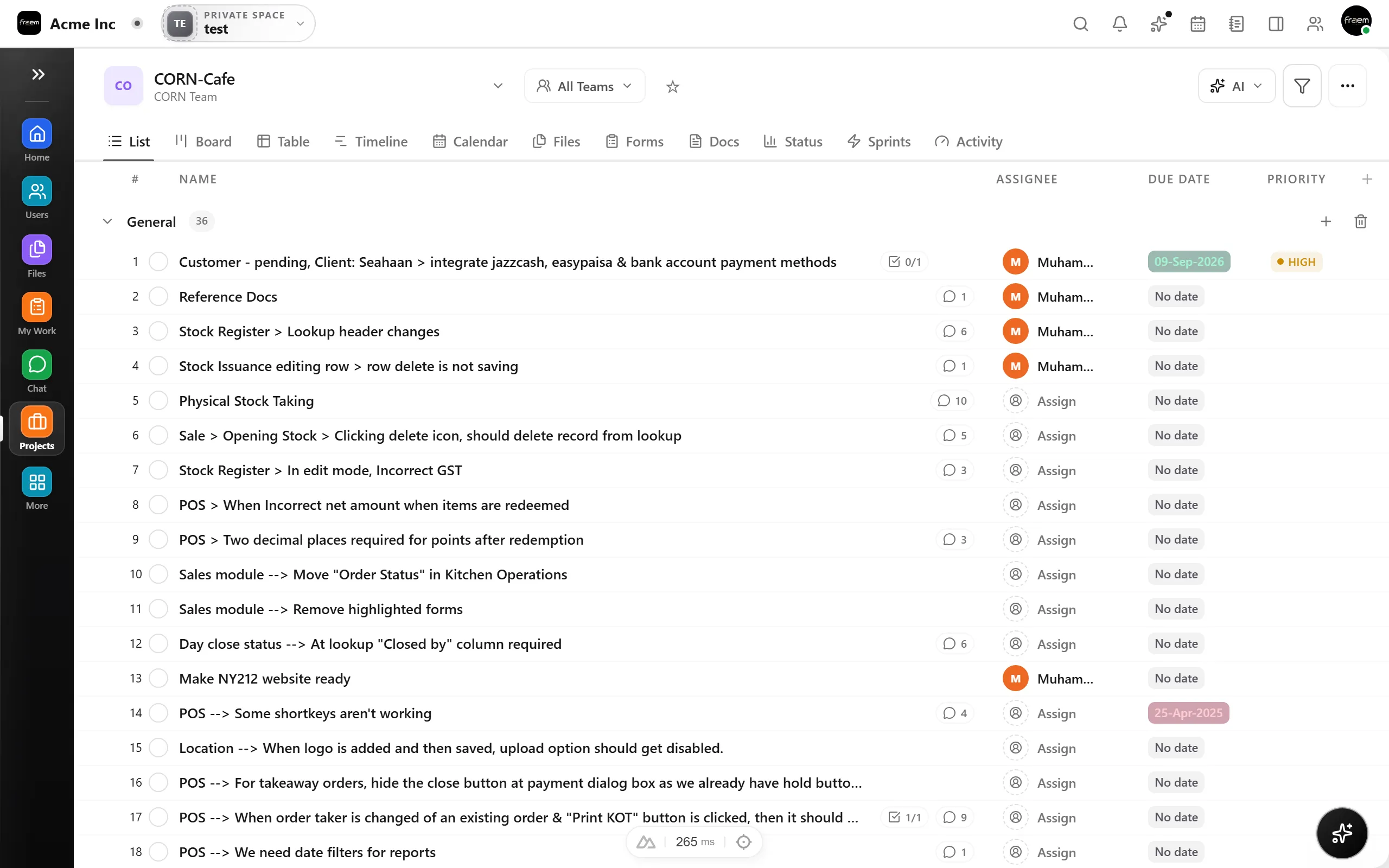
Switch effortlessly between Kanban boards, list views, and Gantt timelines. Filter, group, and sort the same tasks however your team thinks — no duplicated work across tools.

  • Kanban board, list view, and timeline — all instantly switchable
  • Sections, sub-tasks, assignees, priorities, and due dates
  • AI summary, project templates, and one-click task creation
  • Connects to Goals, Portfolios, Workload, and Analytics
3Views, one task model
Explore projects
app.rowsh.com/projects
Multi-view
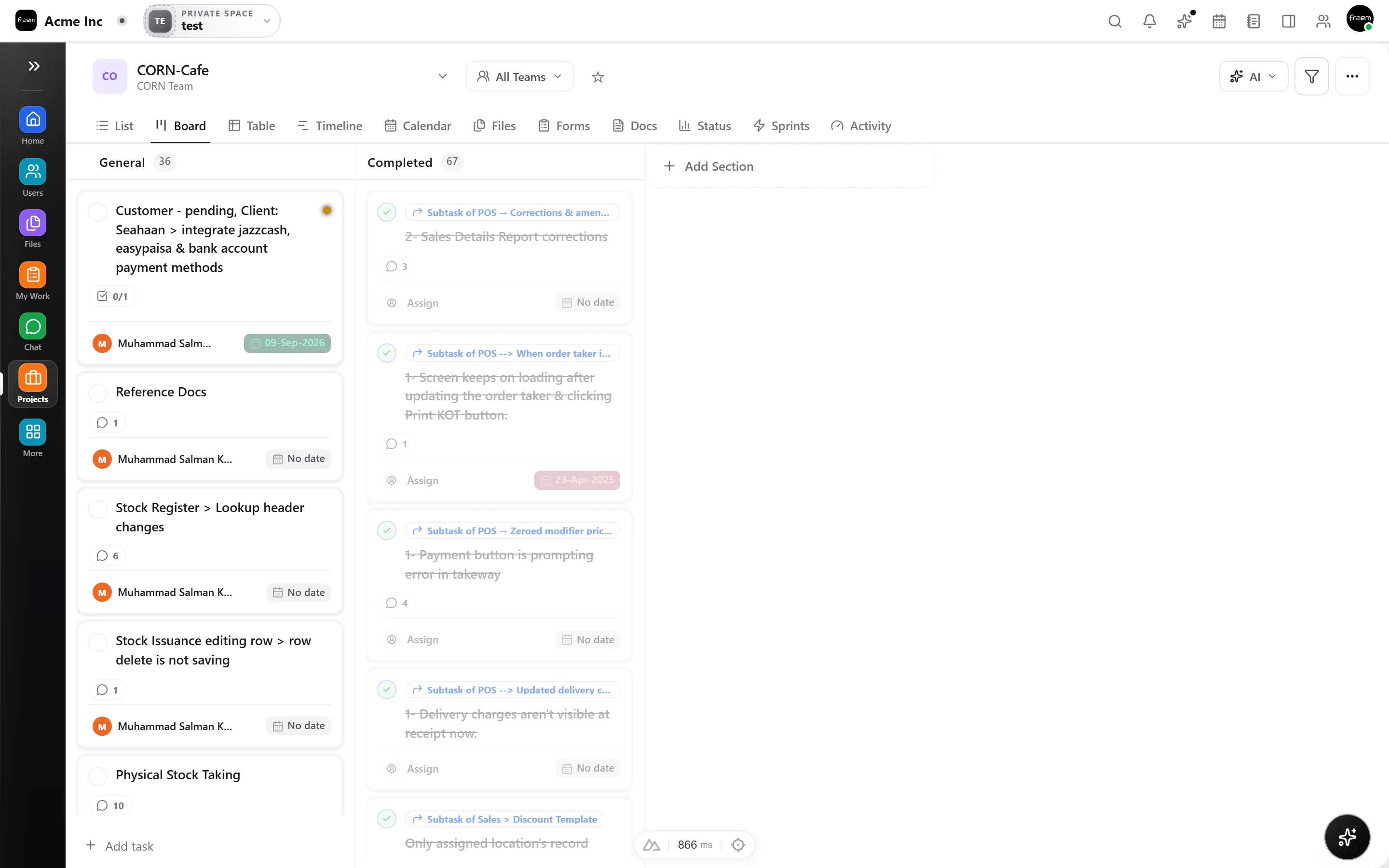
Projects board view with task cards organized into General and Completed columns
04
Team conversation

Channels, threads, calls — without leaving your workspace

Real-time messaging built into the same surface as your projects. Hop into voice or video instantly, summarize threads with AI, and turn any conversation into a task.

  • Public channels, group DMs, and direct messages
  • Threaded replies, reactions, and rich formatting
  • One-click voice & video calls plus Huddles
  • AI Tasks turn any message into a project item
0Tabs to switch to chat
Explore chat
app.rowsh.com/chat
Realtime
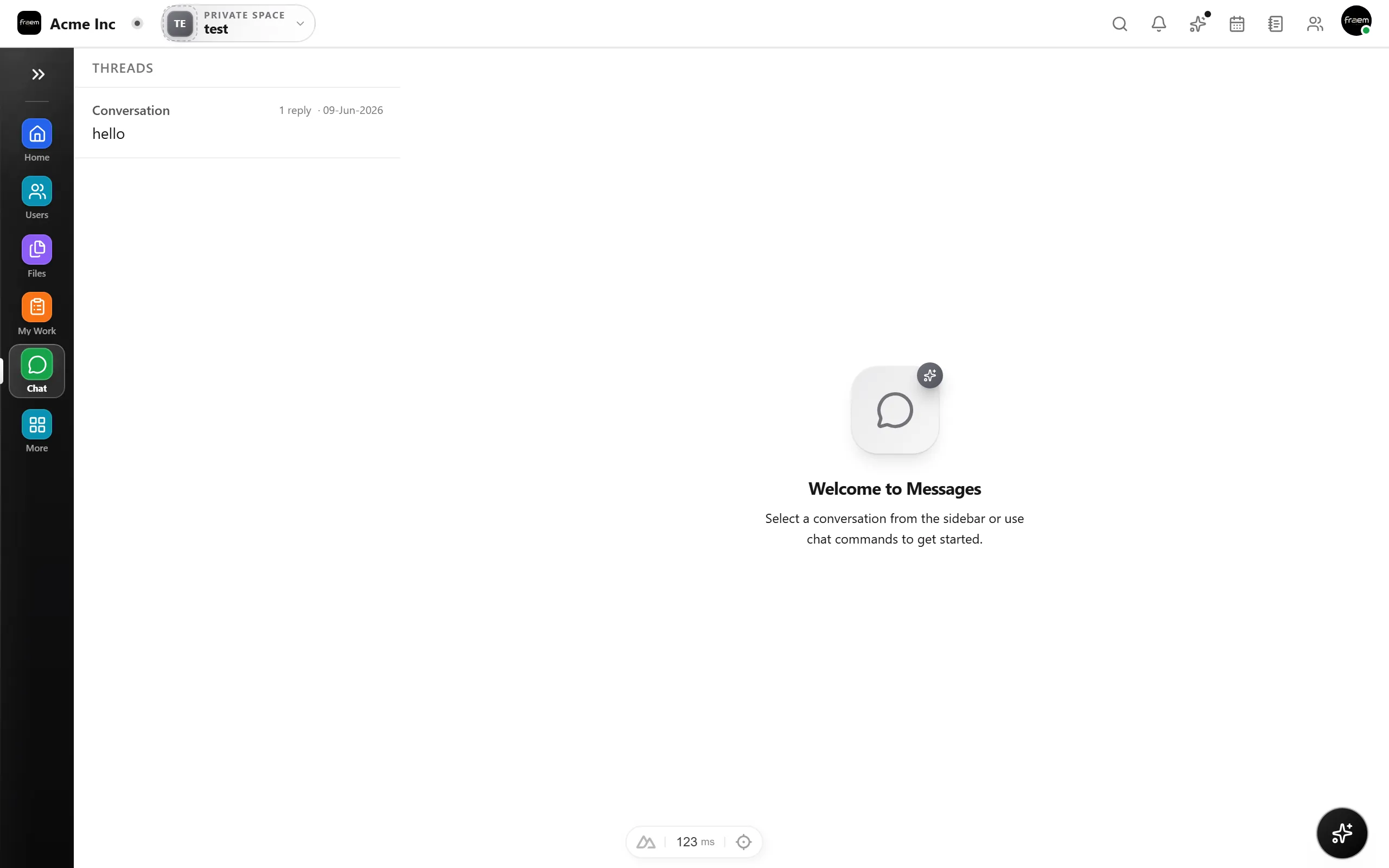
Rowsh chat with launch-prep channel, members, and message composer
05
Schedule

Meetings, deadlines, and availability in one view

A modern team calendar with public booking links, weekly availability rules, recurring events, and task deadlines — all linked to your projects and tasks.

  • Day, week, and month views with clash detection
  • Public scheduling links with buffers and limits
  • Weekly availability rules and date overrides
  • Recurring events and task deadlines overlay
3Calendar views
Explore calendar
app.rowsh.com/calendar
Unified
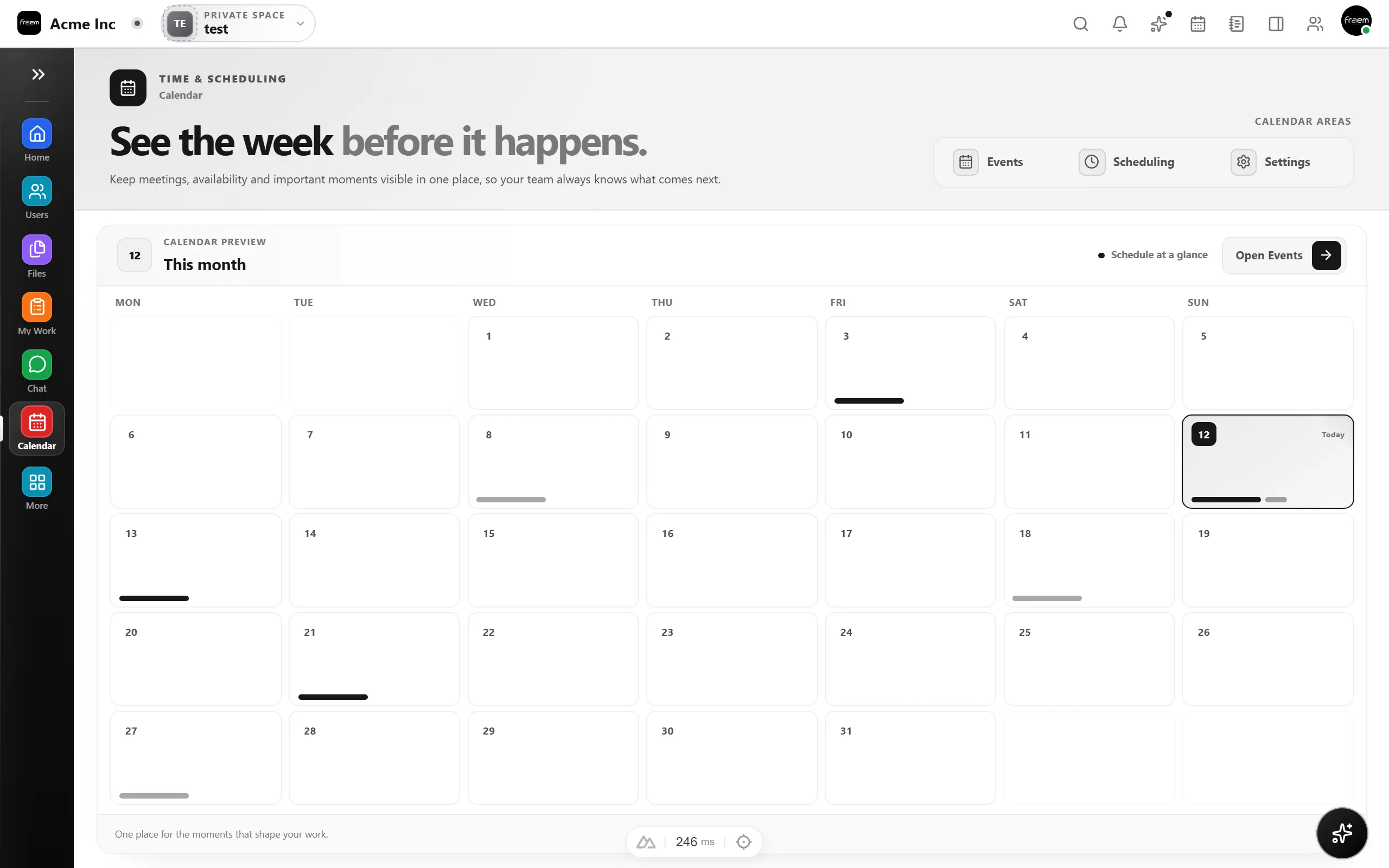
Calendar module showing the week view with events and deadlines
06
Visual thinking

A whiteboard that lives next to your work, not in another tab

Sketch flows, brainstorm with shapes and connectors, and version-control the canvas — without leaving the workspace your team is already in.

  • Rectangles, circles, arrows, freehand, and sticky notes
  • Real-time multiplayer with presence indicators
  • Sharing permissions tied to your project teams
  • Version history with one-click rollback
Infinite canvas
Explore whiteboard
app.rowsh.com/whiteboard
Collaborative
Q2 Roadmap whiteboard with rectangles, circle, triangle, and diamond shapes
07
Assets

Every file your team needs — one source, full preview

Upload, preview, and share assets with versioning and link-to-task. Storage uses S3-compatible backends so your data stays in your control.

  • Drag-and-drop uploads with type previews
  • Granular permissions by project and team
  • Link any file to a task or chat message
  • S3 / Cloudflare R2 / MinIO compatible
100GB+Per workspace
Explore files
app.rowsh.com/files
S3-backed
Files module showing uploaded assets and folder organization
08
Decision flow

Approvals with context attached

Run structured review chains with comments, stage rules, and clear accountability without exporting work to another tool.

  • Multi-step approval flows with owners and status
  • Comments and review history stay with the request
  • Designed for client sign-off and internal governance
0Lost approval trails
Explore approvals
app.rowsh.com/approvals
Review
Approvals page with multi-step workflow review chains
09
Project intelligence

Operational clarity without spreadsheets

Track project health, throughput, workload, and delivery signals from the same data your team uses every day.

  • Project health and task distribution snapshots
  • Burndown, workload, and throughput signals
  • Leadership-ready metrics without manual exports
LiveWorkspace reporting
Explore analytics
app.rowsh.com/projects/analytics
Insights
Analytics dashboard with project health metrics

The problem

Your team is using 5+ tools to do one job.

WhatsApp for chat. Trello for tasks. Google Drive for files. Calendly for scheduling. Google Meet for calls. Sound familiar?

Too many subscriptions

You're paying for 5+ tools that barely talk to each other.

Lost messages

Important decisions buried in WhatsApp groups and email threads.

Missed tasks

Tasks fall through the cracks between Trello, Slack, and spreadsheets.

No project history

When someone leaves, context walks out the door with them.

No daily visibility

Managers can't see who's working on what without asking everyone.

No proper handover

Onboarding new team members takes weeks because work lives everywhere.

Replace your stack

One workspace instead of nine apps.

Stop paying for tools that don't talk to each other. Rowsh connects everything your team needs — one subscription, one login, one place.

WhatsApp / SlackRowsh Chat

Channels, DMs, threads, and reactions — connected to your tasks

Trello / AsanaRowsh Projects

Kanban, lists, Gantt, automations, custom fields

Zoom / Google MeetRowsh Calls

One-click voice & video calls right inside your workspace

Standalone calendarsRowsh Calendar

Team calendar, recurring events, booking slots, task deadlines

CalendlyRowsh Scheduling

Public booking links, availability rules, intake forms

Google DriveRowsh Files

File storage, versioning, sharing, AI summaries

Notion / Google DocsRowsh Notes

Team notes and docs that live next to your projects

Miro / FigJamRowsh Whiteboard

Real-time collaborative canvas for planning and brainstorms

ChatGPTRowsh AI

AI copilot that knows your projects, tasks, and team

Built for your kind of team

Who uses Rowsh?

Teams that run daily work through WhatsApp groups, spreadsheets, and five different apps — until they move it into one workspace.

Software Houses & Dev Teams

Sprint work, bug reports, client feedback, and standup notes end up split across too many tools.

Client project boards, sprint tasks, bug tracking, and daily standups — with chat and calls attached to the work.

Marketing & Creative Agencies

Campaign tasks, creative files, launch dates, and client review notes scatter across apps within a week.

Campaign boards, content calendars, client approval flows, and asset management — organized per client.

Medical Billing & Back-Office Teams

Claims follow-ups, credentialing tasks, and recurring checklists are impossible to track over group chats.

Follow-up boards, recurring task checklists, approvals, and team performance views your managers can actually see.

Real Estate & Client-Service Teams

Leads, viewings, paperwork, and client follow-ups live in one long WhatsApp thread — until something gets missed.

Pipelines as task boards, shared calendars for viewings and meetings, and files attached to every deal.

Design & Architecture Studios

Project revisions, client sign-offs, and design files bounce between email, Drive, and chat with no history.

Project boards, whiteboards for concepts, structured approvals, and versioned files in one workspace.

Startups & Growing Teams

Scaling teams can't justify paying per user for three different tools that don't talk to each other.

One affordable workspace for the whole team — tasks, chat, meetings, notes, and AI included from day one.

Security

Your data stays yours.

We take security seriously so you don't have to worry about it.

Encrypted data

All data encrypted in transit and at rest. Your workspace is yours.

Tenant isolation

Every workspace runs in its own isolated environment — no data leaks between teams.

Daily backups

Automated daily backups with point-in-time recovery. Nothing gets lost.

GDPR ready

Built with privacy by design. Data residency and deletion controls included.

How it works

Up and running in minutes

Three simple steps to unify your team's workflow.

01

Create your workspace

Sign up in 30 seconds. Your workspace comes pre-loaded with task boards, chat channels, and a team calendar — or book a free setup call and we'll build it for you.

02

Invite your team

Add team members via email or link. Set roles, permissions, and organize everyone into the right projects and channels.

03

Run your work from one place

Manage tasks, discuss in real-time, schedule meetings, and share files — all without switching apps or losing context.

Work from any browser

Your Rowsh workspace has a secure web address.

Create a workspace, choose a subdomain, and your team can sign in from any modern browser. The desktop app is optional; the same workspace stays synced across web and desktop.

No installation required Same workspace data Works on shared machines

Open an existing workspace

yourteam.rowsh.com/login
.rowsh.com

Enter the subdomain your team uses to sign in. Rowsh builds the full workspace address for you.

Web workspace preview
yourteam.rowsh.com/login
Rowsh web workspace dashboard open in a browser
Browser workspace ready
DashboardProjectsChatCalendarFiles
01

Choose a subdomain

During signup, select a workspace name. Rowsh turns it into a private address such as acme.rowsh.com.

02

Open it in your browser

Bookmark the address or share it with your team so everyone starts from the same workspace entry point.

03

Continue the same work

Projects, chat, files, calendar, and AI context stay consistent whether you use web or desktop.

Live Preview

Navigate your entire workspace

Every tool your team needs — from project boards to real-time chat to collaborative whiteboards — accessible from a single sidebar. No tab switching. No context lost.

app.rowsh.com/workspace
Walkthrough
Animated walkthrough showing navigation between Dashboard, Projects, Chat, Calendar, and Whiteboard modules

Dashboard

At-a-glance metrics, quick actions, and your daily briefing.

Projects

Kanban boards, list views, milestones, and task dependencies.

Chat

Real-time messaging with channels, threads, and file sharing.

Calendar

Scheduling, booking links, availability rules, and recurring events.

Whiteboard

Collaborative drawing, diagramming, and visual brainstorming.

Files

Upload, preview, organize, and share with granular permissions.

Split view

Keep chat open while the work stays in front of you.

Rowsh split view keeps conversations, tasks, or your agenda pinned beside the module you are using. Teams can discuss a dashboard, review a client record, or check a deadline without leaving the page they are working from.

Work and conversation together

Keep the main workspace usable while the side panel carries the discussion.

No more losing context

Open chat beside dashboards, tasks, CRM, files, approvals, or any other module.

Built for busy operators

Reply, coordinate, and move through the workspace without repeatedly switching tabs.

app.rowsh.com/split-view
Companion dock
Rowsh workspace dashboard with the split view companion chat panel open on the right
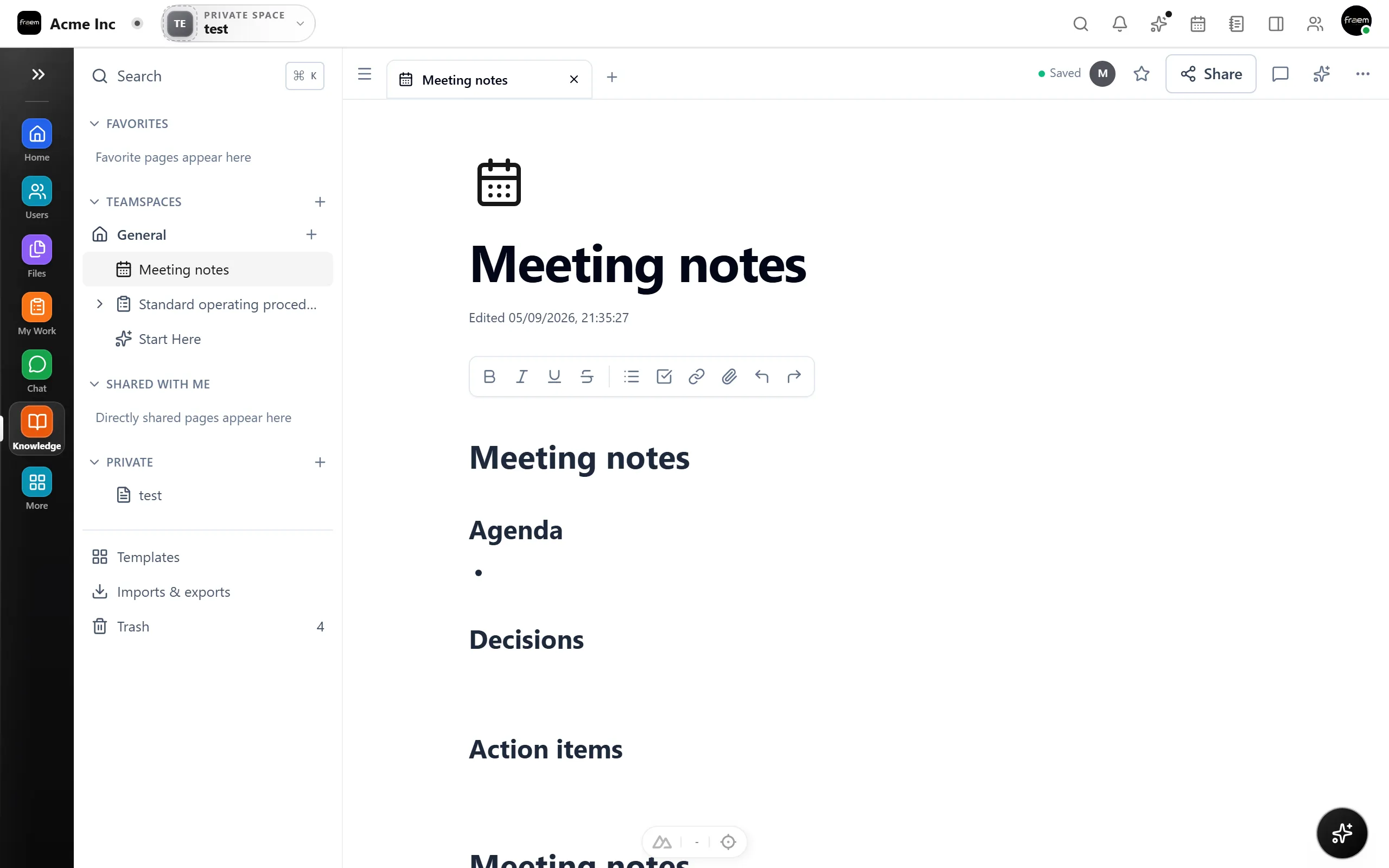
app.rowsh.com/knowledge
Saved
Rowsh Knowledge module with a page tree, meeting notes editor, saved status, comments, and sharing controls

Knowledge module

A clean place for the notes your team keeps coming back to.

Rowsh Knowledge gives meeting notes, SOPs, decisions, onboarding pages, and team references a proper home inside the same workspace where the work happens.

Organized team memory

Favorites, teamspaces, shared pages, and private pages keep knowledge tidy.

Fast writing, real structure

Use page tabs, rich formatting, templates, imports, exports, and version history.

Share without losing control

Collaborate on the right pages while permissions stay aligned with the workspace.

Product demo

See the workspace in action

Switch between views to experience how tasks, chat, and files work seamlessly together.

Task Management

Run delivery with structure.

Kanban boards, timelines, priorities, and assignees give each team space a clear operating system for execution.

  • Kanban boards & list views
  • Priorities, due dates & assignees
  • Project milestones & progress tracking
app.rowsh.com
Live preview
Task board showing projects organized in columns with priorities and assignees.
Team chat interface showing channels, threaded conversations and shared files.
File management view with folders, previews, and version history.

AI Copilot

Your AI-powered workspace assistant

An intelligent copilot that lives inside your workspace. It reads your context, understands your workflow, and takes action — so you can focus on what matters.

01

Context-Aware Suggestions

AI that understands your workspace data — projects, tasks, chat history — and offers relevant, actionable recommendations.

02

Natural Language Actions

Type what you need in plain English. Create tasks, schedule meetings, search files, and generate reports without navigating menus.

03

Smart Summarization

Catch up instantly. Get concise summaries of chat threads, project status, and meeting notes — across your entire workspace.

04

Workflow Automation

The copilot learns your patterns and suggests automations — move tasks, send reminders, flag blockers, all hands-free.

app.rowsh.com — AI Copilot
AI Active
AI Copilot panel opening inside the Rowsh workspace, showing intelligent suggestions and natural language interface

Use Cases

Made for teams like yours

Rowsh works for teams and agencies of every size who manage client work every day — and are tired of doing it across five apps.

Software Houses & Dev Teams

Run client projects, sprint boards, bug tracking, standups, and client feedback in one place — instead of losing decisions in chat groups and email threads.

Marketing & Creative Agencies

Campaign boards, content calendars, client approvals, creative assets, and meeting notes — organized per client, visible to your whole team.

Remote & Operations Teams

Follow-ups, recurring checklists, approvals, and team performance boards for billing teams, real estate teams, and distributed operations — nothing falls through the cracks.

Early access offer

You don't set up Rowsh. We do — for free.

Most teams never switch tools because setup feels like work. So we do it for you: boards, templates, channels, and calendar built around how your team already works.

Workspace set up for you Project templates for your industry Team invited & organized Migration from your current tools Live training call for your team

Pricing

One workspace. Simple pricing.

Pick the workspace that fits your team today. Every card shows the core modules, capacity, and included AI value at a glance.

Loading plans…

FAQ

Frequently asked questions

Rowsh is built for teams and agencies of every size — from a handful of people up to 75 on our standard plans, and beyond that on Enterprise. Software houses, marketing agencies, billing and back-office teams, studios, and remote teams use it to replace work scattered across WhatsApp, Trello, spreadsheets, and email. If your client work lives in five different apps, Rowsh is for you.

Rowsh replaces scattered chat, task management, scheduling, file sharing, notes, whiteboards, and AI tools with one connected platform built around spaces. Each space gives a team or function its own focused home without creating another disconnected app.

Yes. Start on the Free plan with no credit card required, or book a live demo tailored to how your team uses spaces, projects, approvals, and communication today.

Yes. Every plan includes guided setup, migration help, and onboarding support so your spaces, templates, and workflows are ready from day one.

Rowsh uses flat workspace pricing rather than per-user pricing. Plans can include limits for users, projects, storage, and spaces depending on the package you choose.

Rowsh includes an AI Copilot that knows your projects, tasks, and conversations. It can create tasks from chat, summarize threads, generate reports, suggest automations, and give you a daily briefing.

Yes. Rowsh uses encryption in transit, protected storage boundaries, role-based access controls, and tenant-level isolation. Work is organized into spaces inside your workspace, while your customer environment remains isolated from other customers.

Ready to stop juggling 5 different apps?

One workspace for your team's chat, tasks, meetings, files, and AI. Book a demo and we'll set it up for your team — or start free today, no credit card required.