Personal note space
Create and manage notes from a dedicated workspace module.
Rowsh product
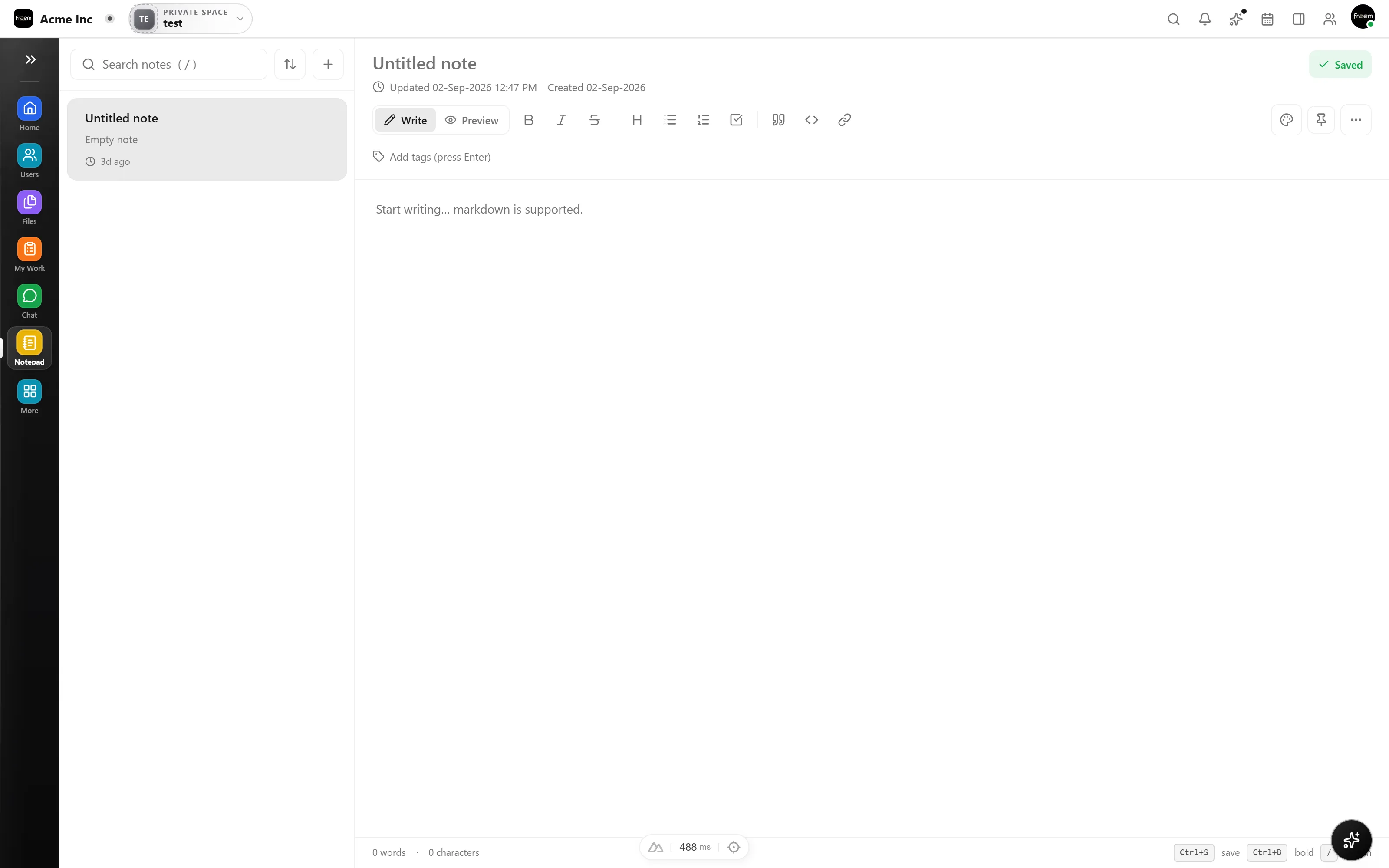
Capture personal working notes inside Rowsh, then return to them without leaving the workspace where the rest of your day happens.
The outcome
Capabilities
Create and manage notes from a dedicated workspace module.
Keep important notes easier to return to through the pinned view.
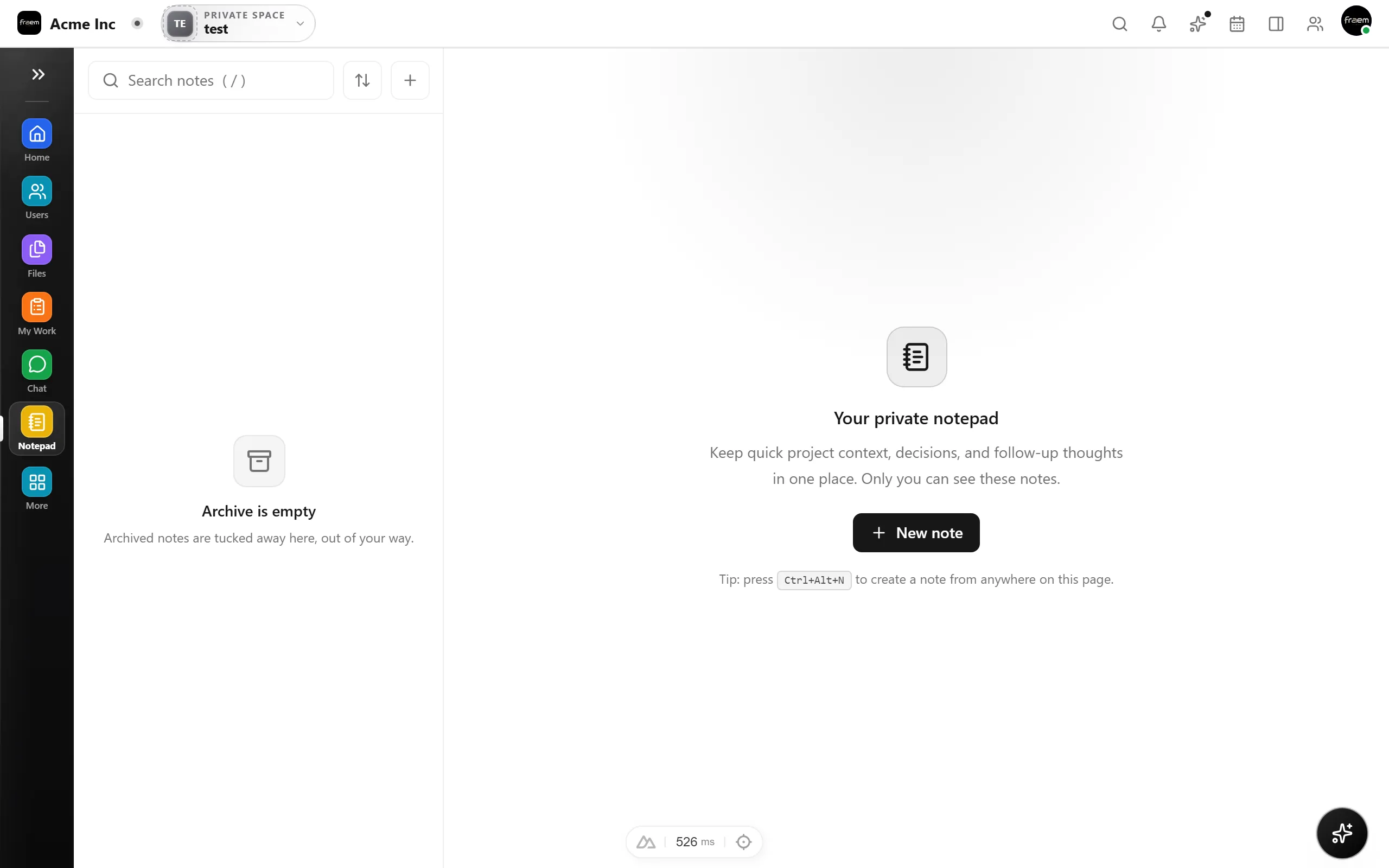
Move older notes out of the active list without mixing them into current work.
Notes gives you a personal surface for quick capture, including meeting prep, early ideas, and reminders, without opening another app or losing the thread of your day.
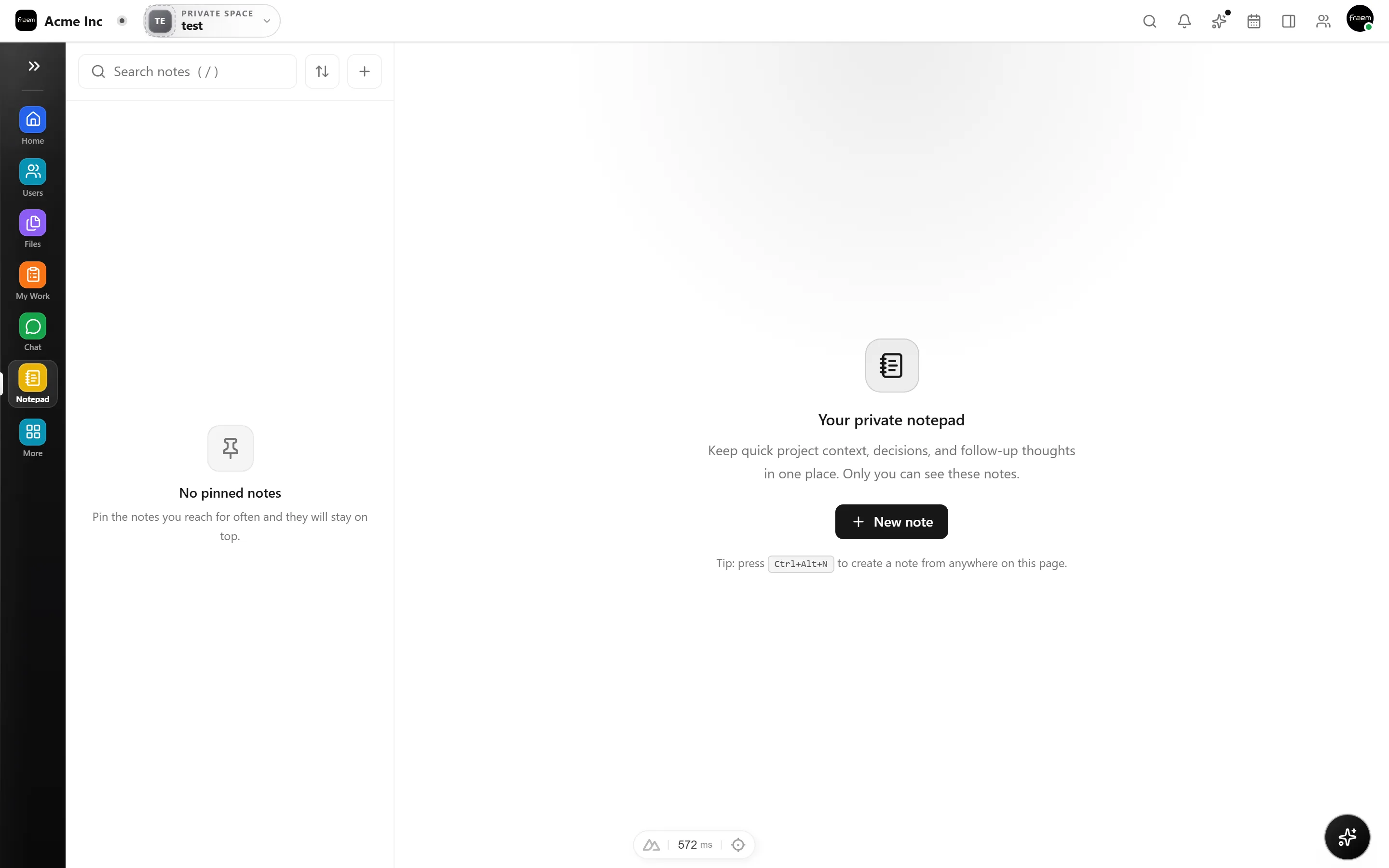
Pin the notes you return to often and archive the ones you’re done with, so your active list stays focused on what’s in front of you today.
When a note is ready to become more, move it into a Project task, a Knowledge page, or a conversation so early thinking does not stay stuck in a personal document.
How it works
Notes is personal by design, with a fast surface that feeds the shared work around it.
Jot thoughts, prep, and reminders the moment they come up.
Pin what you reference often and archive what you’re done with.
Turn the notes that matter into tasks, pages, or conversations.
Use cases
Collect talking points and follow up thoughts before a conversation.
Capture early thinking before it becomes shared project or knowledge content.
Keep small reminders and context within your daily workspace.
Connected workspace
FAQ
No. Notes are intended as a focused personal workspace surface, while Knowledge is designed for organized shared team information.
Yes. The current Notes navigation includes all, pinned, and archived views.
Notes are best for quick working material. Use Knowledge and Files for shared guidance and supporting documents.
Keep exploring
Start a workspace or book a guided product demonstration.