Decision queues
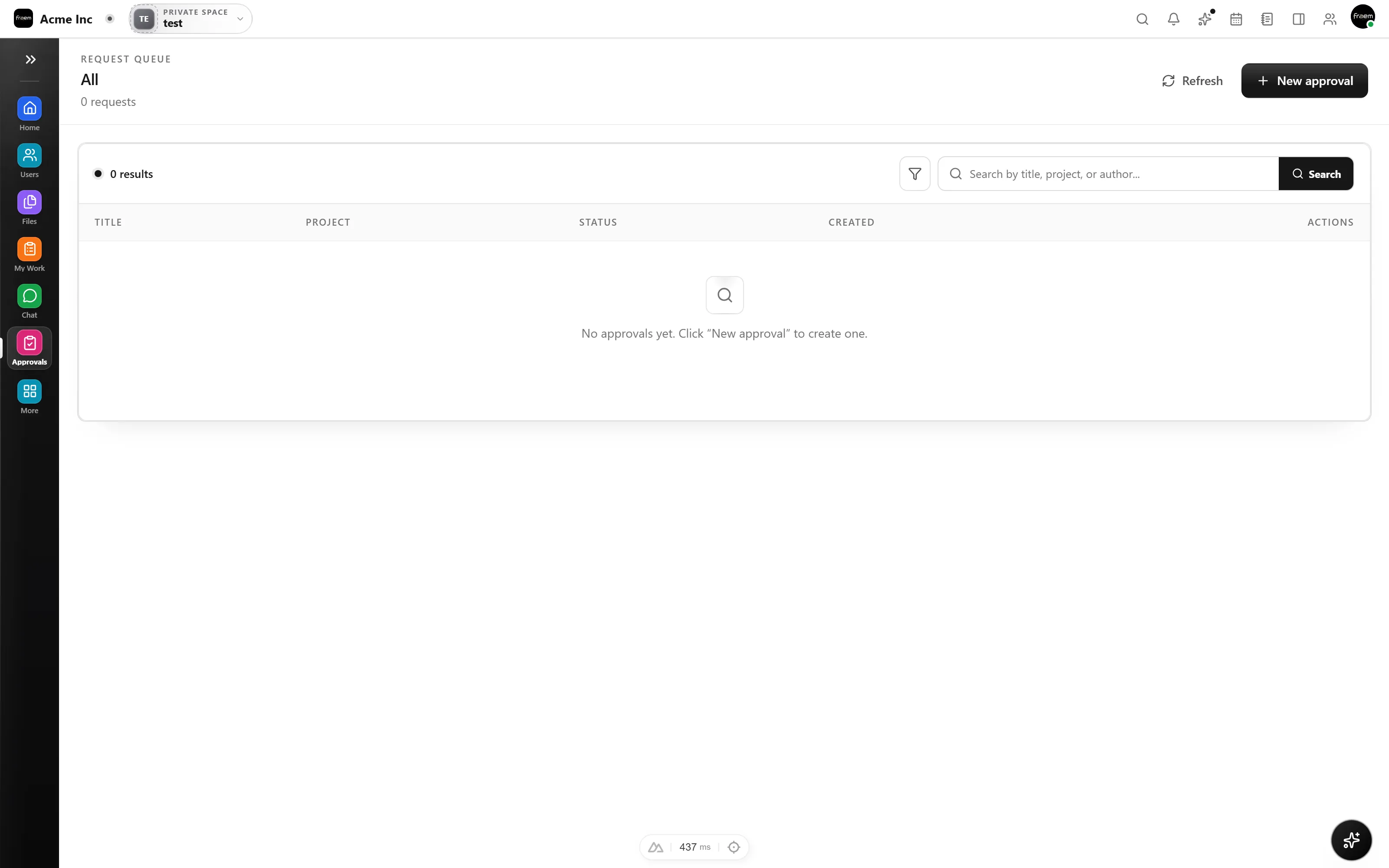
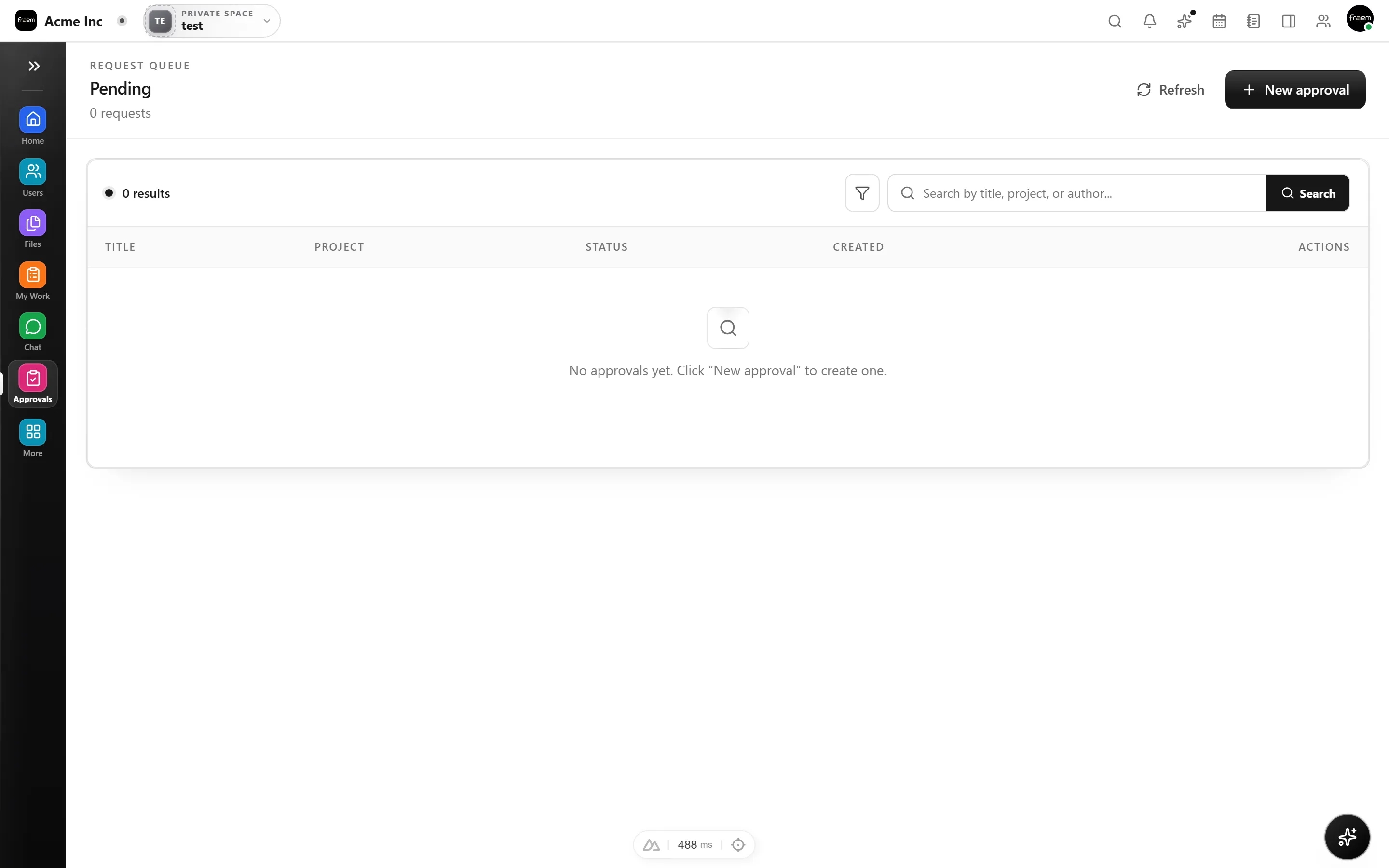
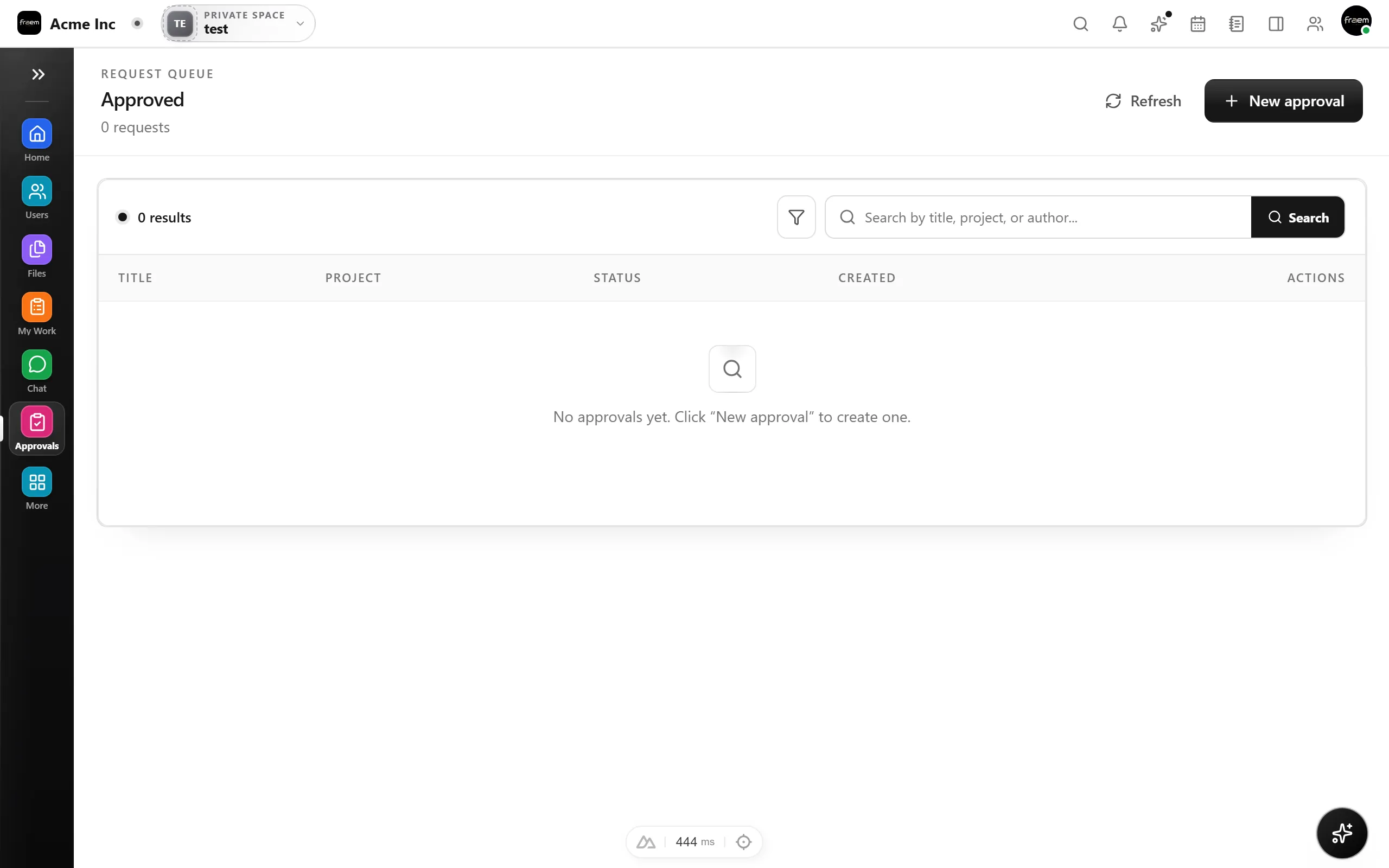
Separate pending, approved, and rejected work for a clearer review flow.
Rowsh product
Give requests a clear reviewer, decision state, and workspace trail instead of chasing approval through disconnected messages.
The outcome
Capabilities
Separate pending, approved, and rejected work for a clearer review flow.
Keep decision actions within the workspace role and permission model.
Give requesters and reviewers a shared view of where a decision stands.
Instead of approvals scattered across chats and email, each request lands in a queue with a defined reviewer and a visible pending, approved, or rejected state, so nothing stalls in someone’s inbox.
Decisions leave a workspace trail, so when someone asks “who approved this, and when?”, the answer is already there beside the work it affected.
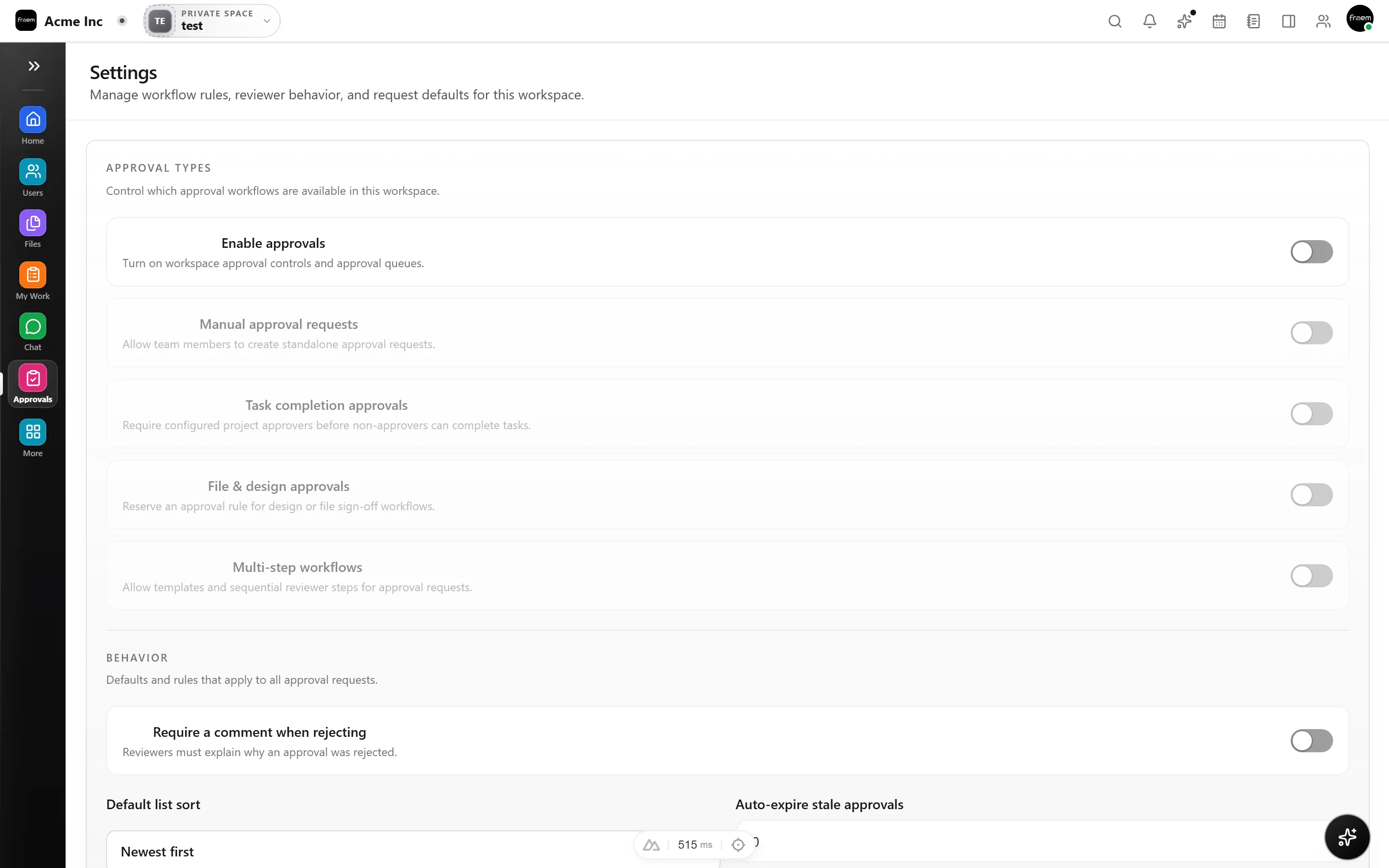
Who can approve what follows the roles and permissions your administrators configure. It uses the same model as the rest of Rowsh, so review authority stays where it belongs.
How it works
Approvals turns informal approval into a step you can actually see and trust.
Submit the item that needs a decision and route it to the right reviewer.
Approvers see the request, its details, and the work it relates to in one place.
Approve or reject, and the decision trail stays in the workspace.
Use cases
Route internal requests to the people responsible for a decision.
Add a clear approval step before sensitive business actions.
Keep stakeholder decisions visible before work moves forward.
Connected workspace
FAQ
The current Approvals module exposes pending, approved, and rejected views, with settings available to authorized users.
Approval access depends on the workspace roles and permissions configured by the organization.
Yes. Approvals is a workspace module that can support cross functional review processes while access remains governed by configuration.
Keep exploring
Start a workspace or book a guided product demonstration.