People & Hiring
An HR space for openings and candidate pipelines.
Work OS
Spaces turn one workspace into a Work OS. Give Sales, Support, HR, Marketing, and Operations their own home, each showing only the modules it needs, while people, files, and permissions stay shared across the company.
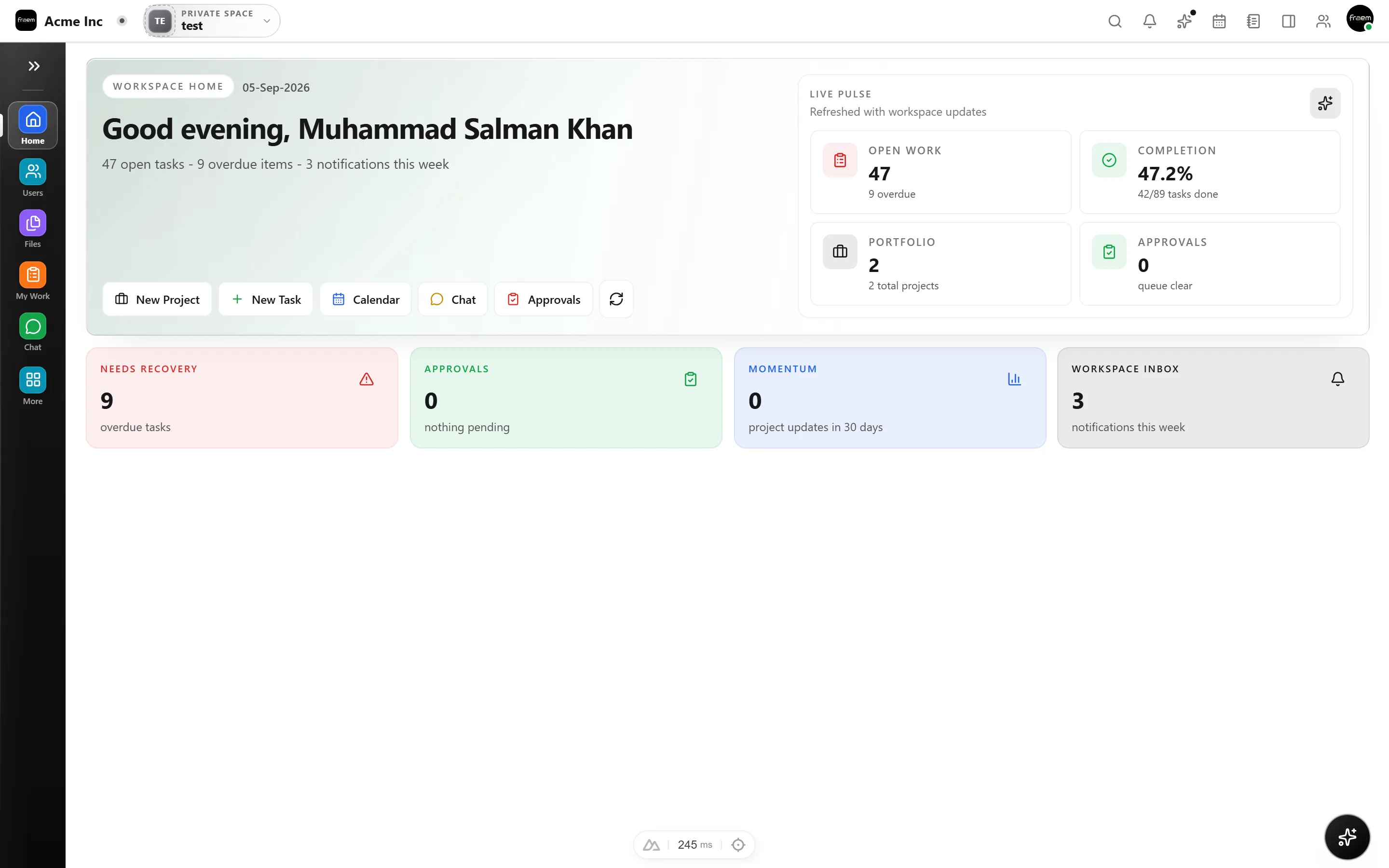
A space is a self contained home for a team or function. Each space has its own dashboard, navigation, and modules, so Sales never wades through HR tools and Support sees only its queue. Everyone still shares one login, one directory, and one set of files.
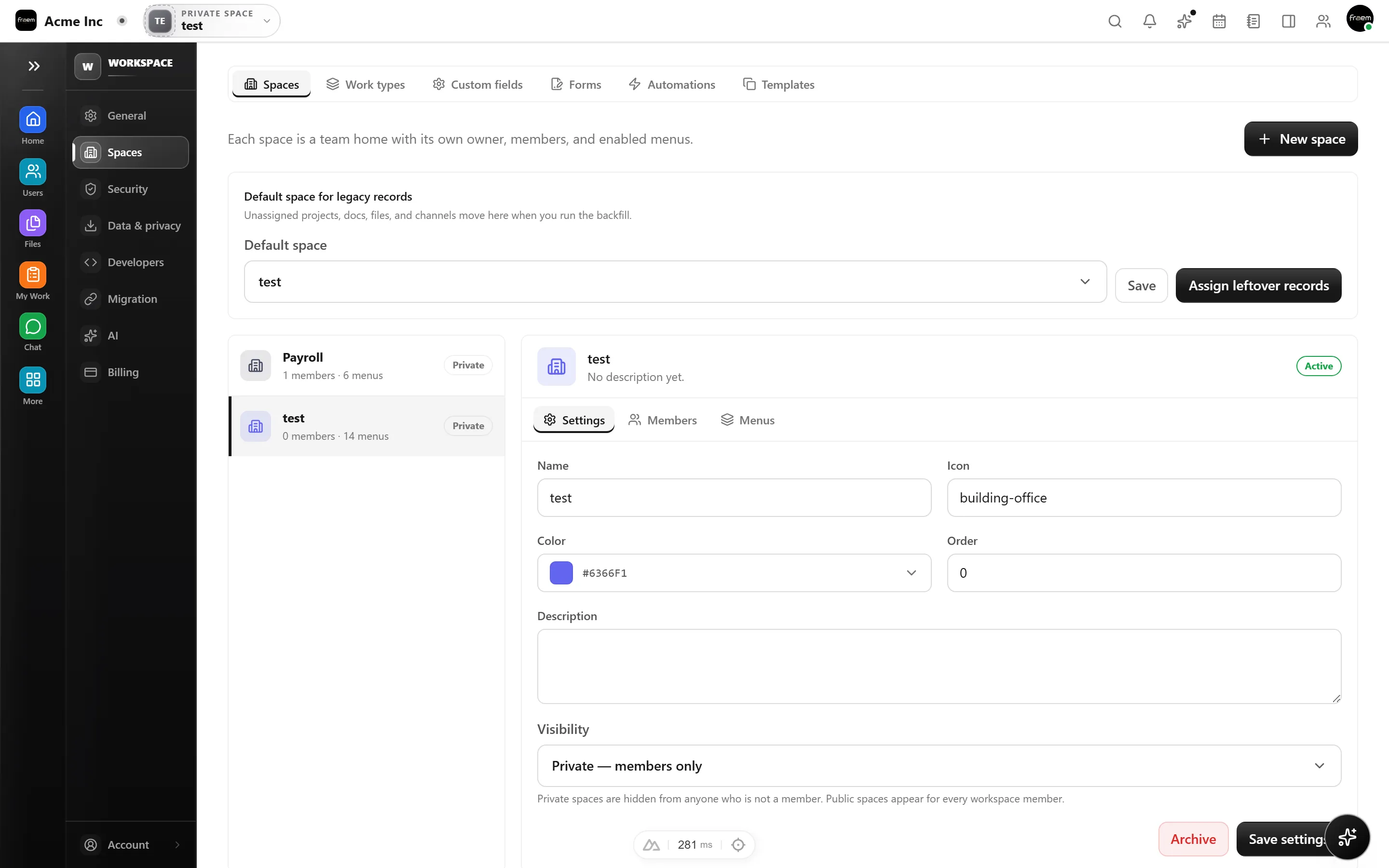
Run recruitment inside an HR space. Post job openings, track candidates through a hiring pipeline, and keep every conversation and decision in one place, instead of a spreadsheet and an inbox.
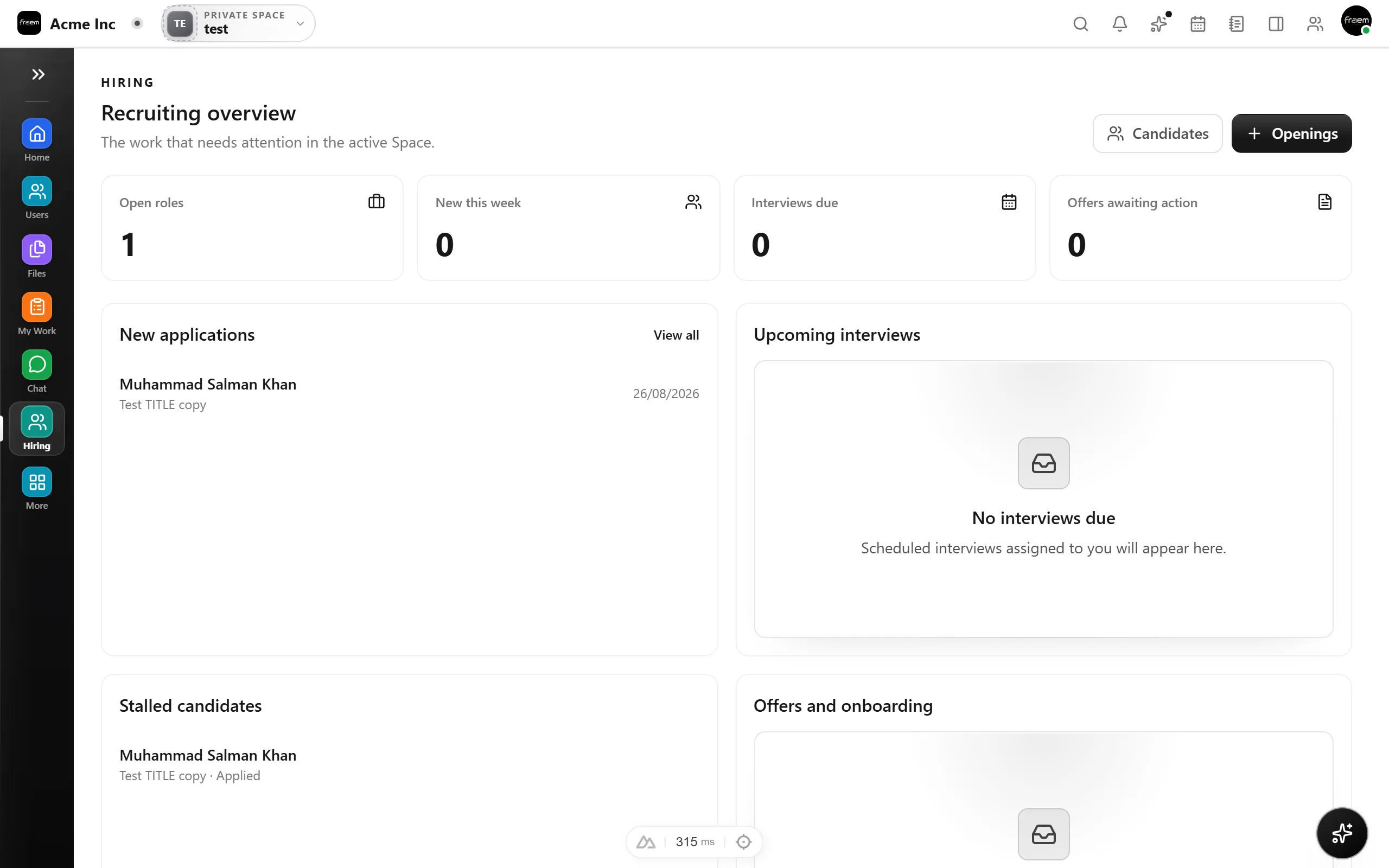
Give sales its own space with a visual deal pipeline. Move deals between stages, watch pipeline value update live, and keep companies, contacts, proposals, and notes attached to every opportunity.
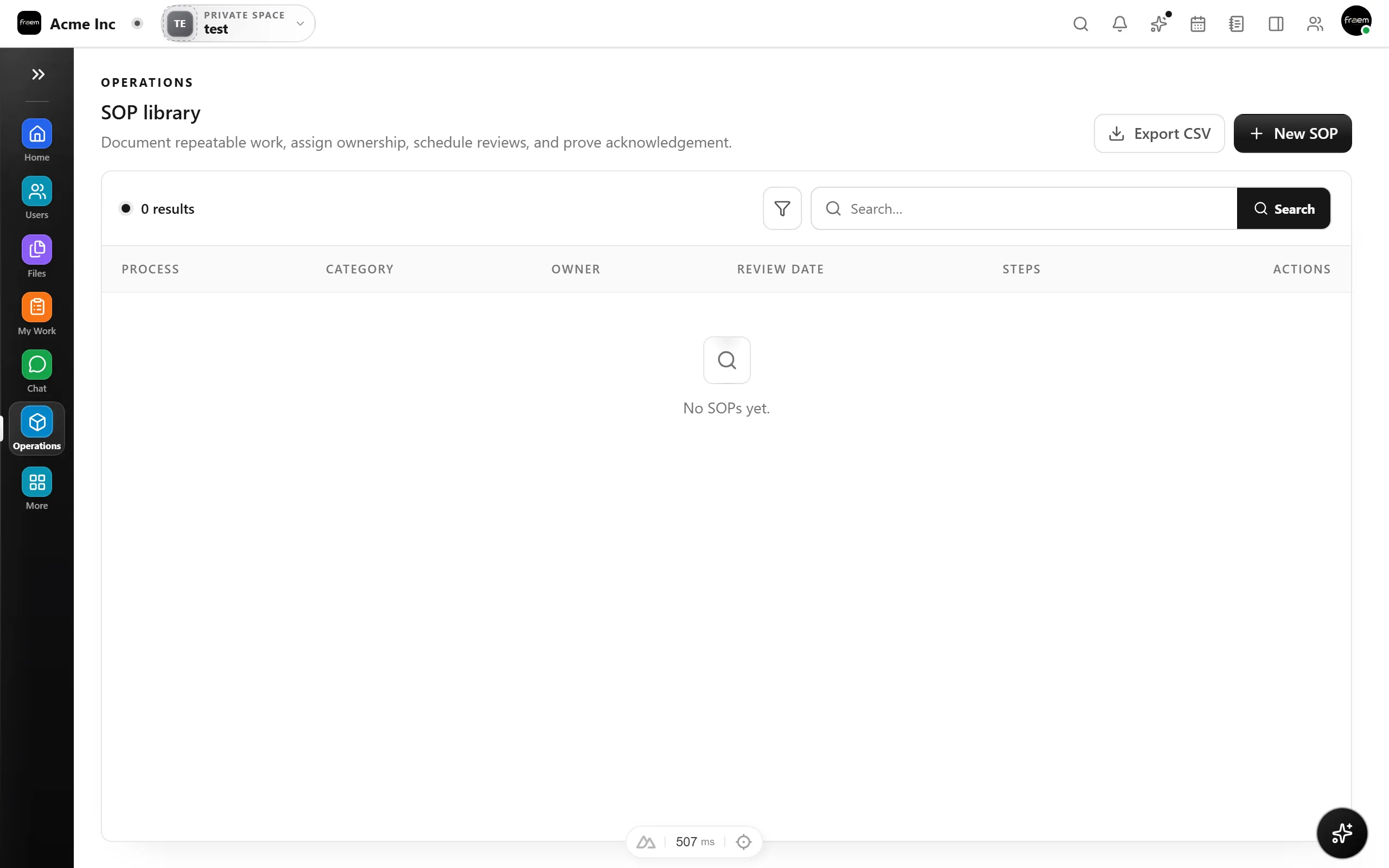
Support teams get a shared ticket queue with priorities, assignees, and SLA timers. Public and internal intake forms open tickets automatically, and internal notes keep the team aligned without leaking to the requester.
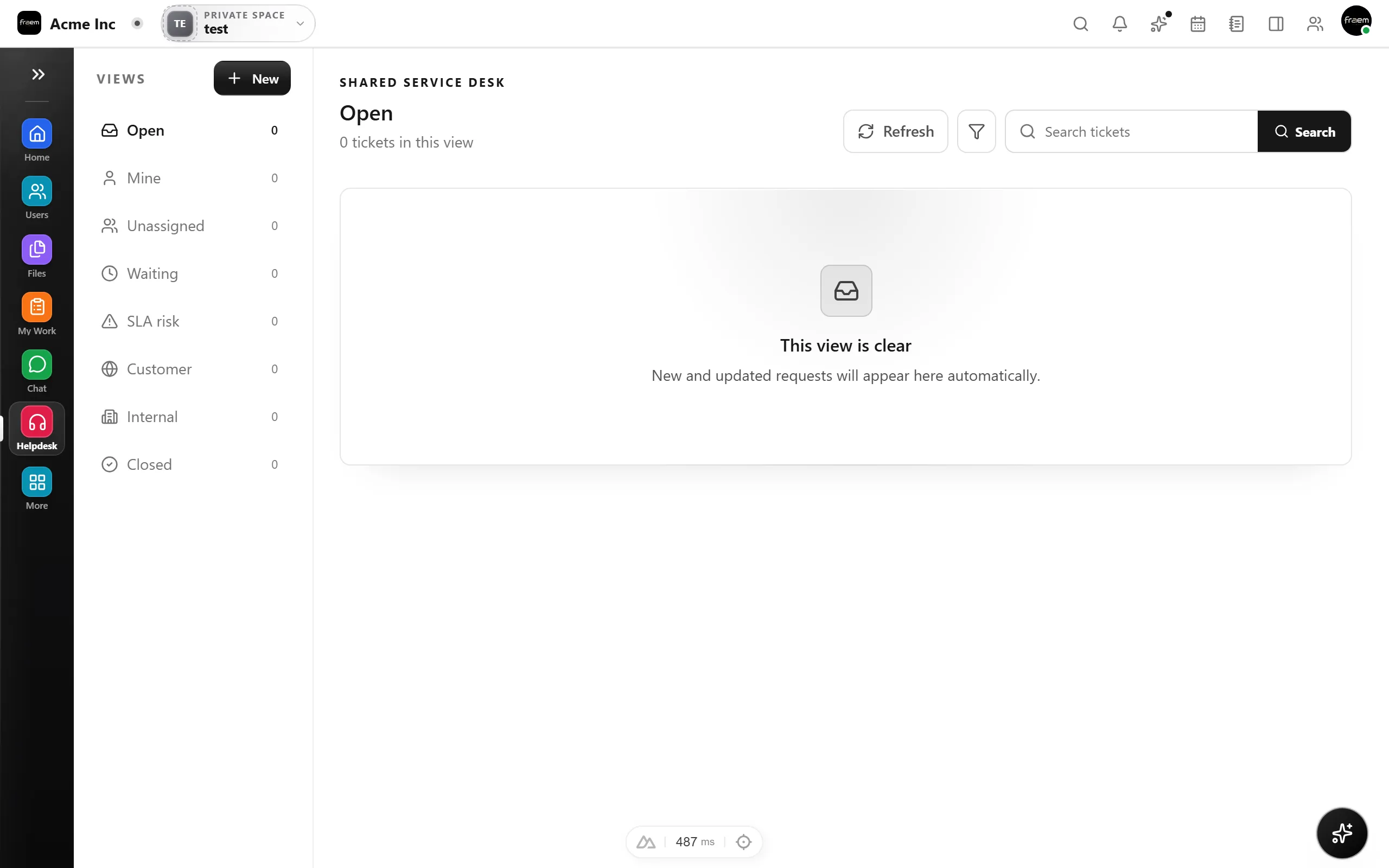
Plan campaigns and content from a marketing space. Schedule posts on a content calendar, group them into campaigns, and keep the whole plan visible to the team that owns it.
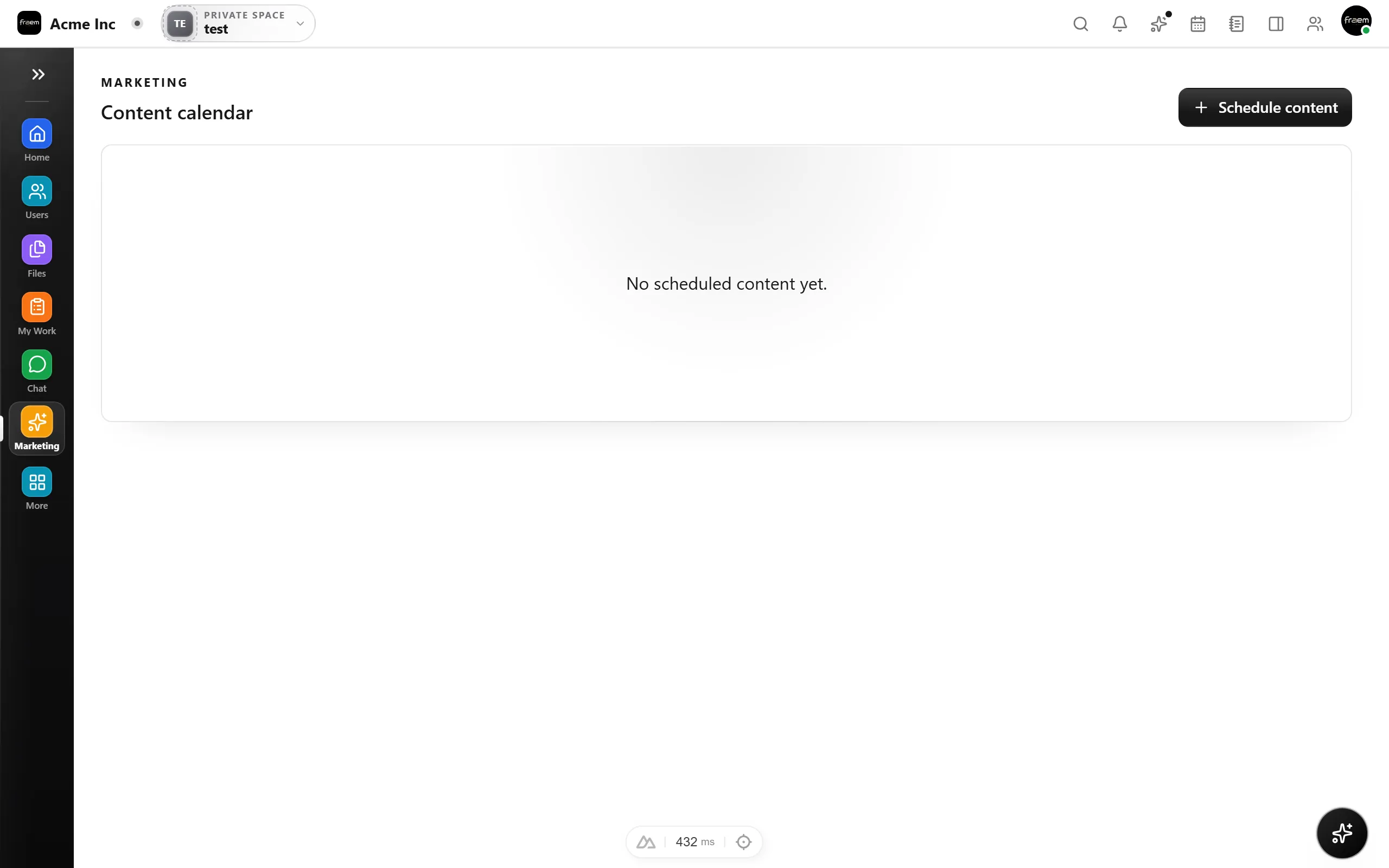
Document how the business runs. Build an SOP library with step by step processes, track vendors, and keep an asset register, all in an operations space the whole company can reference.
Start from a common setup and adapt it, every space shares the same people and files.
An HR space for openings and candidate pipelines.
A CRM space for deals, contacts, and proposals.
A helpdesk space with a shared ticket queue and SLAs.
A content calendar and campaign plan in its own space.
SOPs, vendors, and assets for how the company runs.
A projects space for client and product work.
FAQ
A space is a focused home for a team or function inside your workspace. Each space has its own dashboard, navigation, and modules, so a Sales space shows CRM while an HR space shows hiring, while people, roles, and files stay shared across the whole company.
A space switcher lives in the top bar. Members switch between the spaces they have access to in a single click, and each space remembers its own layout and modules.
Admins choose the modules each space enables, Projects, Chat, Calendar, Files, Whiteboard, plus the business modules HR, CRM, Helpdesk, Marketing, and Operations. A space only shows what it uses.
Yes. Membership and role based permissions are applied per space, so people only see the spaces and modules they should. Owners and admins manage this from workspace settings.
Spaces belong to a Rowsh workspace. Published plans may set different capacity or module limits, so review the current pricing page and checkout disclosure.
Shared resources, people, files, and permissions, are common across spaces, while each space keeps its own module data organized. Isolation between customers is unchanged; spaces organize work inside your own environment.
Create a workspace in minutes and explore Projects, Chat, Calendar, and Whiteboard together.