Operations Space
One source of truth for how work gets done
An operations space documents the way your business runs. Build an SOP library with ordered, repeatable steps, keep a vendor directory, and maintain an asset register, so process knowledge lives in one place instead of someone's head.
- SOP library with ordered, repeatable steps
- Vendor directory and asset register
- Referenceable by the whole company
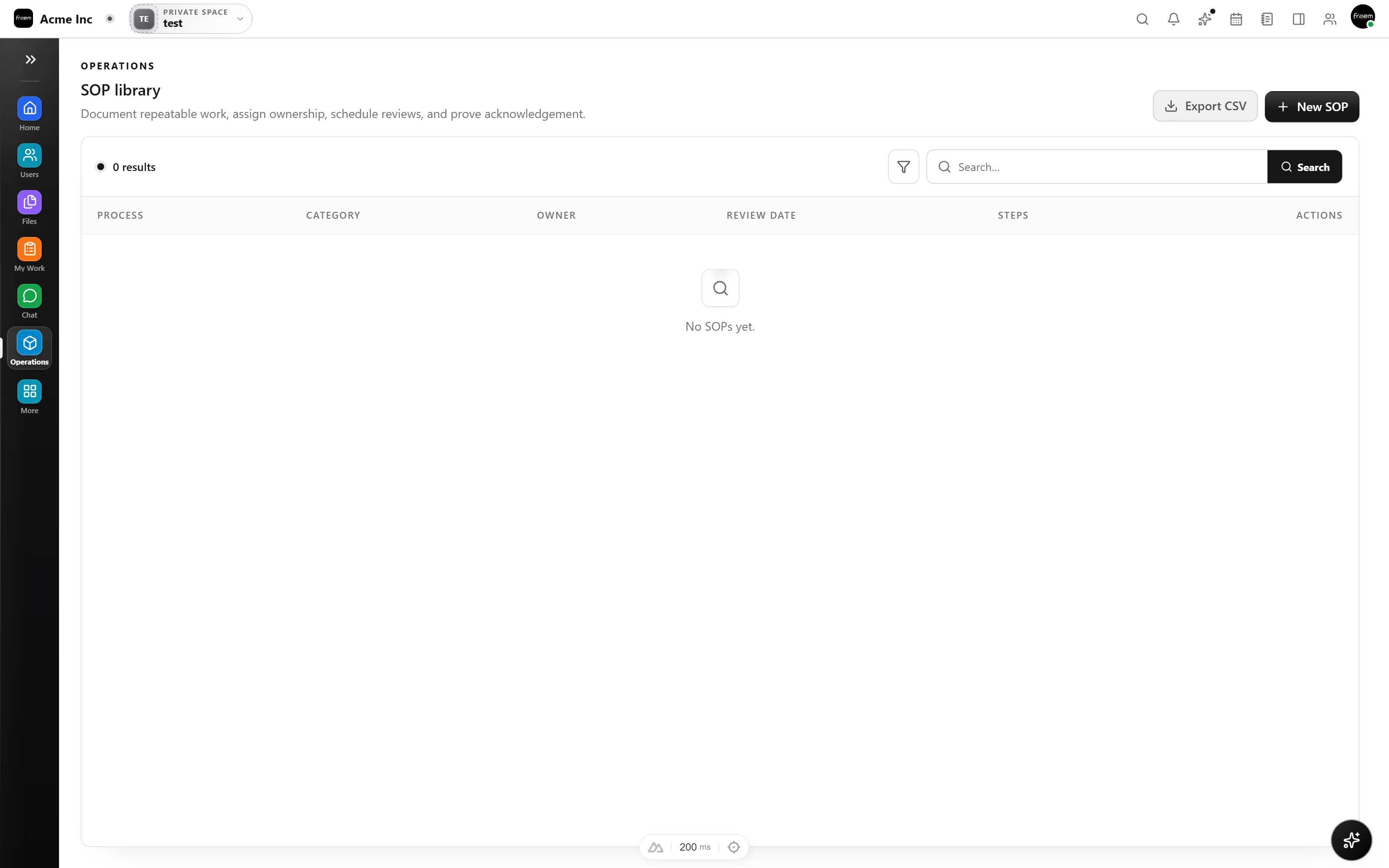
Turn tribal knowledge into SOPs
Create a process, add its steps in order, and give the team a checklist they can follow every time. New hires ramp faster and quality stays consistent because the how is written down.
- Named processes with a description and owner
- Ordered steps you can add to any time
- A repeatable checklist for the whole team
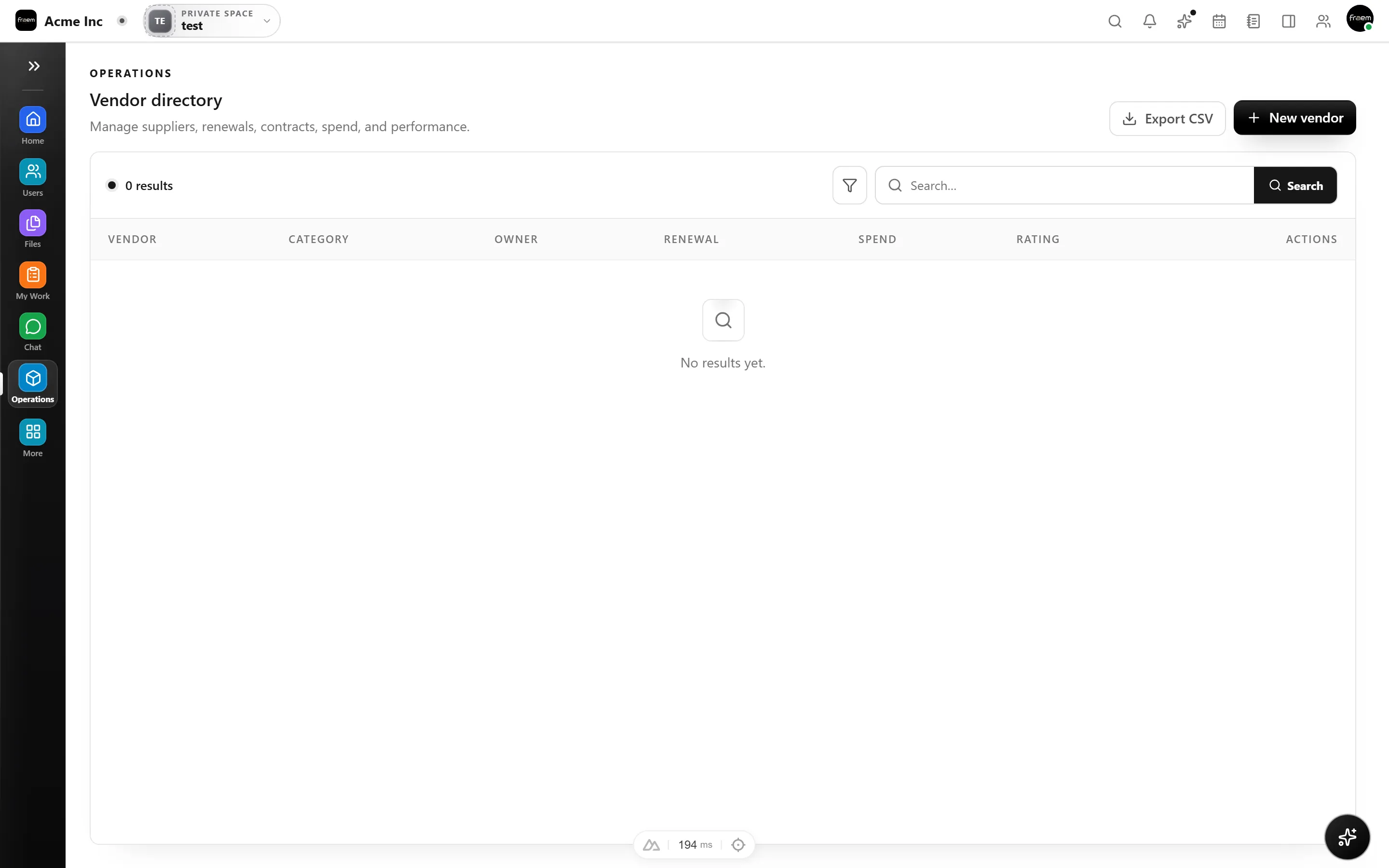
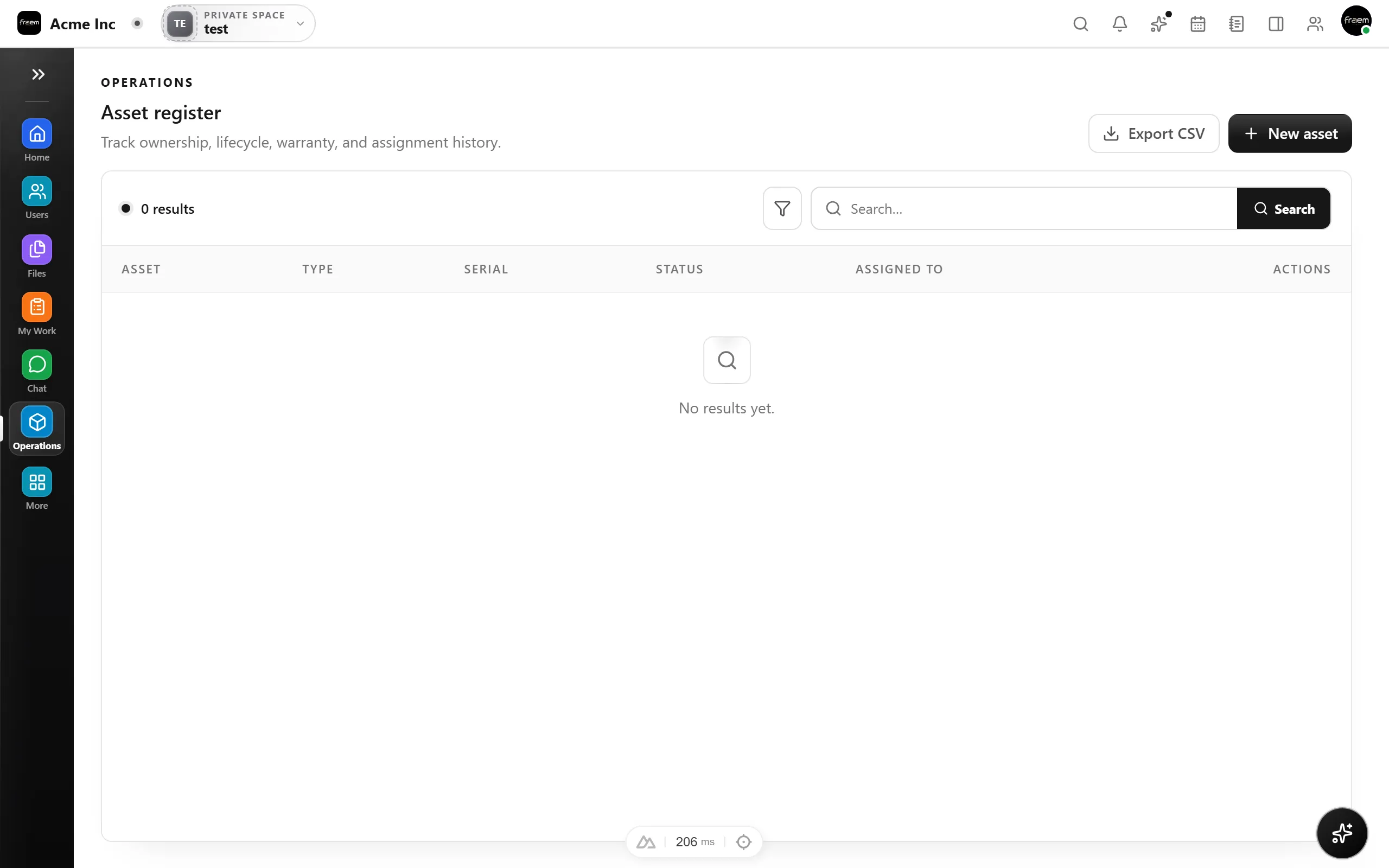
Track vendors and assets
Keep a directory of the vendors you rely on and a register of the assets you own, so operational details are documented and easy to find when you need them.
- Vendor directory for suppliers and partners
- Asset register for equipment and tools
- Everything organized in one operations space
FAQ
Frequently asked questions
It documents how your business runs, a library of standard operating procedures (SOPs) with ordered steps, plus a vendor directory and asset register.
Yes. Each SOP is a clear, ordered checklist anyone in the space can follow, which makes onboarding and consistency much easier.
Yes. The operations space shares the same people, files, and permissions as the rest of your workspace and sits beside your other modules.
Ready to unify your workspace?
Create a workspace in minutes and explore Projects, Chat, Calendar, and Whiteboard together.
- Explore the published plans
- Choose the modules you need
- Isolated tenant workspaces