Invoice workspace
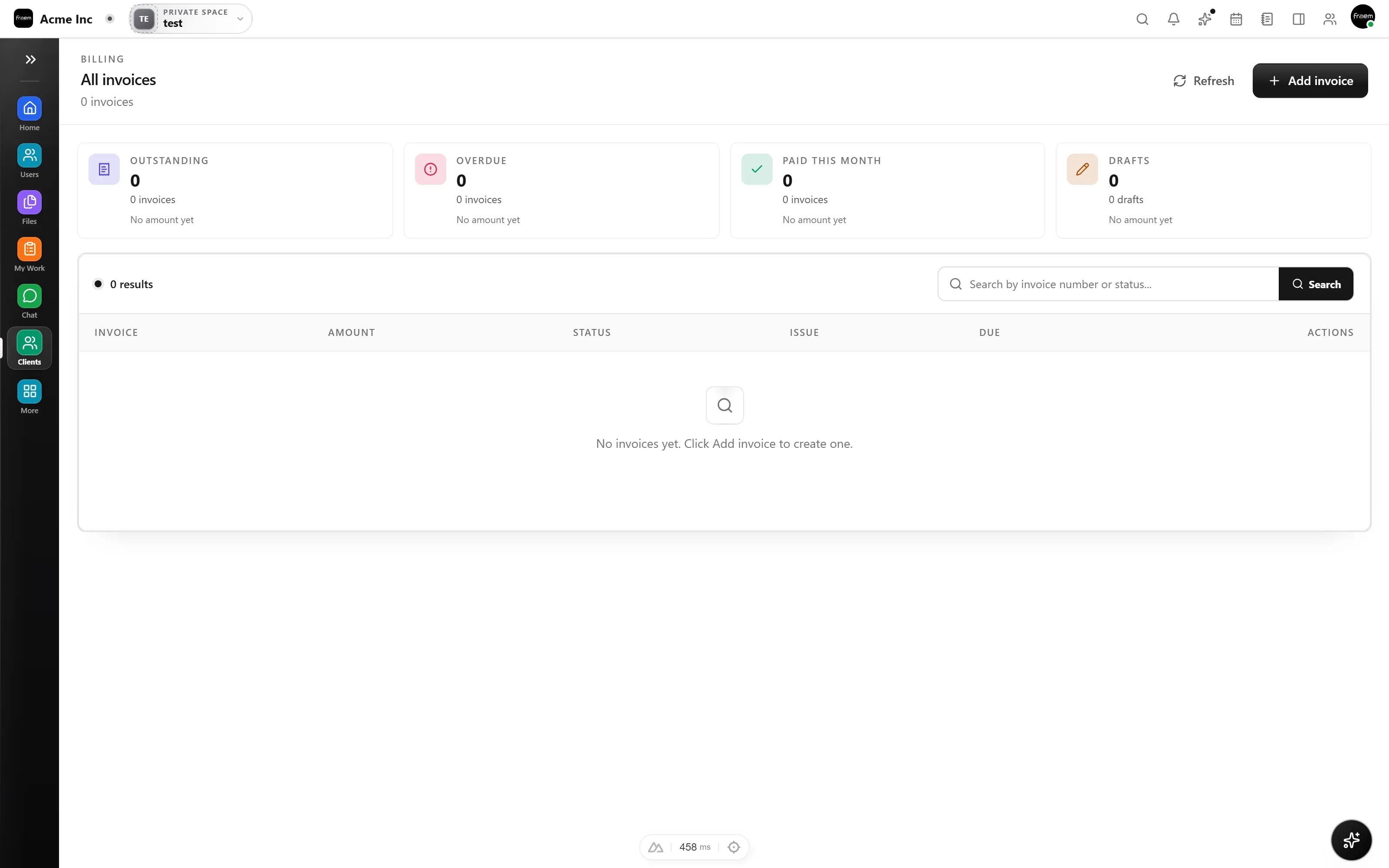
Create and manage draft, sent, paid, and overdue invoices from a dedicated workspace.
Rowsh product
Create customer invoices, follow outstanding balances, and keep billing activity connected to the same workspace as delivery and sales.
The outcome
Capabilities
Create and manage draft, sent, paid, and overdue invoices from a dedicated workspace.
Build invoice details from line items with calculated totals and supported currencies.
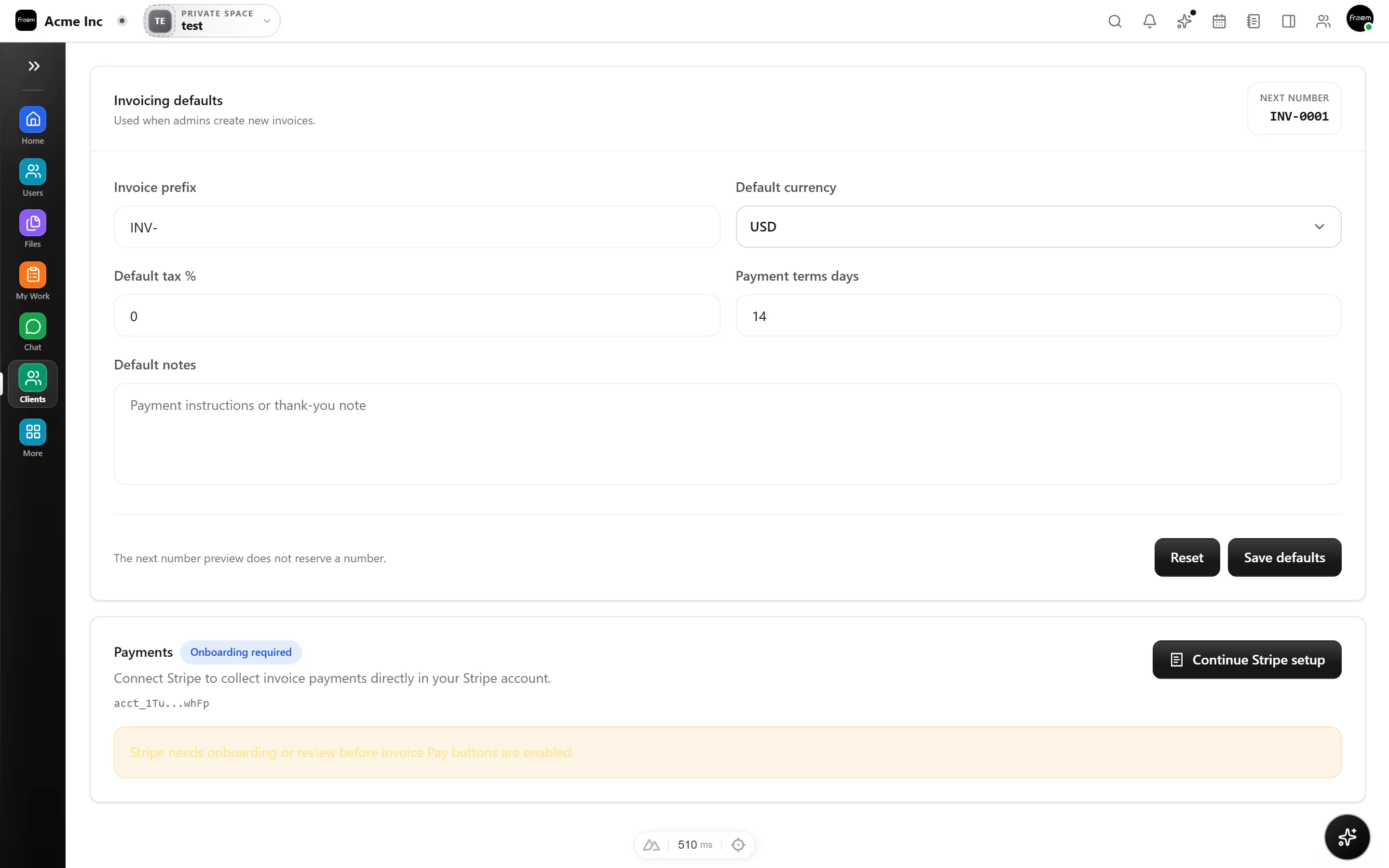
Authorized administrators can configure invoice defaults and supported payment settings.
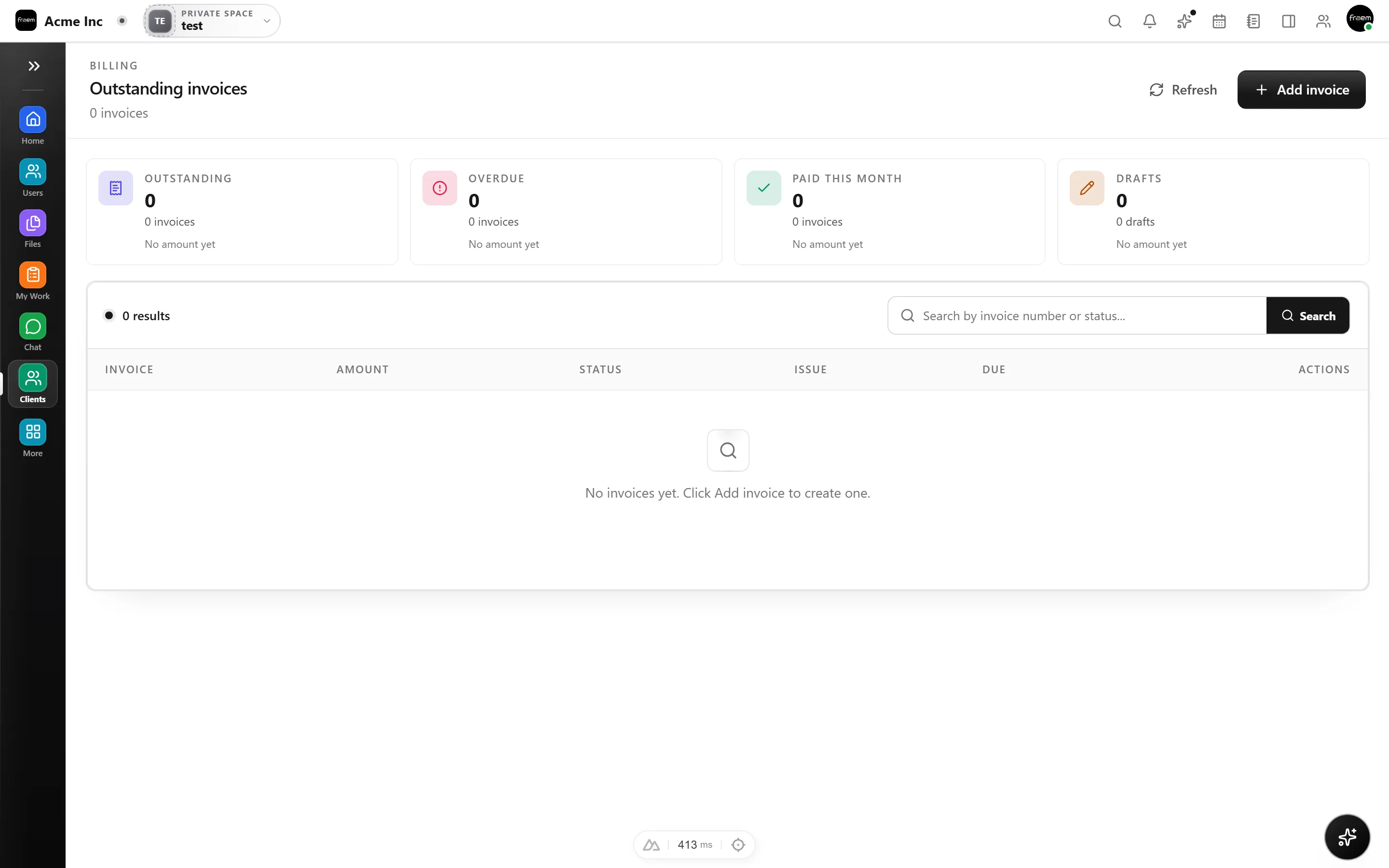
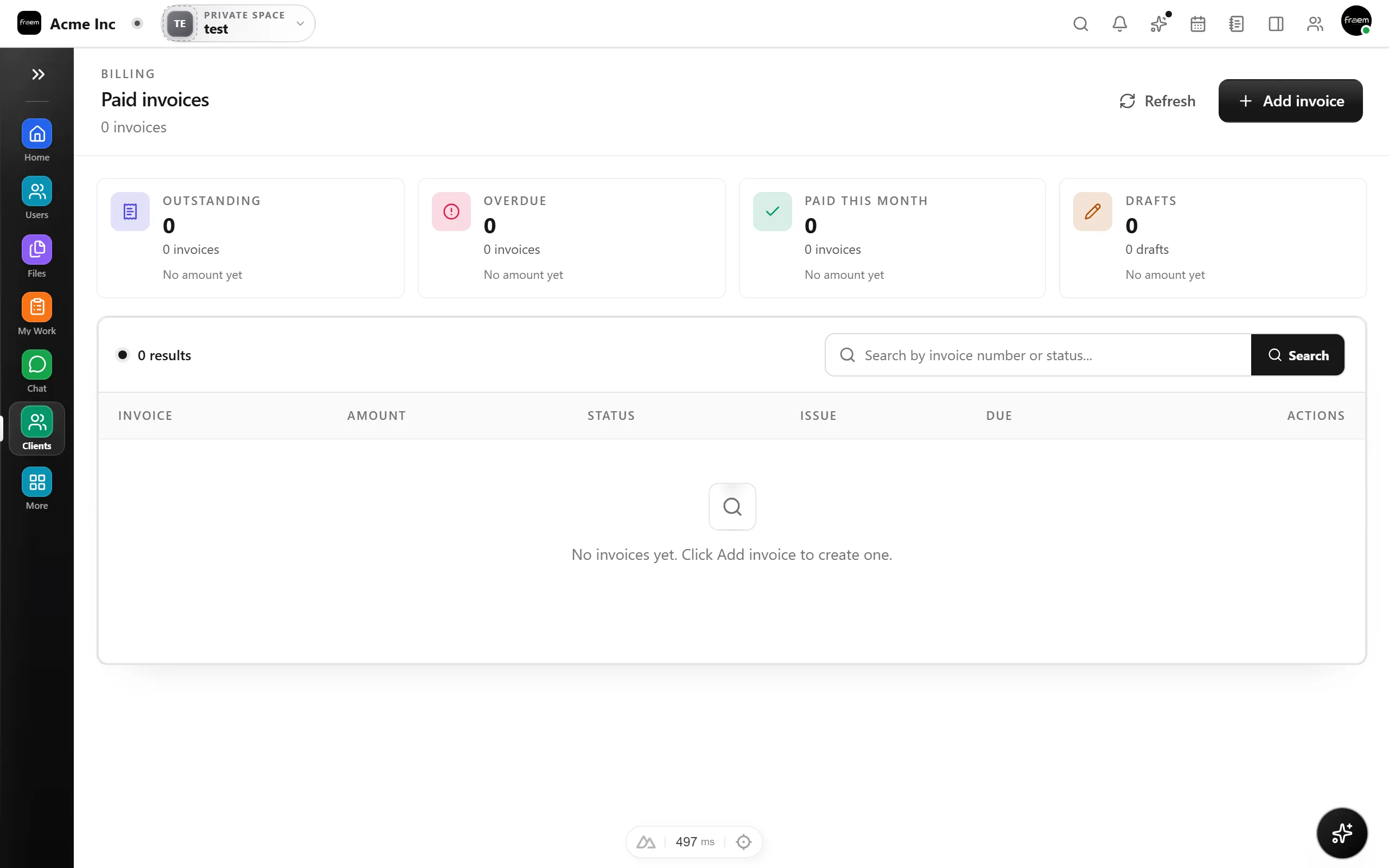
Create invoices, build them from line items with calculated totals, and follow each one through draft, sent, paid, and overdue without leaving the workspace where the underlying work already lives.
Where the workflow is enabled, eligible tracked project time can become invoice line items, so the hours your team logged flow into billing instead of being rekeyed by hand.
Authorized administrators configure invoice defaults and the supported payment settings for the workspace, keeping billing consistent and access controlled.
How it works
Billing sits beside the sales and delivery work it comes from, so nothing gets lost in the handoff.
Start from the invoice workspace, add line items, and let totals calculate for you.
Move it from draft to sent, then watch outstanding and paid balances update.
Keep the customer, deal, and delivery history one click away while you collect.
Use cases
Prepare customer invoices beside the delivery work and client information that support them.
Separate outstanding and paid invoices so the team can focus on the right follow up.
Where configured, turn eligible tracked time into invoice line items without rebuilding the work by hand.
Connected workspace
FAQ
Yes. The invoice workspace supports draft, sent, paid, and overdue states, with dedicated views for outstanding and paid invoices.
Rowsh includes a workflow for creating invoice content from eligible billable time. Availability still depends on workspace permissions and configuration.
Payment collection depends on the provider and workspace configuration. Review the active billing settings and written commercial terms before relying on a payment path.
Keep exploring
Start a workspace or book a guided product demonstration.