Workspace file library
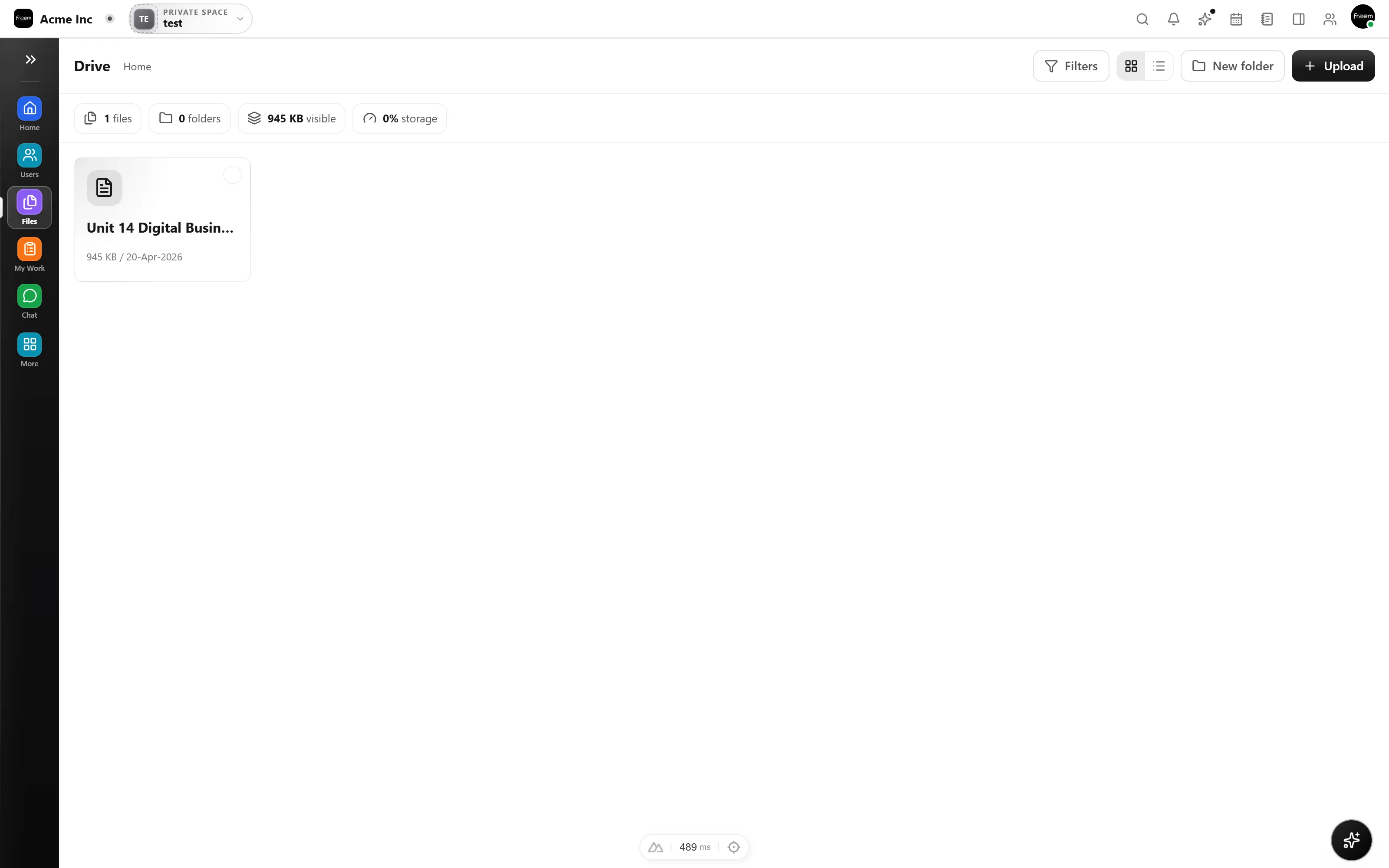
Browse uploaded material from a dedicated workspace surface.
Rowsh product
Keep workspace documents organized and available beside the teams, projects, and workflows that rely on them.
The outcome
Capabilities
Browse uploaded material from a dedicated workspace surface.
Use the available file controls to narrow the material your team needs.
Keep file access inside the same authenticated workspace and permission model.
Files gives every team a single, organized home for briefs, references, exports, and shared resources instead of scattering them across chats, inboxes, and personal drives.
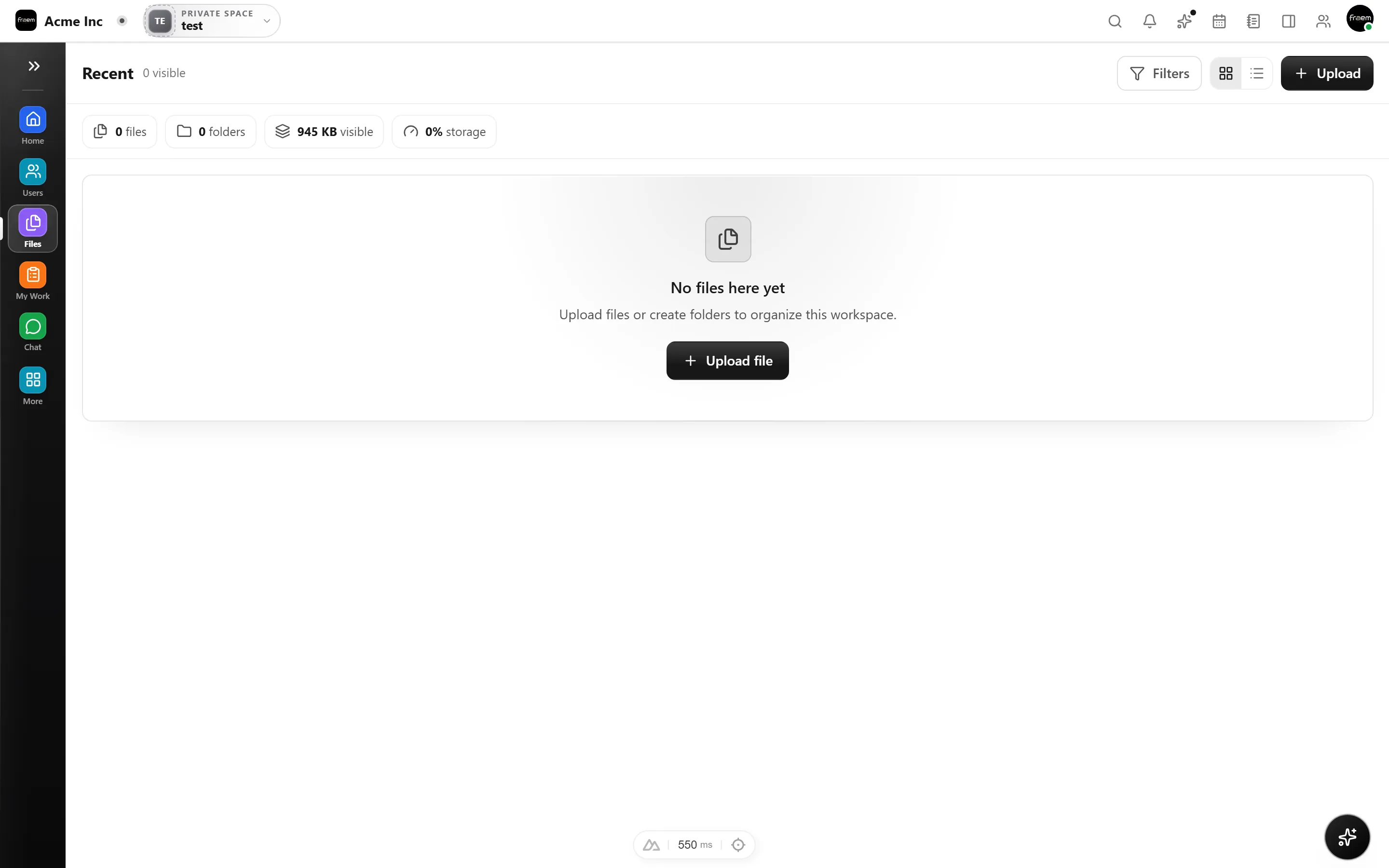
Narrow to exactly what you need with the module’s own controls, then open the file beside the project or conversation it belongs to with no context switching or digging.
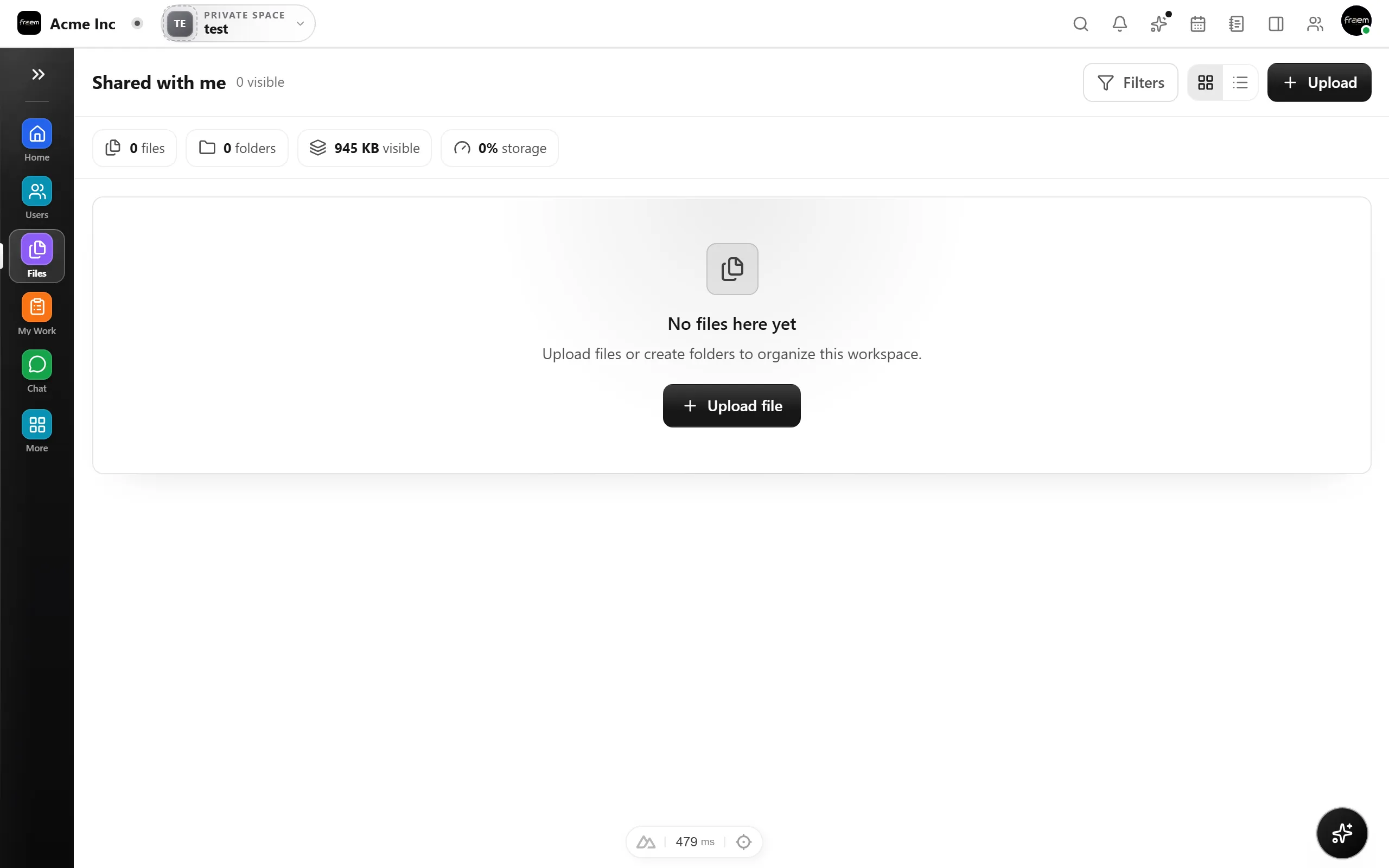
File visibility follows the same authenticated workspace and permission model as the rest of Rowsh, so people see the material they should while administrators stay in control.
How it works
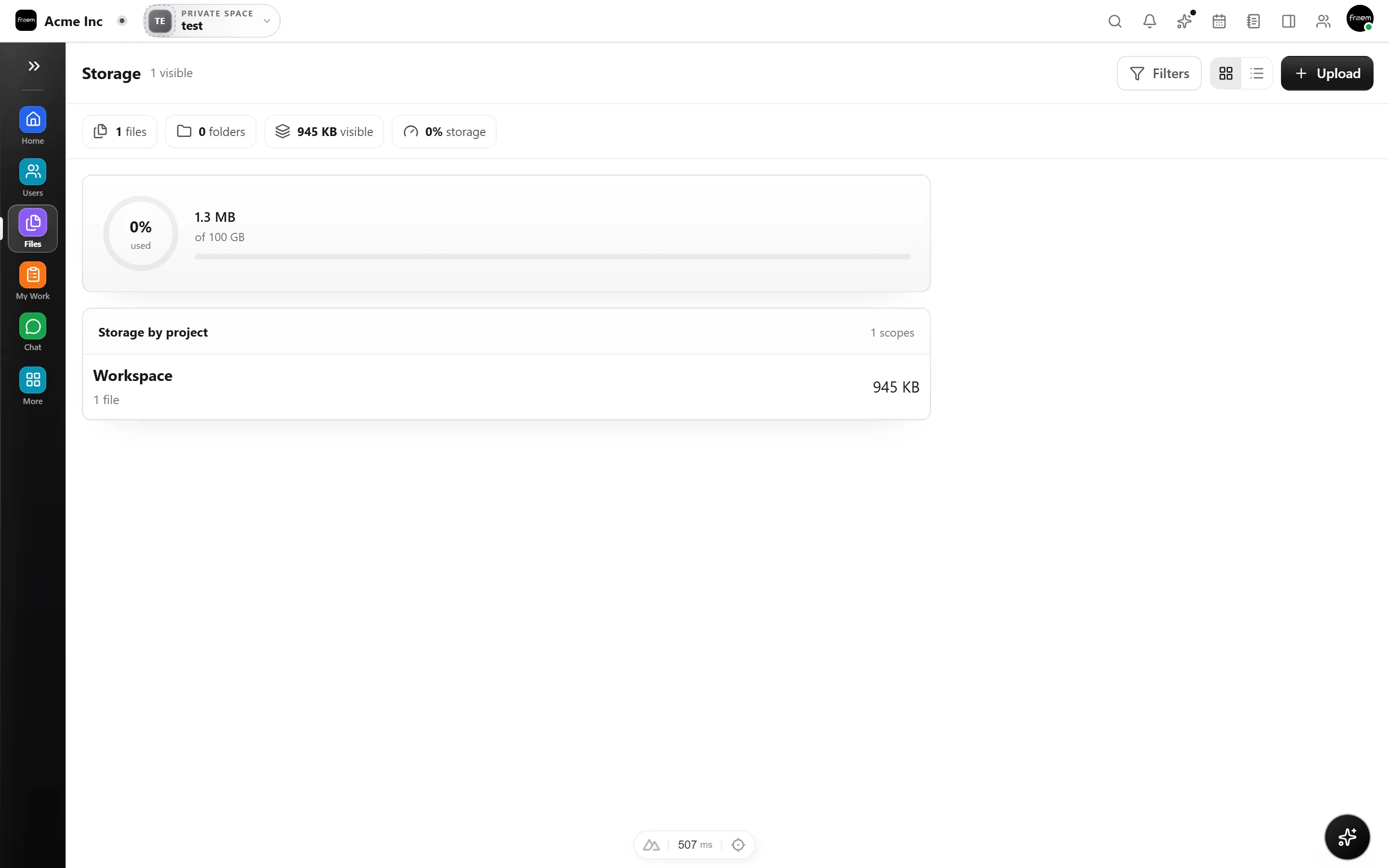
Files is ready the moment your workspace is, with nothing to install or connect.
Add documents to the workspace and group them so the right teams can find them.
Attach files to projects, tasks, and conversations so context travels with them.
Let workspace roles and module permissions decide who can view and manage each file.
Use cases
Keep briefs, references, and outputs available to the teams doing the work.
Organize files used across repeatable internal processes.
Give workspace members one place to return to for current documents.
Connected workspace
FAQ
Files is a Rowsh workspace module for organizing uploaded material within the product. Available storage and plan limits are shown in the current plan configuration.
Visibility follows the workspace access and permission paths implemented for the relevant area. Administrators should configure roles and module access for their organization.
Yes. Files are designed to live alongside projects, conversations, and team spaces so supporting material stays close to delivery.
Keep exploring
Start a workspace or book a guided product demonstration.