Helpdesk Space
A shared queue for every request
Support teams get a helpdesk space with a shared ticket queue, priorities, assignees, and SLA countdowns. Public and internal intake forms open tickets automatically, and internal notes stay separate from what the requester sees.
- Ticket queue with status, priority, and SLA timer
- Public or internal intake forms create tickets
- Internal notes separate from customer replies
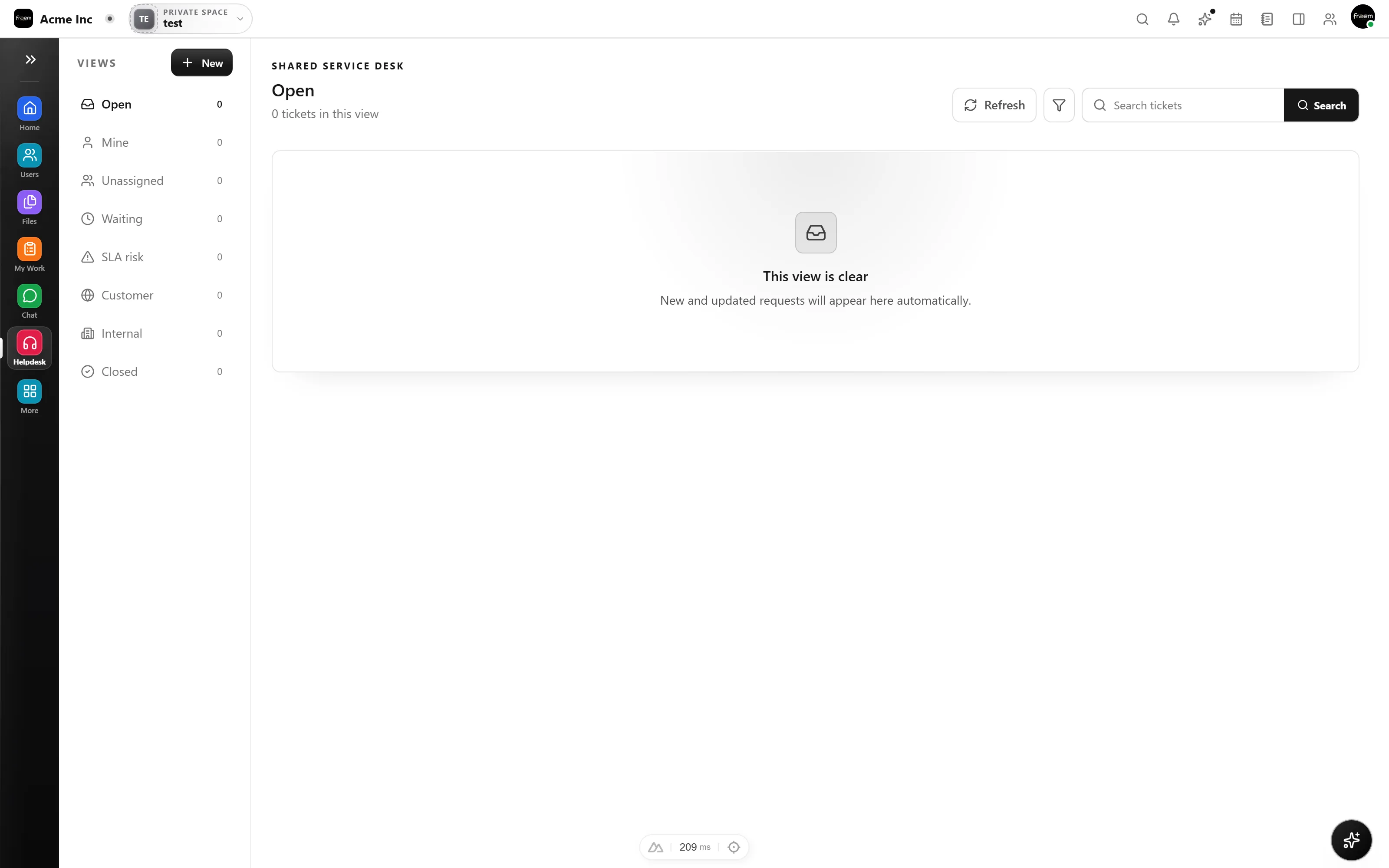
Triage with priority and SLA in view
Filter the queue by status and priority, assign owners, and see an SLA countdown on every ticket so nothing breaches quietly. Urgent work stays at the top where it belongs.
- Statuses: open, pending, resolved
- Priorities from low to urgent
- SLA countdown and breach flags
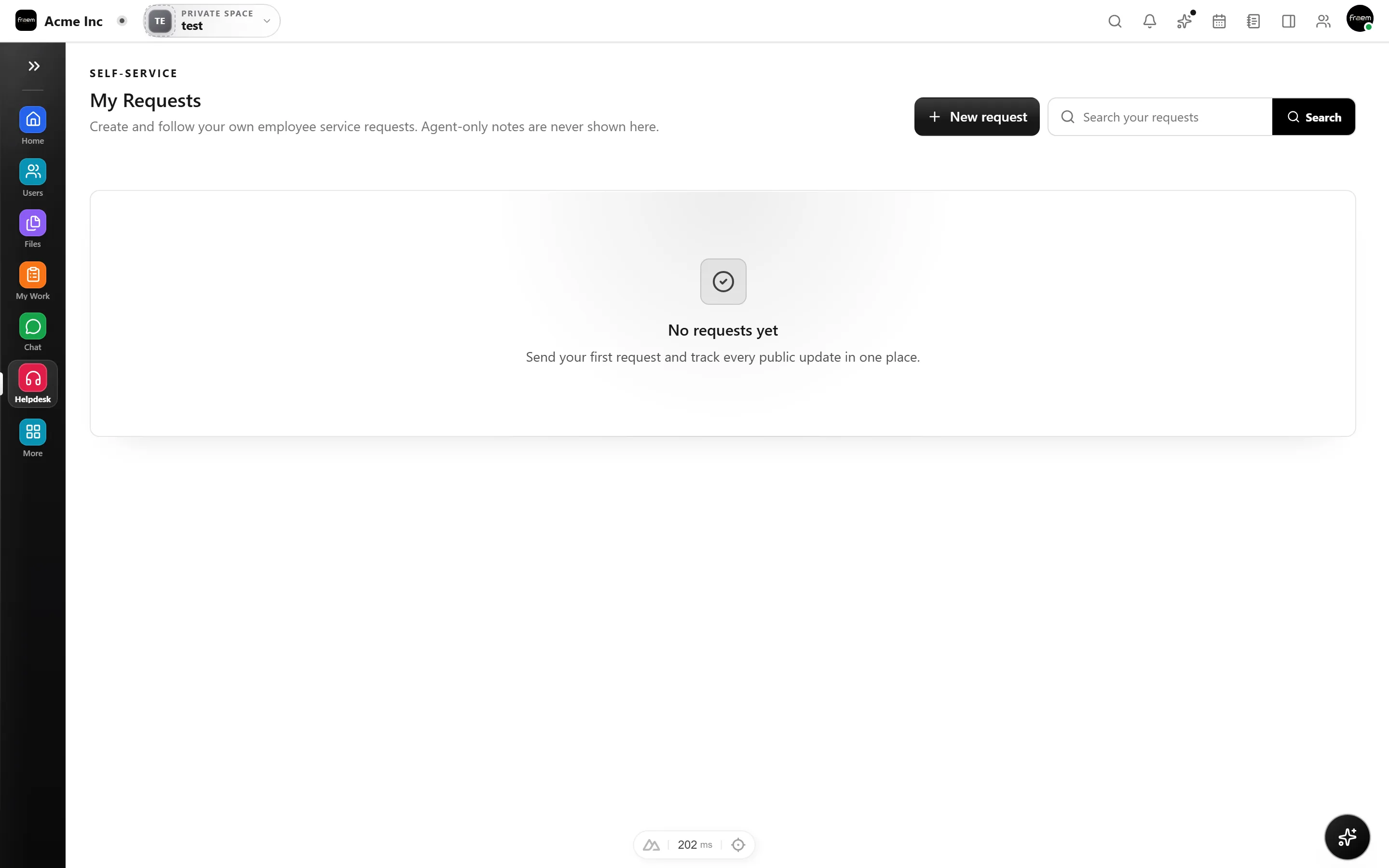
Intake that opens tickets for you
Point a public or internal form at your helpdesk and submissions become tickets automatically. Reply to the requester, or drop an internal note the team can see but the requester can't.
- Public and internal intake forms create tickets
- Requester replies and internal notes stay separate
- Every message kept on the ticket timeline
FAQ
Frequently asked questions
Agents can create tickets directly, and public or internal intake forms can open tickets automatically from submissions, so requests from customers or coworkers land in the same queue.
Yes. Tickets show a resolution countdown and flag when an SLA is breached, so urgent work stays visible.
Yes. Internal notes are visible to your team on the ticket, while replies go to the requester, both kept on one timeline.
Ready to unify your workspace?
Create a workspace in minutes and explore Projects, Chat, Calendar, and Whiteboard together.
- Explore the published plans
- Choose the modules you need
- Isolated tenant workspaces