External bookings
Let clients and candidates book time automatically.
Product
Scheduling, booking links, and workspace meetings, connected to projects and deadlines.
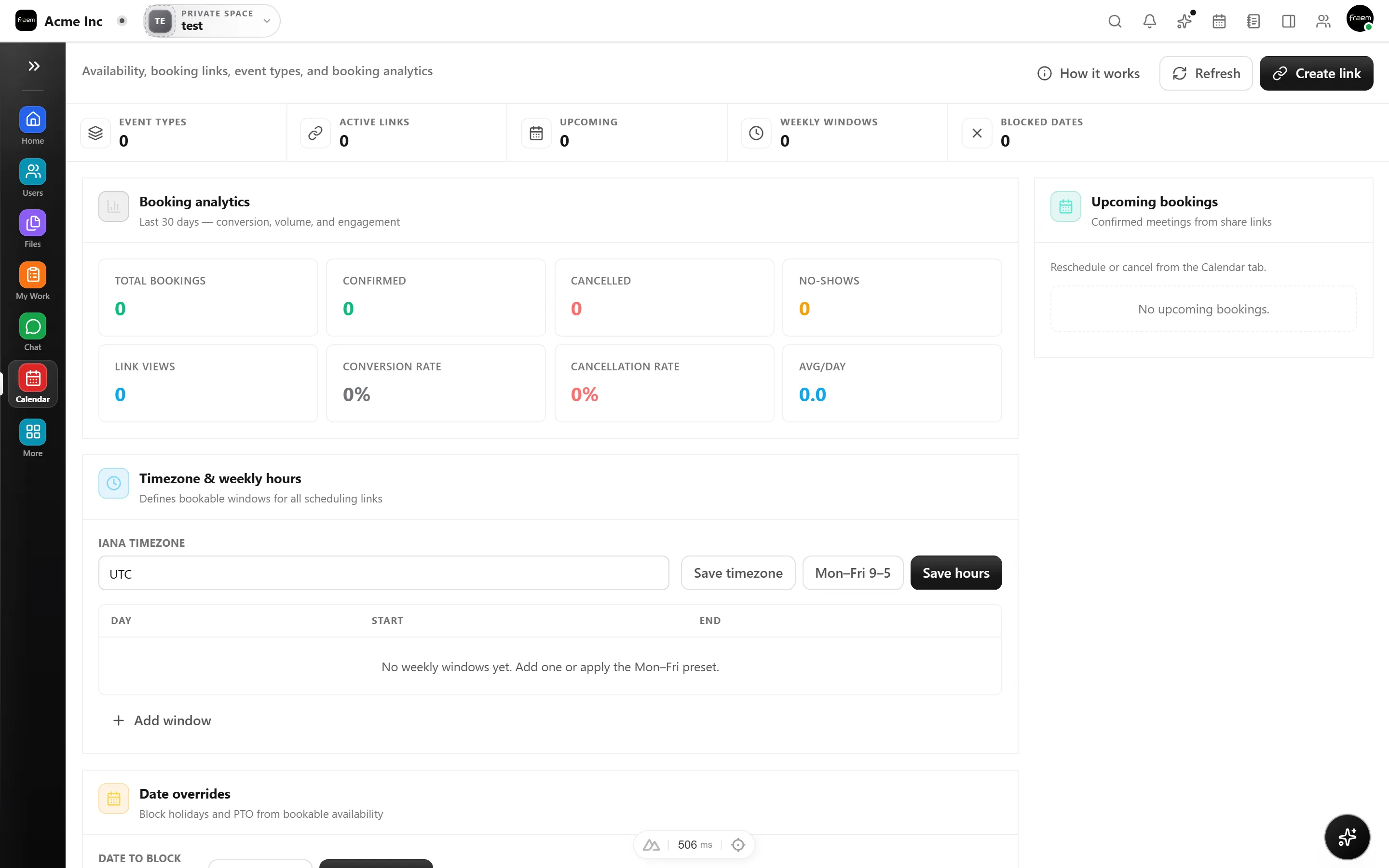
Share booking links with availability rules, buffers, and limits, so others can book time without the back and forth.
Set up repeating meetings once and keep team rhythms consistent with flexible recurrence rules.
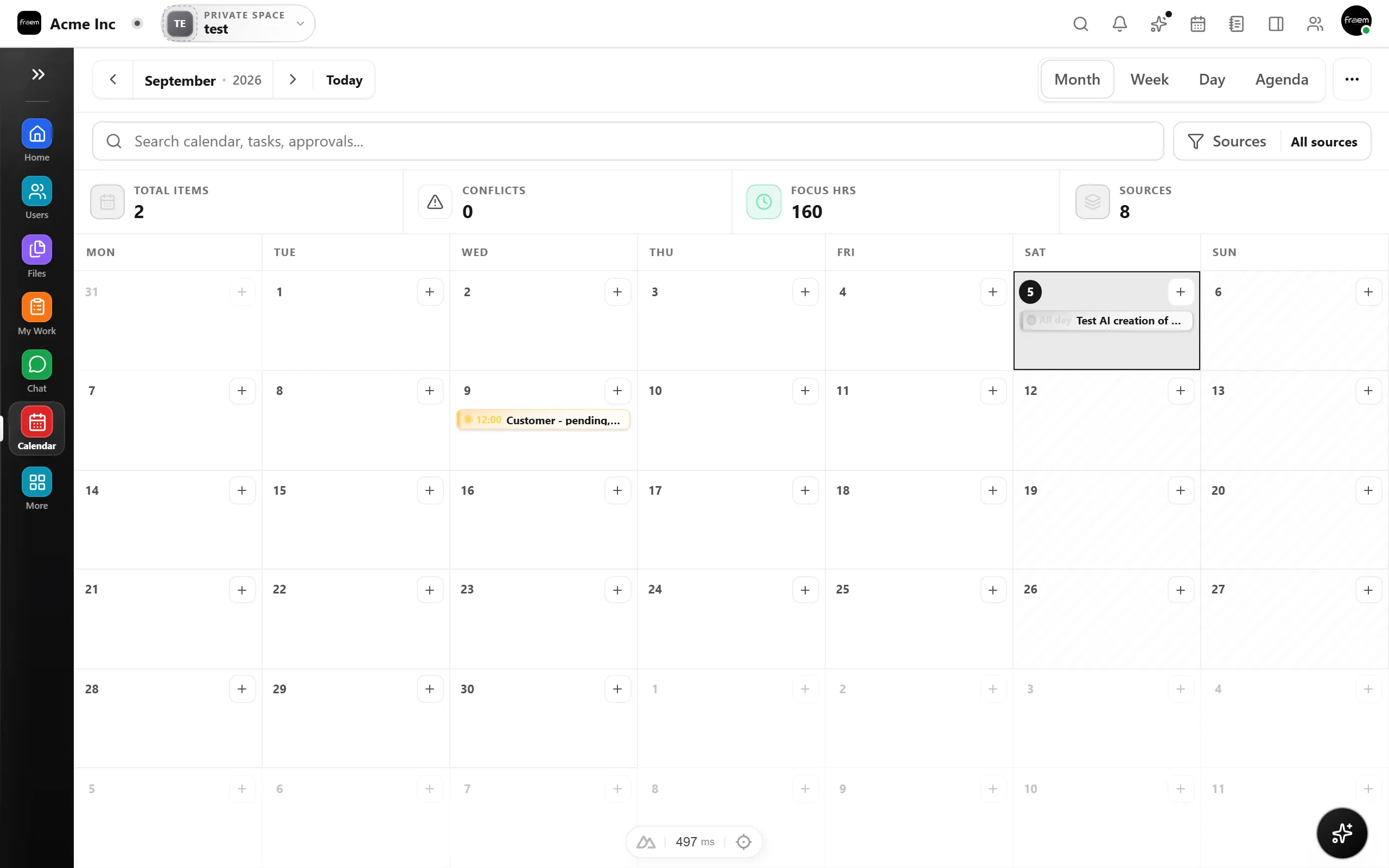
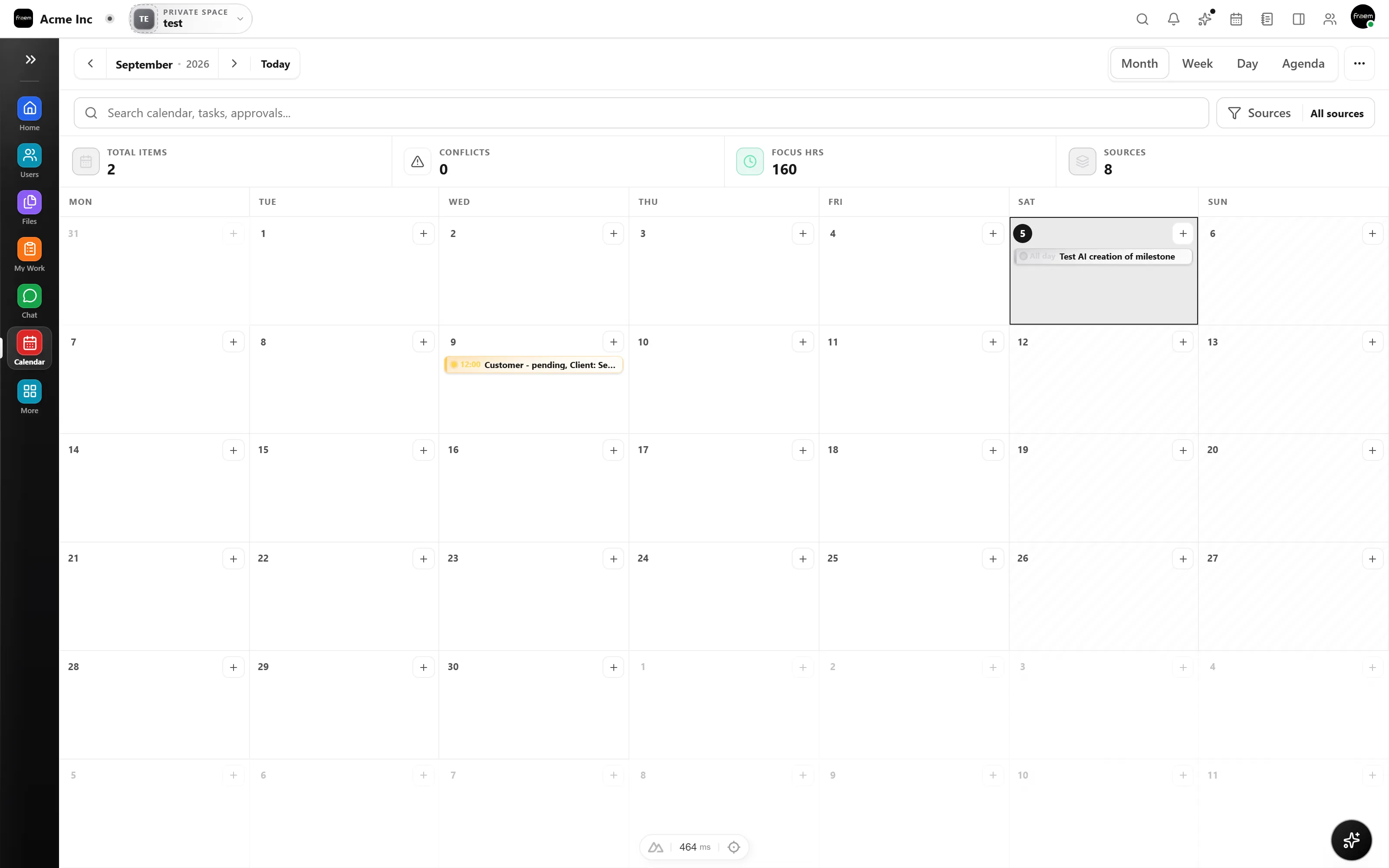
See delivery pressure next to meetings and bookings. Plan your week with deadlines and events together in one view.
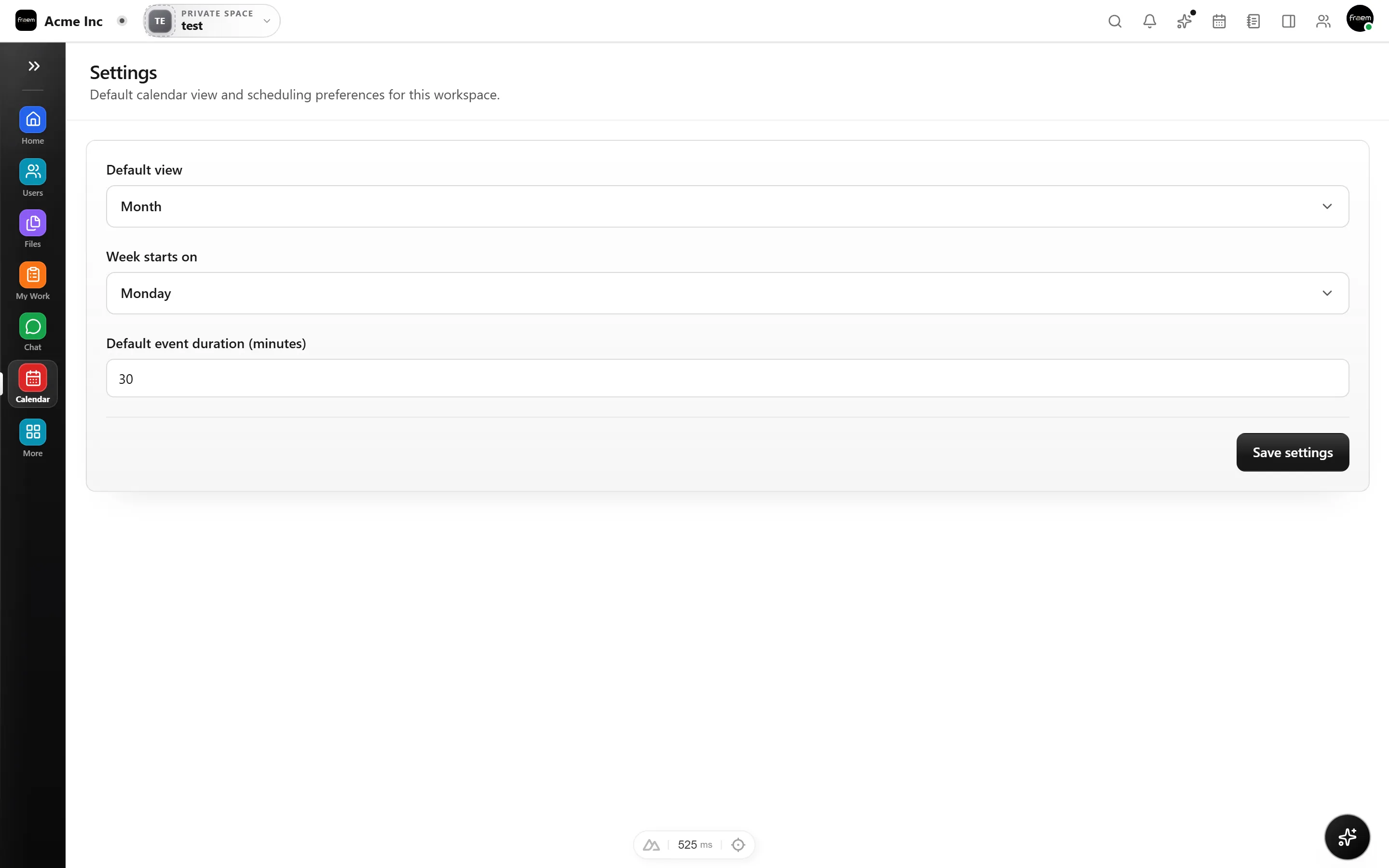
From 1:1s to sprint planning, Calendar keeps scheduling predictable and connected to work.
Let clients and candidates book time automatically.
Recurring standups and reviews that stay consistent.
See task pressure next to meetings in one view.
Buffers and notice windows to protect deep work.
Coordinate across teams without email ping pong.
Busy only visibility for sensitive meetings.
FAQ
Month, week, and day views. Switch between them instantly to plan at the level of detail you need.
Yes. Rowsh provides an iCal export feed for read only use in external calendar apps.
You create event types with duration, buffers, and availability rules. Share the link and others can book time that fits your real schedule.
Yes. Task deadlines from Projects are surfaced in Calendar so you can plan around delivery pressure.
Yes. You can set up repeating meetings with common patterns and keep them visible alongside bookings and deadlines.
Events can be workspace wide, team specific, or private. You control who sees what.
Create a workspace in minutes and explore Projects, Chat, Calendar, and Whiteboard together.