Delivery boards
Daily standups and execution tracking with Kanban.
Product
Plan, track, and ship work with boards, timelines, and reporting built into the same platform as your team spaces.
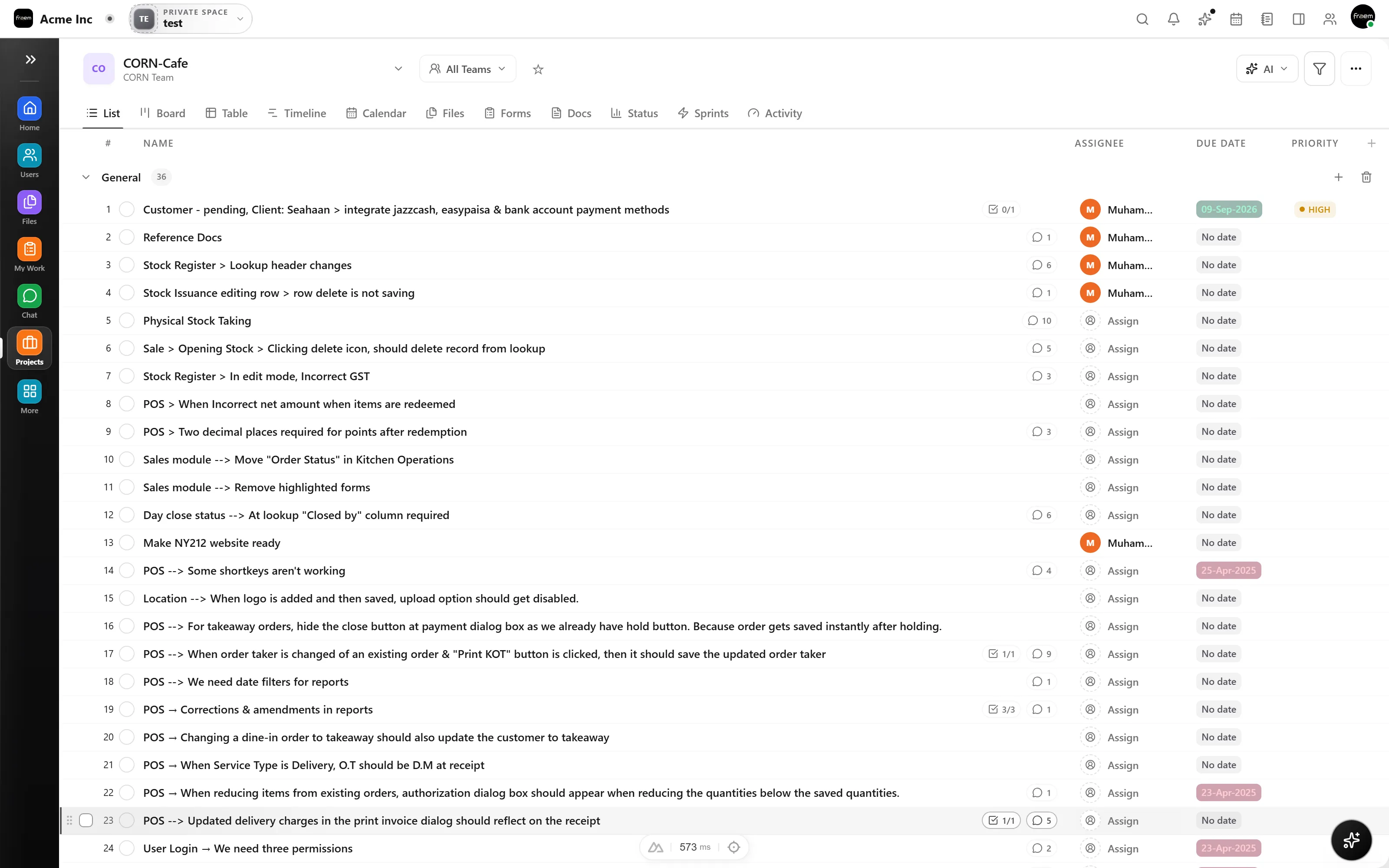
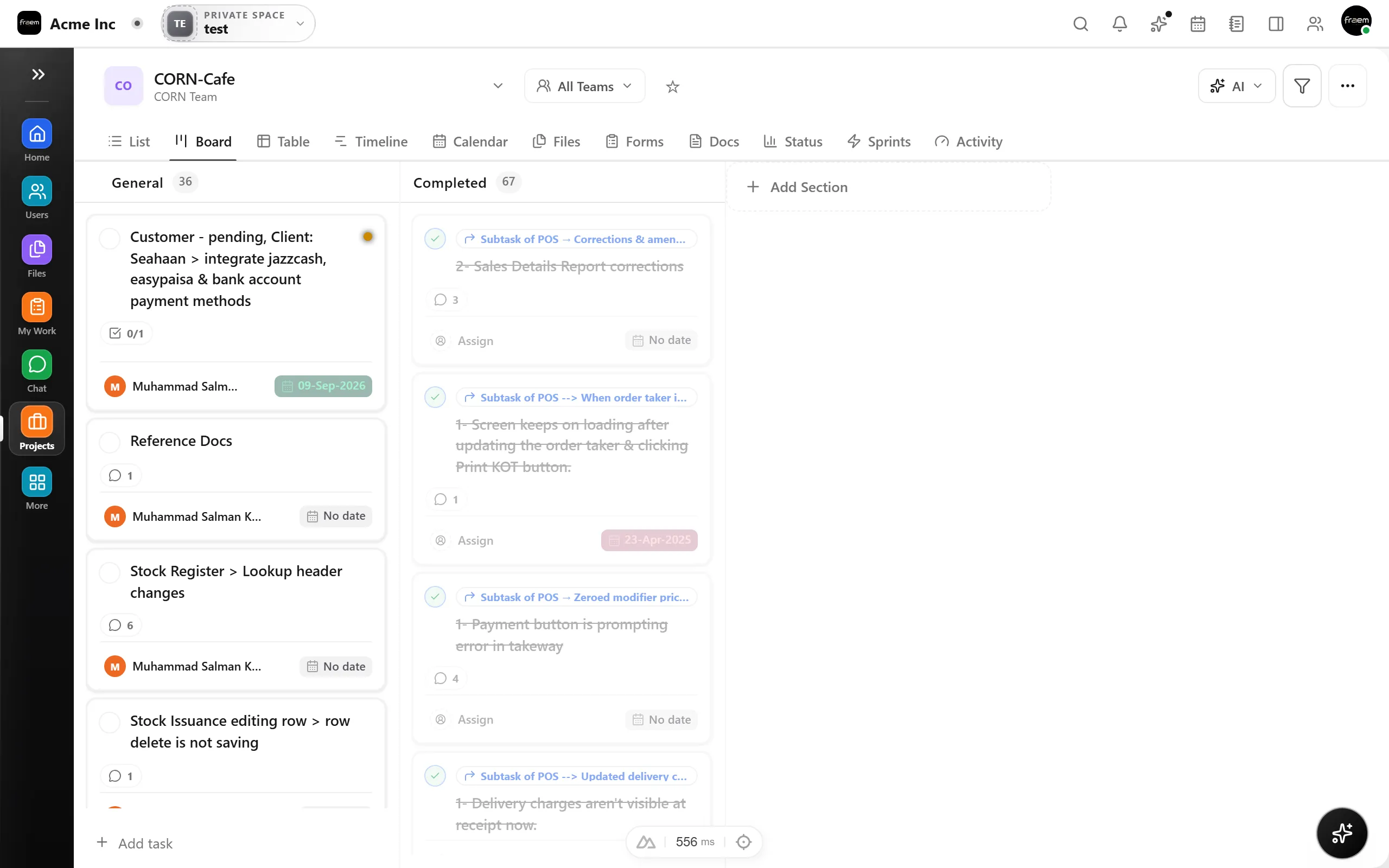
Switch views without duplicating work across tools. Plan visually, scan it fast, or map it across time, one task model across every view.
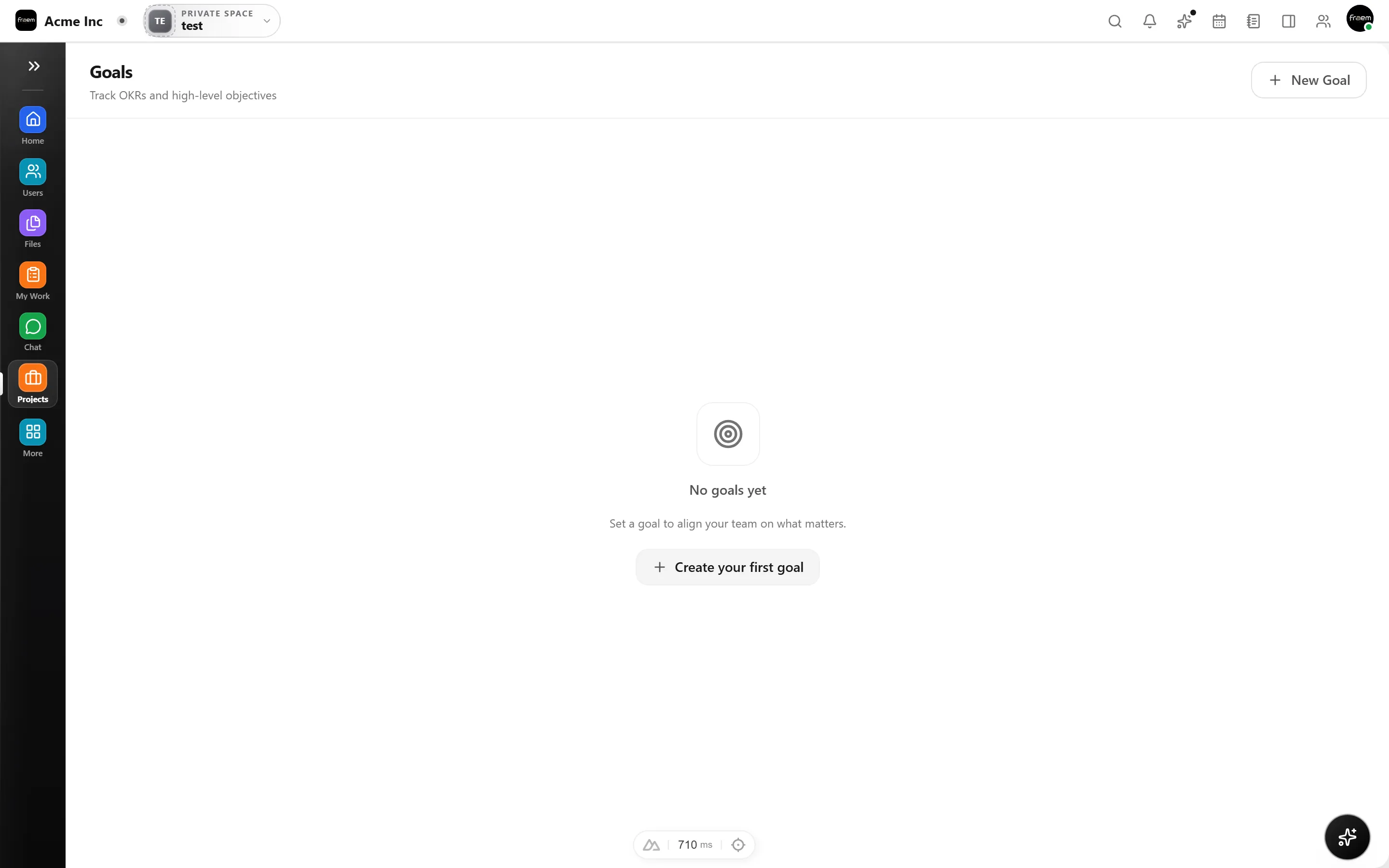
Organize ownership and align execution with outcomes. Group users by function, assign work with clarity, and connect tasks to measurable goals automatically.
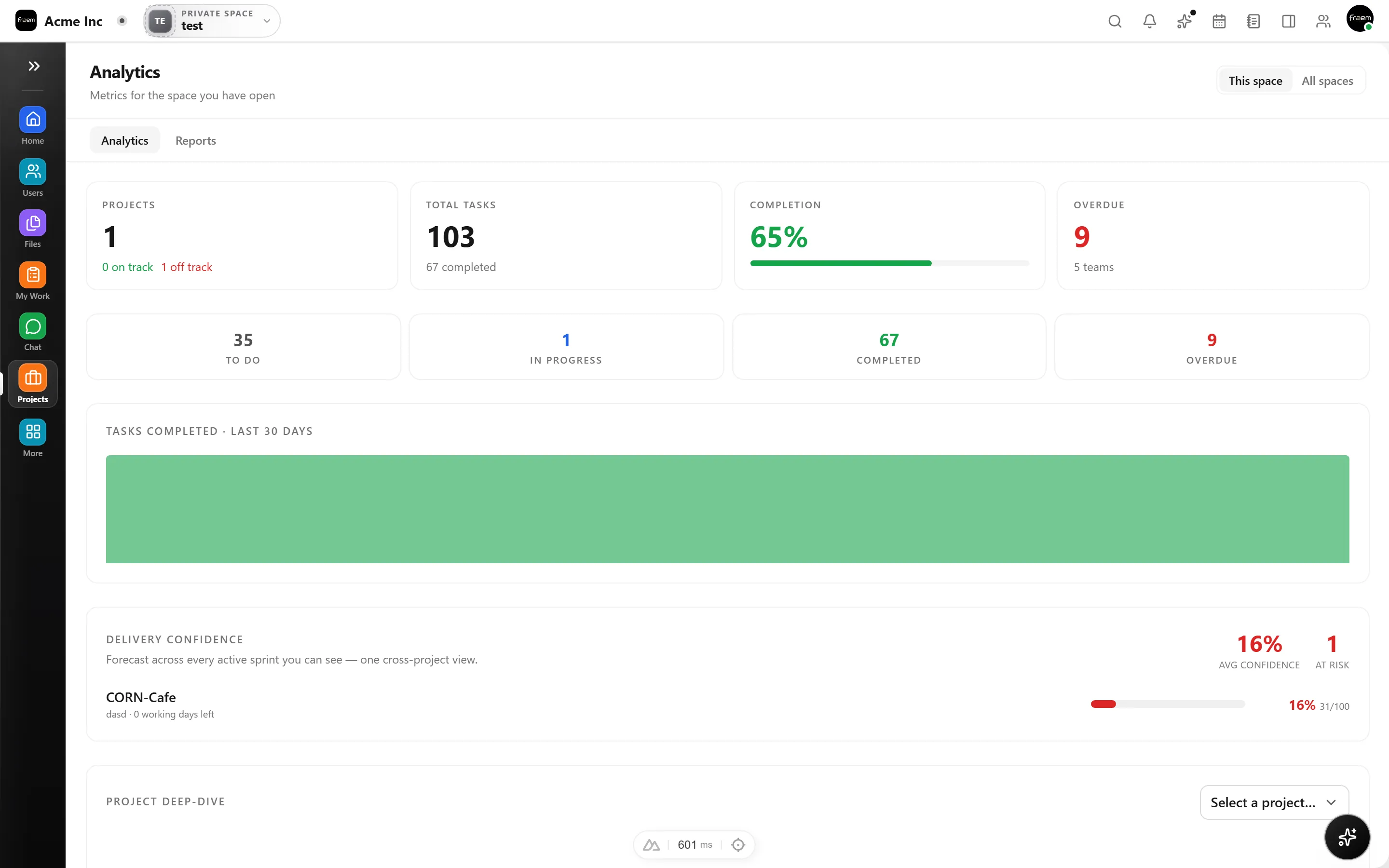
Track progress, completion trends, and project health without manual spreadsheets or status decks. Integrated reporting keeps stakeholders aligned.
From daily standups to quarterly planning, Projects adapts to how your team works.
Daily standups and execution tracking with Kanban.
Roadmaps, launches, and milestone planning.
Queues, incoming work, and prioritization.
Connect execution to measurable outcomes.
Executive dashboards across all projects.
Balance capacity across teams and projects.
FAQ
Kanban boards, list views, and timeline/Gantt views. All views share the same underlying task data, so switching views never creates duplicates.
Yes. Goals and OKRs can be linked to projects and tasks so progress updates automatically as work moves forward.
You can create teams, assign members, and set project visibility at the team level. Owners and admins control who can view, edit, or manage work.
Yes. Track completion rates, bottlenecks, and workload distribution across projects and teams without exporting to spreadsheets.
Absolutely. Deep links connect tasks to conversations and deadlines to calendar events, all inside the same workspace.
Yes. Roll up multiple projects into portfolios for executive visibility and cross project health tracking.
Create a workspace in minutes and explore Projects, Chat, Calendar, and Whiteboard together.