Team channels
Organized spaces for departments and projects.
Product
Channels, DMs, threads, and calls, built into the same workspace as your projects.
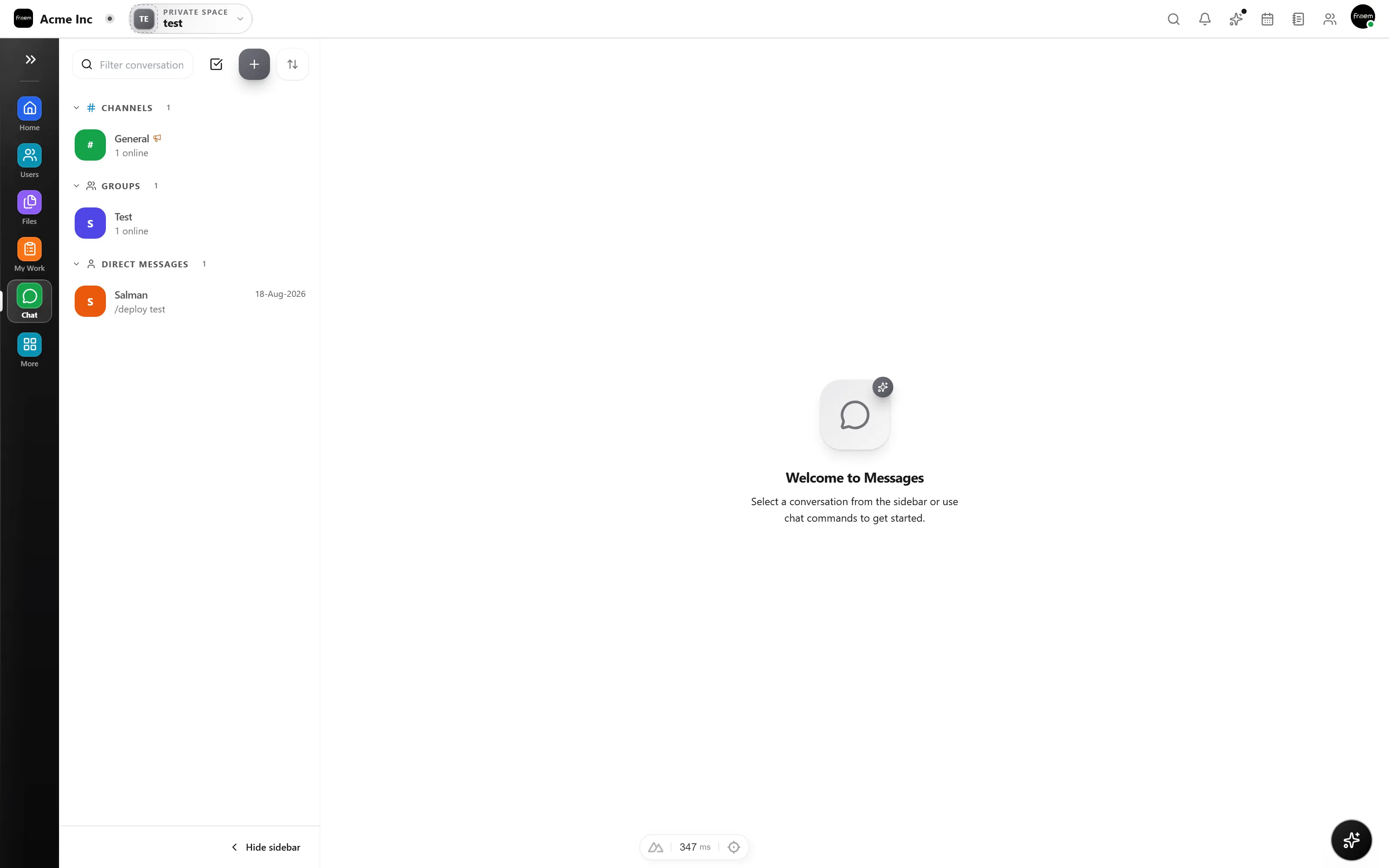
Create focused spaces for teams and 1:1 conversations. Keep discussions organized by topic and reduce noise across the organization.
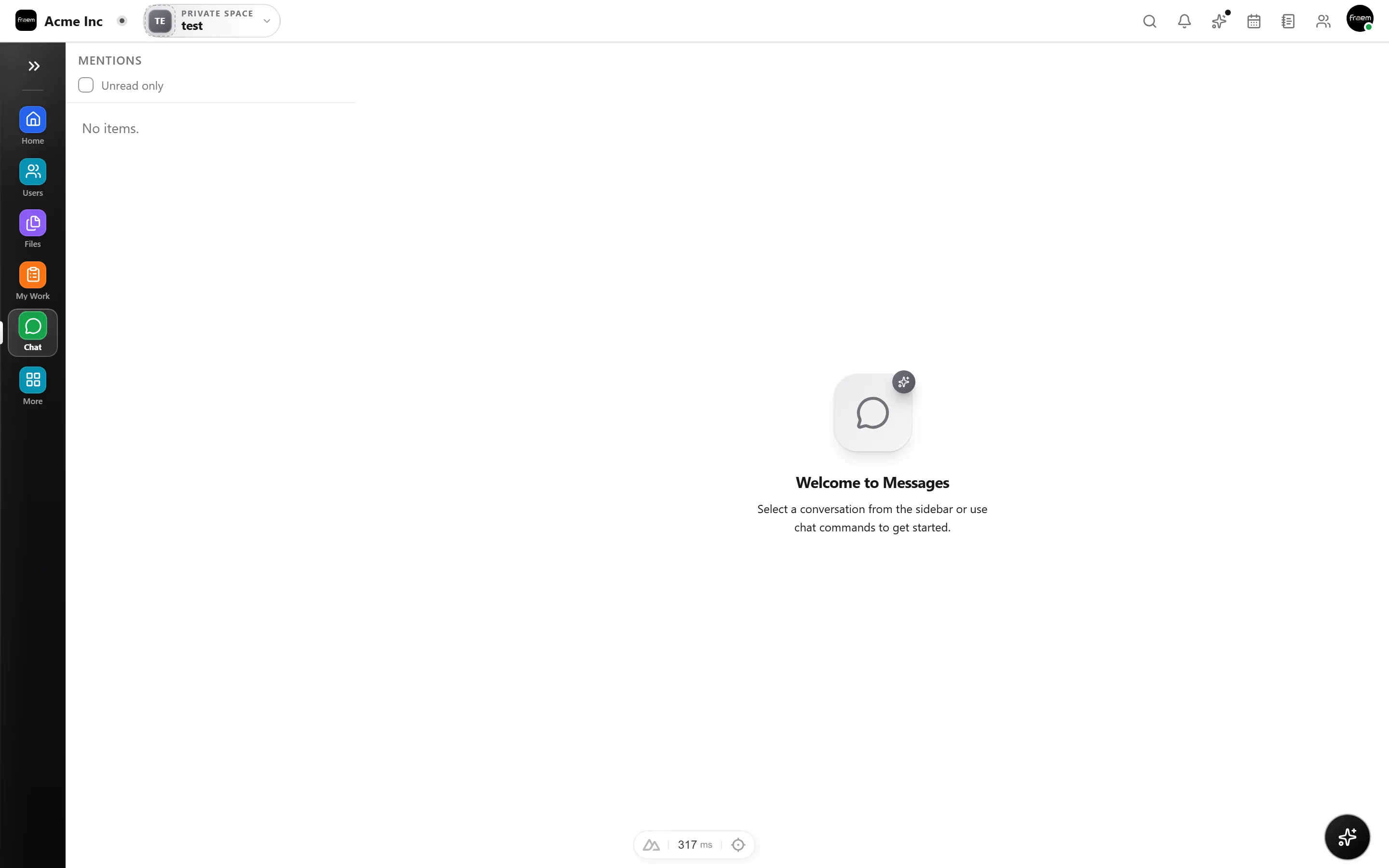
Keep channels clean with threaded discussions, capture quick feedback with reactions, and jump on calls when a thread gets complex, all without switching tools.
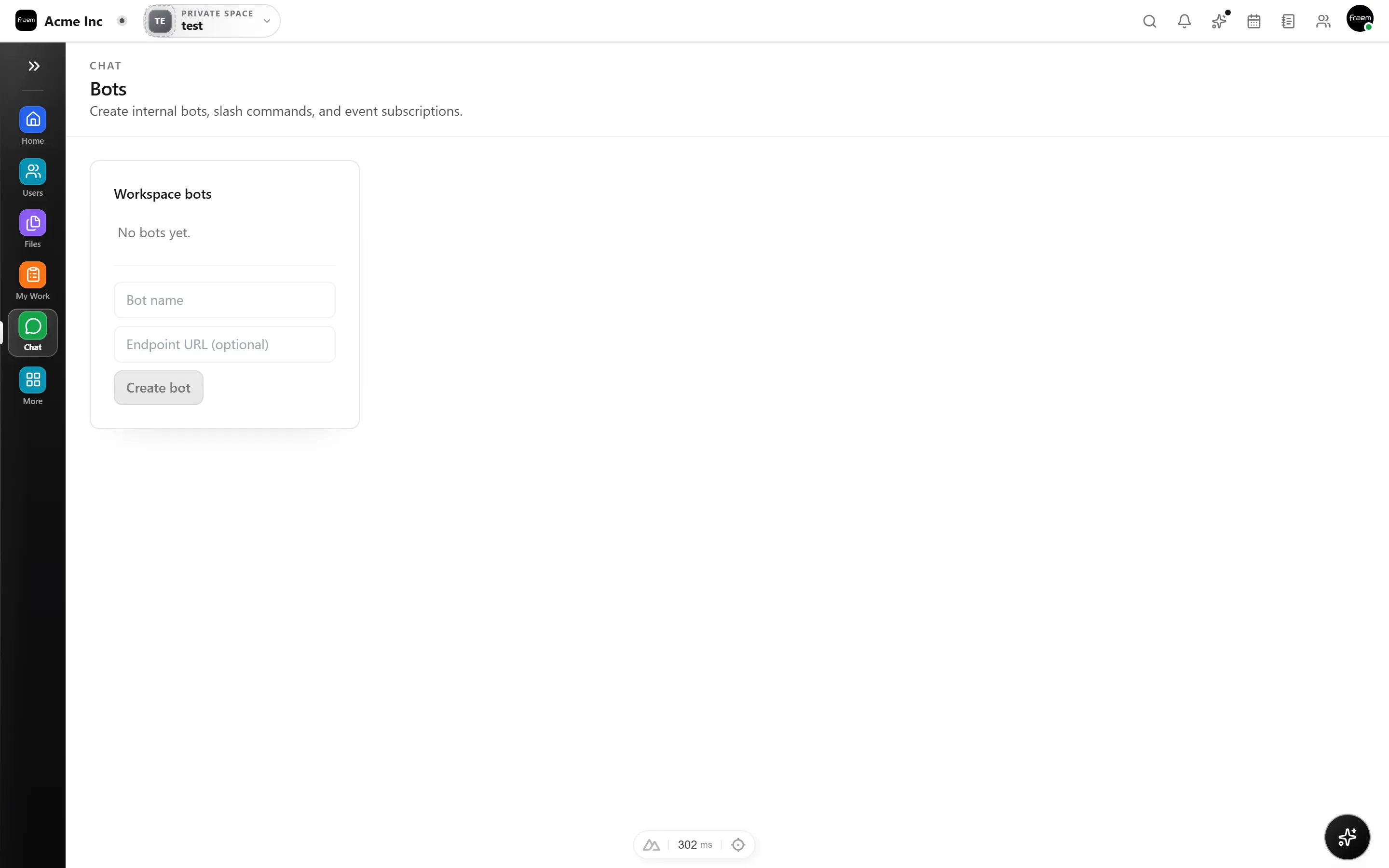
Type / to discover available commands and take actions without leaving the composer. Designed for keyboard first workflows.
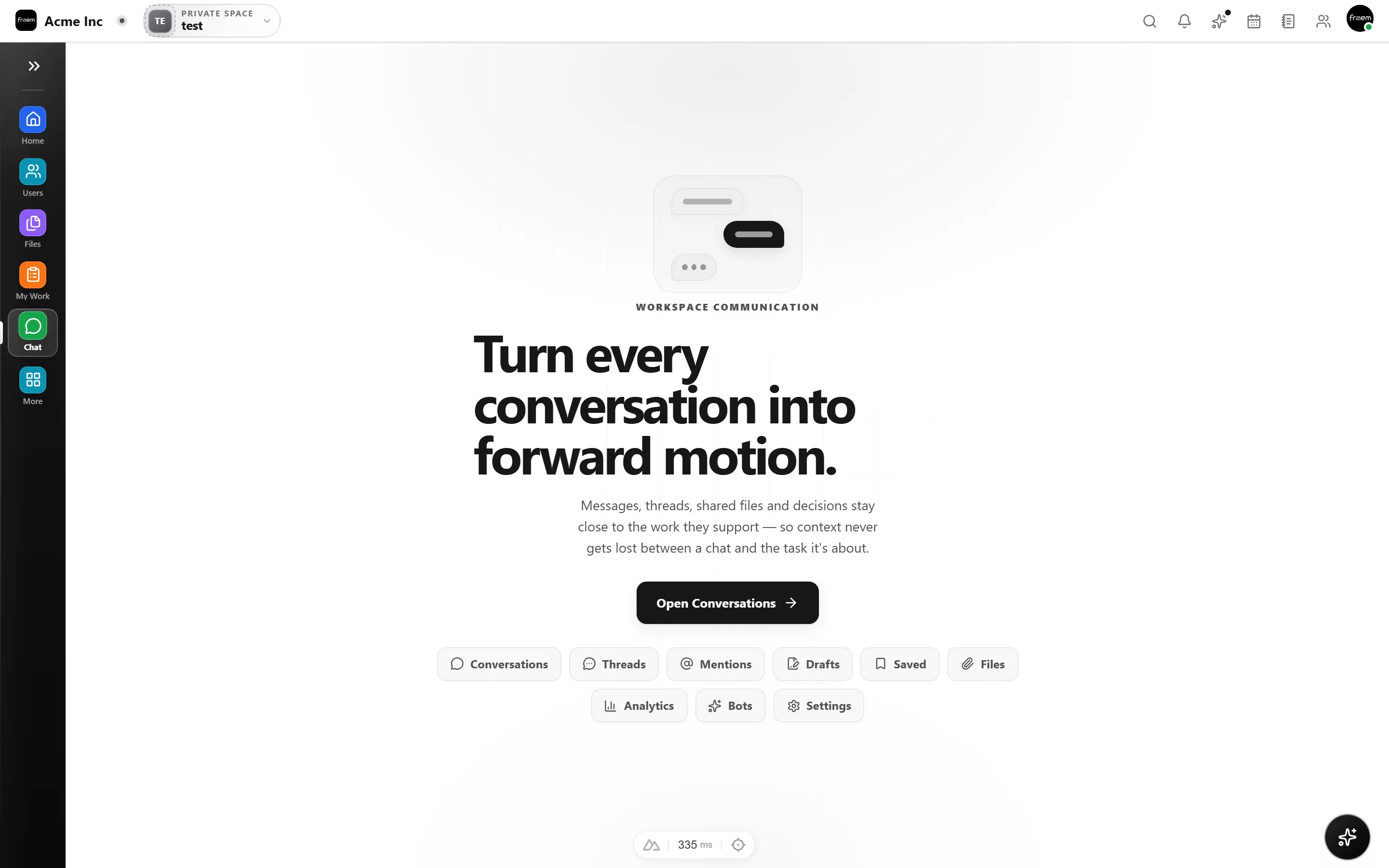
From daily coordination to async decision making, Chat keeps conversations close to the work.
Organized spaces for departments and projects.
Deep discussions without cluttering the main channel.
Start a call from the channel when text is not enough.
Slash commands for tasks, reminders, and shortcuts.
Invite stakeholders into specific channels.
Turn messages into tasks and link to projects.
FAQ
Channels can be created for teams, projects, or topics. Members can browse and join public channels, while private channels restrict access to invited members only.
Yes. Voice and video calls can be started directly from any channel, group conversation, or direct message. No extra tools required.
Slash commands let you take actions from the message composer by typing /. They are discoverable as you type and cover common actions like creating tasks or setting reminders.
Yes. You can link tasks in messages, create tasks from chat, and get project notifications in channels. Everything stays connected inside the same platform and the right space.
All chat history is searchable so you can find past decisions, shared files, and referenced tasks quickly.
Rowsh is accessible on mobile and desktop so your team stays connected from anywhere.
Create a workspace in minutes and explore Projects, Chat, Calendar, and Whiteboard together.