Shared pages
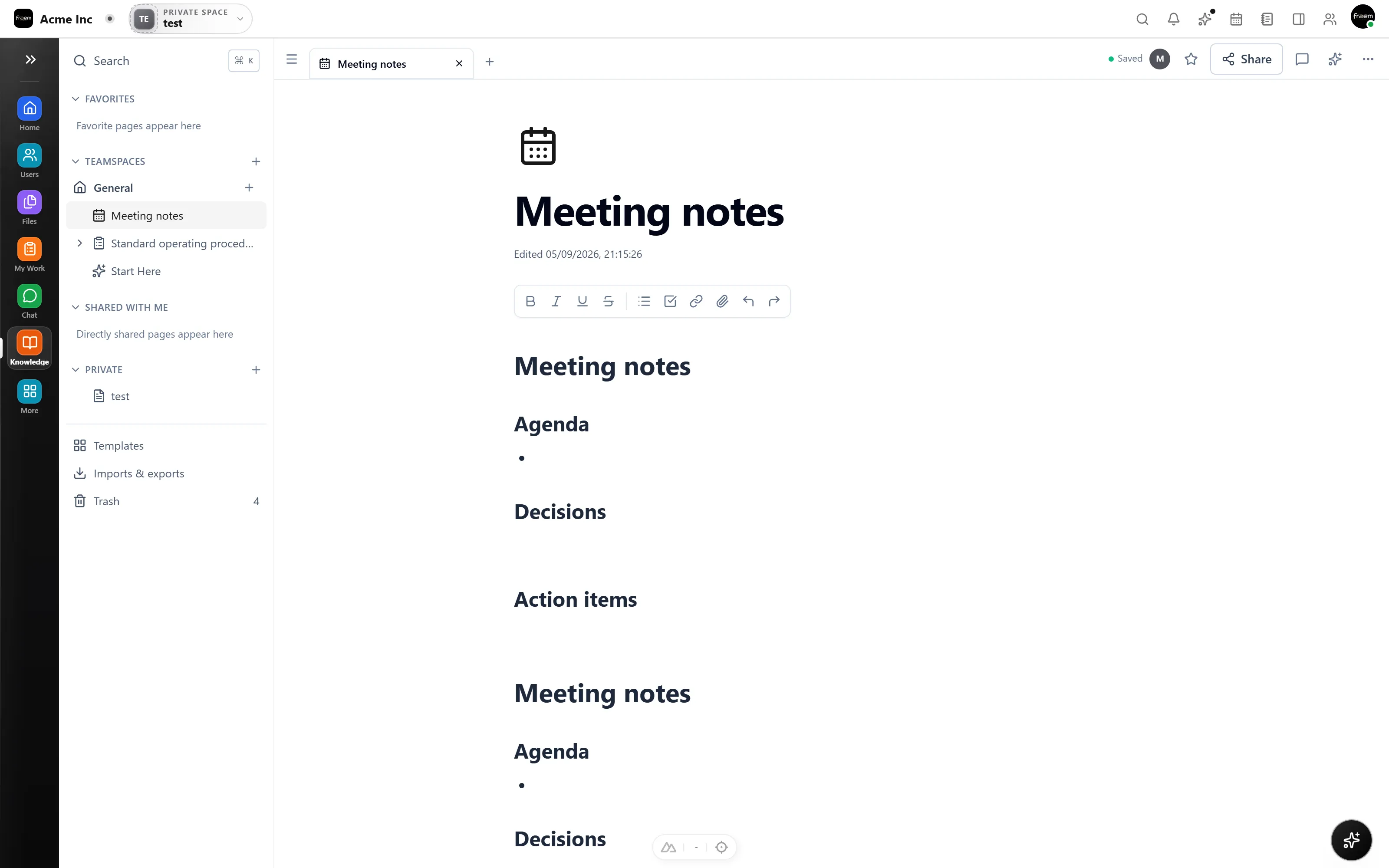
Build an organized team knowledge area through the dedicated Knowledge module.
Rowsh product
Create and organize shared team guidance in the same workspace as the people and processes that put it into practice.
The outcome
Capabilities
Build an organized team knowledge area through the dedicated Knowledge module.
Use the available template surface to standardize recurring knowledge formats.
Manage knowledge movement through the module import and export areas.
Knowledge gives shared guidance a real place to live. Handbooks, processes, and decisions are organized into pages the whole team can find instead of hunting through chat history and old docs.
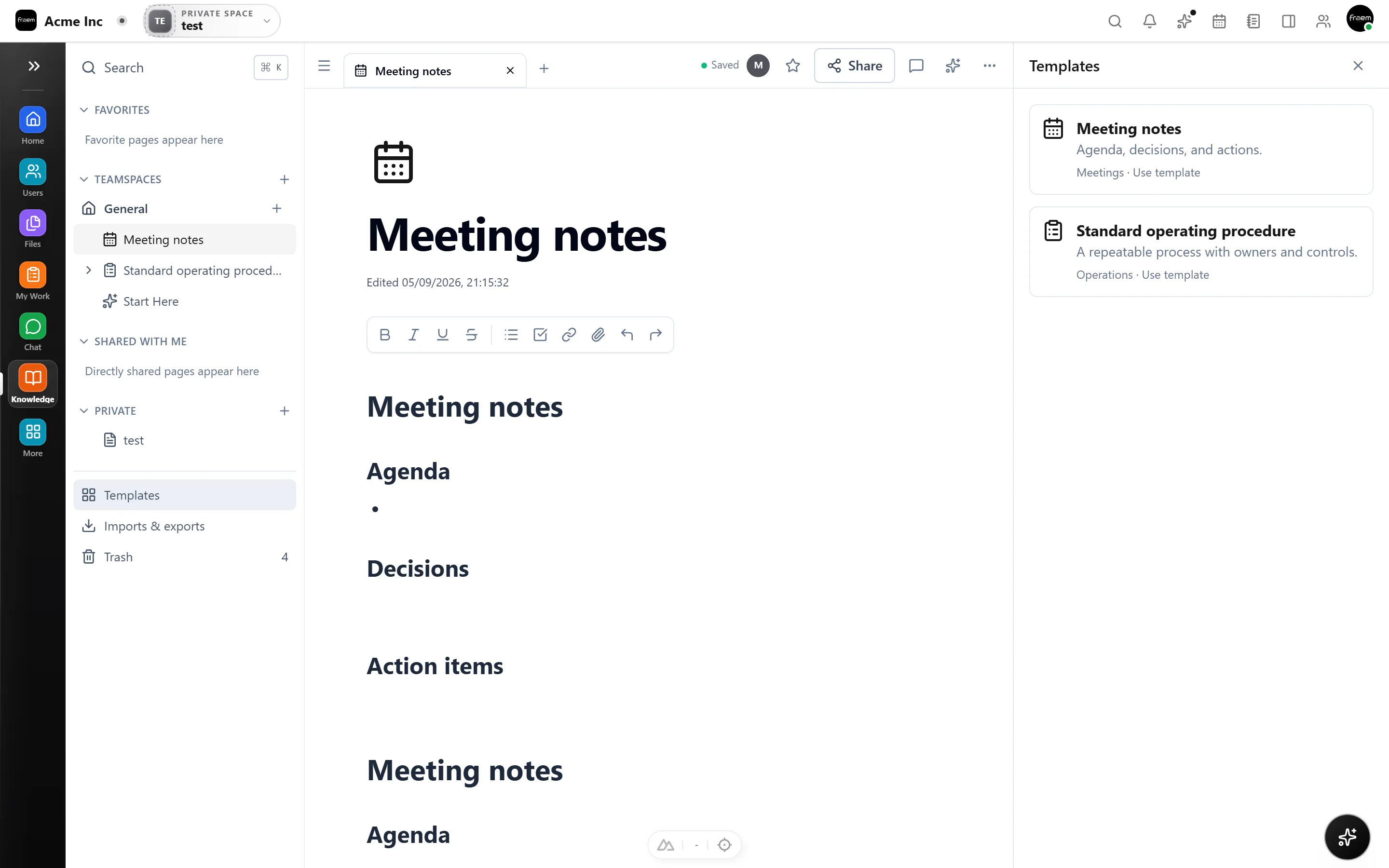
Use the module’s template surface to standardize recurring formats such as runbooks, onboarding, and meeting notes, so pages stay consistent and nobody starts from a blank screen.
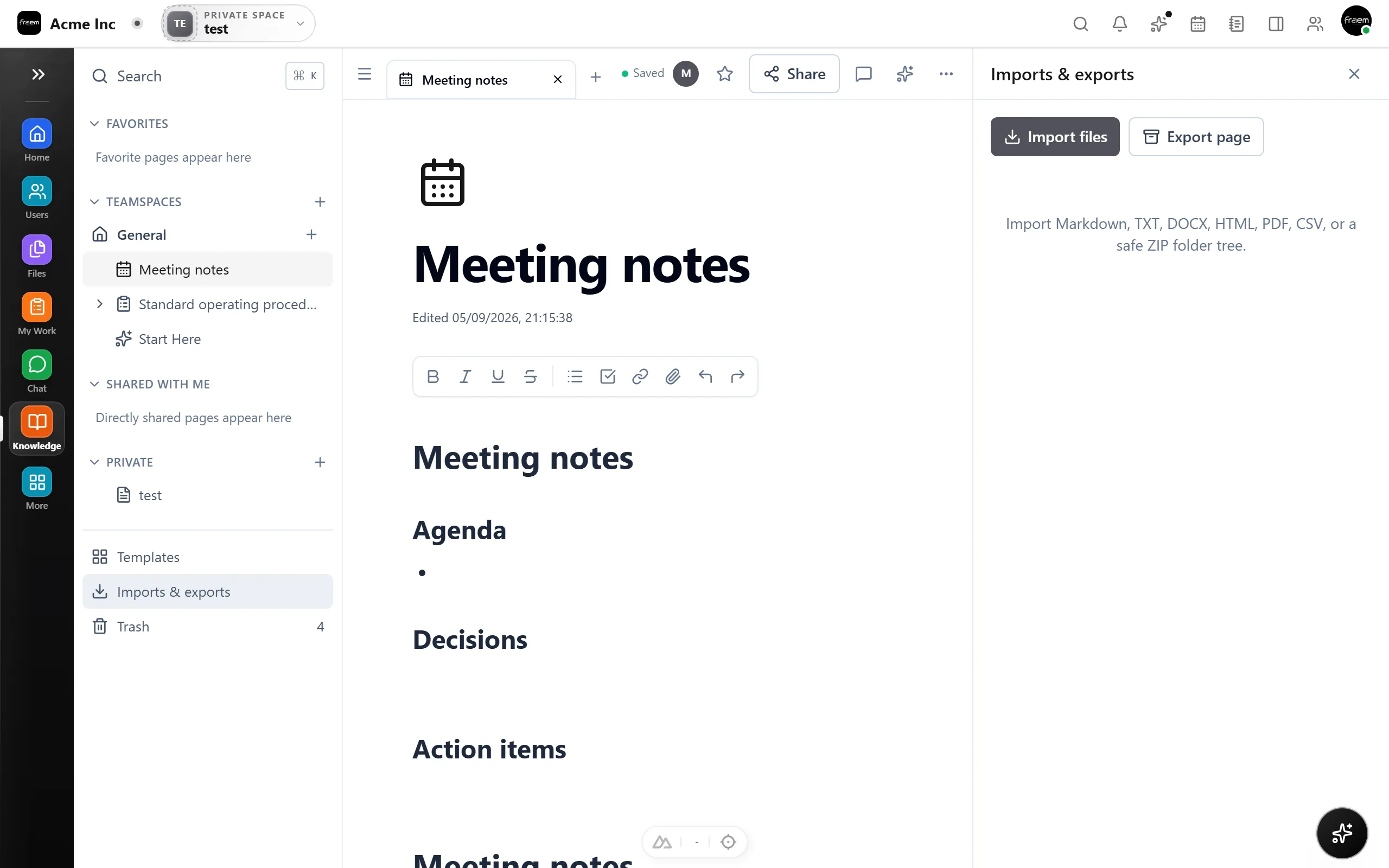
Manage movement through the module’s import and export areas, so existing material can come into Rowsh and your team’s knowledge is never trapped.
How it works
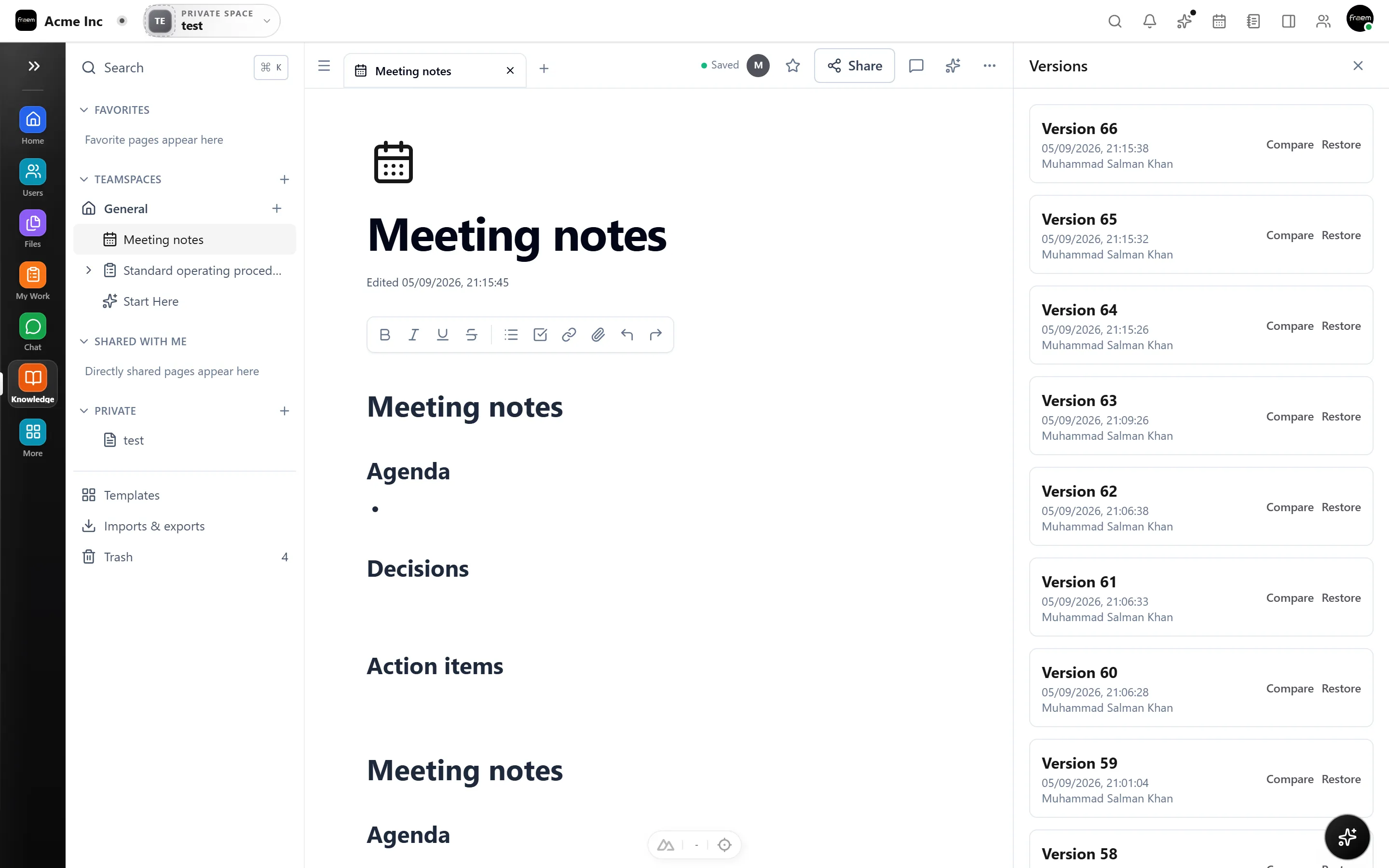
Knowledge is organized, searchable, and connected to daily work.
Write the guidance, processes, and references your team relies on.
Group pages and use templates so structure stays consistent.
Link knowledge to the Projects, Operations, and conversations that use it.
Use cases
Keep shared ways of working available to the people who need them.
Document repeatable procedures beside the operational modules they support.
Preserve decisions, references, and delivery guidance beyond a single task.
Connected workspace
FAQ
Knowledge provides shared pages plus template, import, export, and settings areas for authorized workspace users.
Knowledge is for organized shared team information. Notes provides a more personal working surface.
The current module includes import and export areas. Confirm supported formats against the current product during evaluation.
Keep exploring
Start a workspace or book a guided product demonstration.