Sprint planning
Map out sprints and dependencies visually.
Product
Brainstorm and collaborate visually, then connect ideas to projects and delivery.
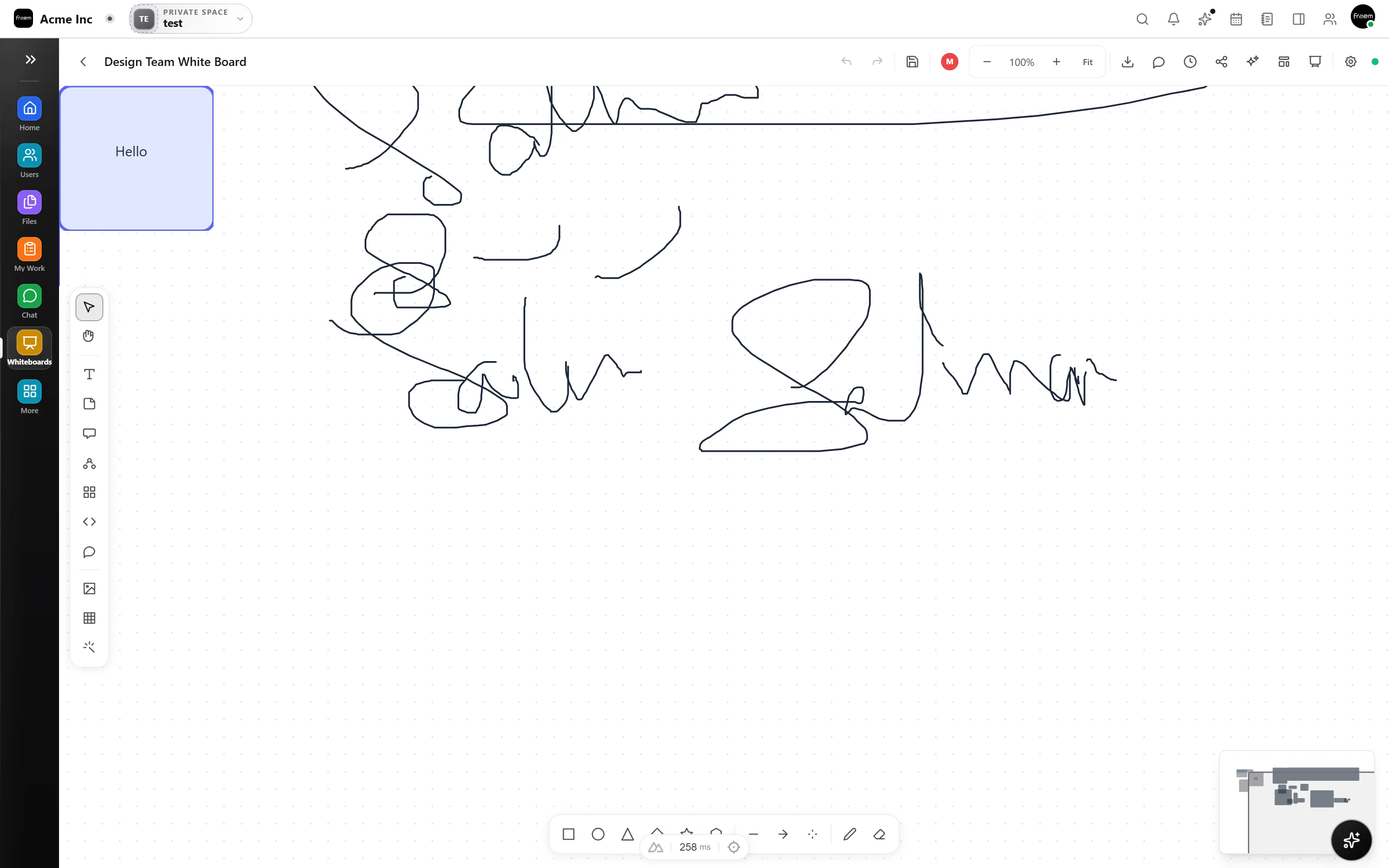
Sketch ideas, map flows, and structure requirements visually. A flexible canvas built for real planning, kick off initiatives, map workflows, or review designs.
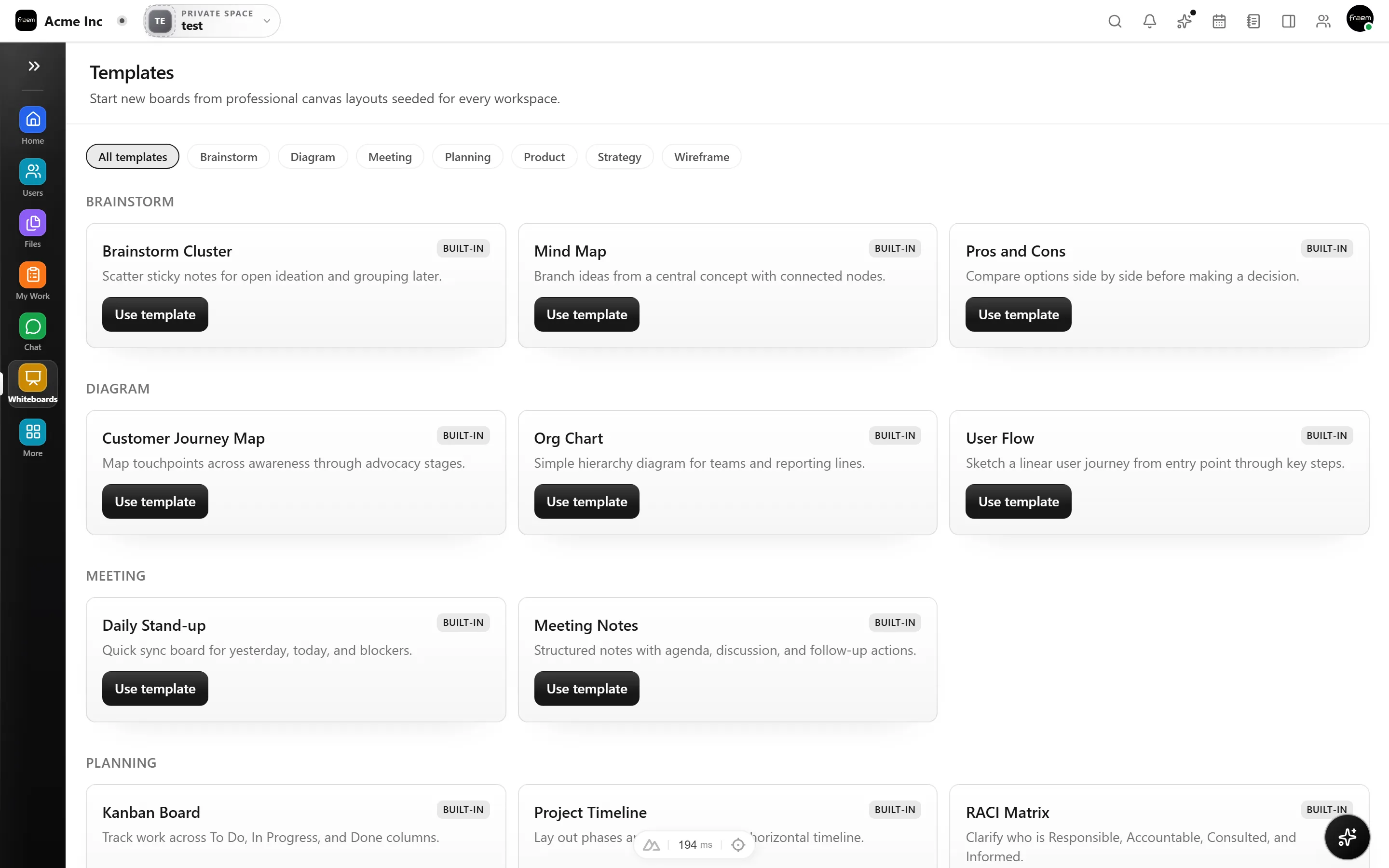
Work together on the same canvas with instant updates. Bring stakeholders into the same space and iterate quickly without merging changes across files.
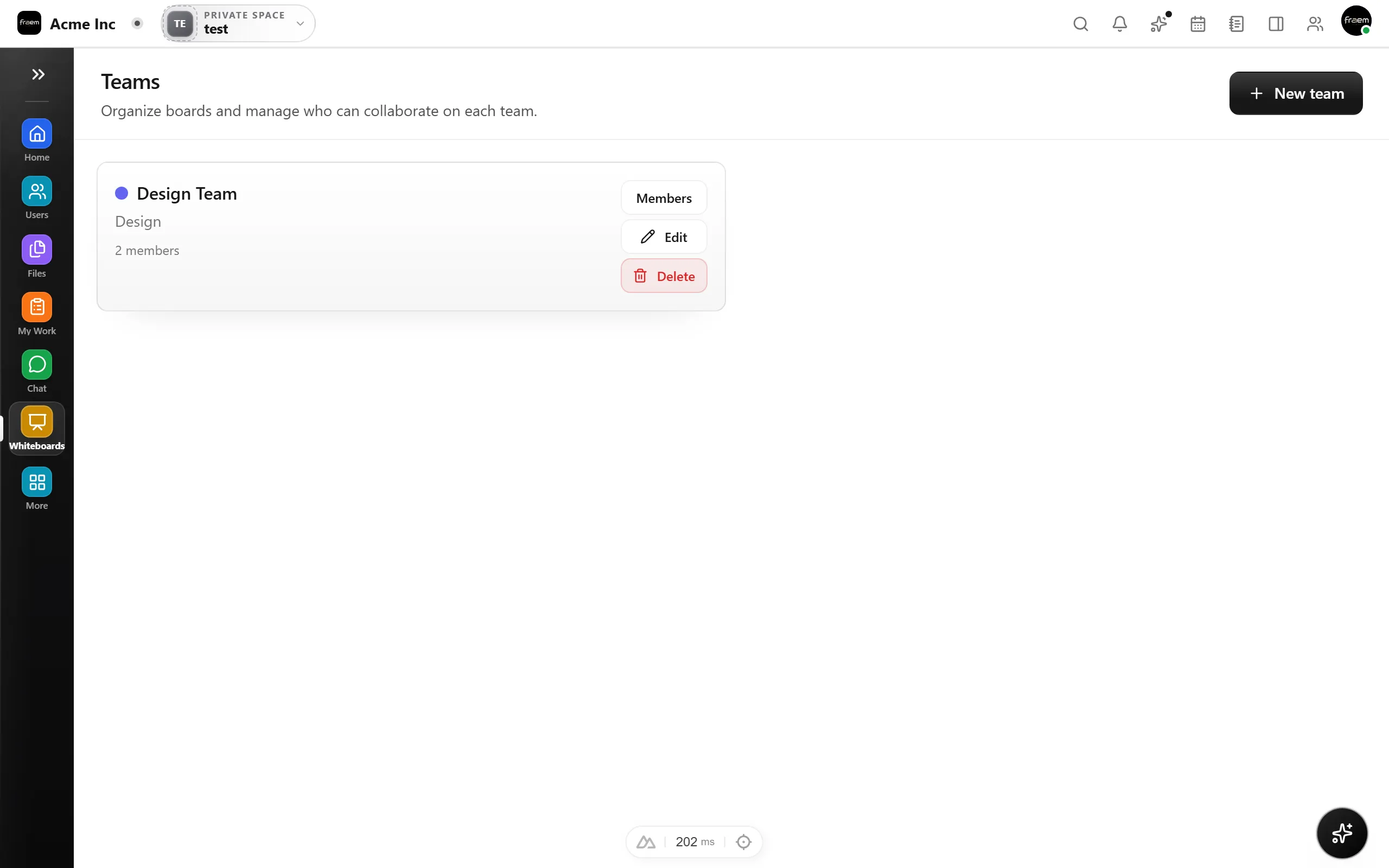
Control access so collaboration stays secure by default. Track changes over time, restore earlier versions, and iterate without losing earlier work.
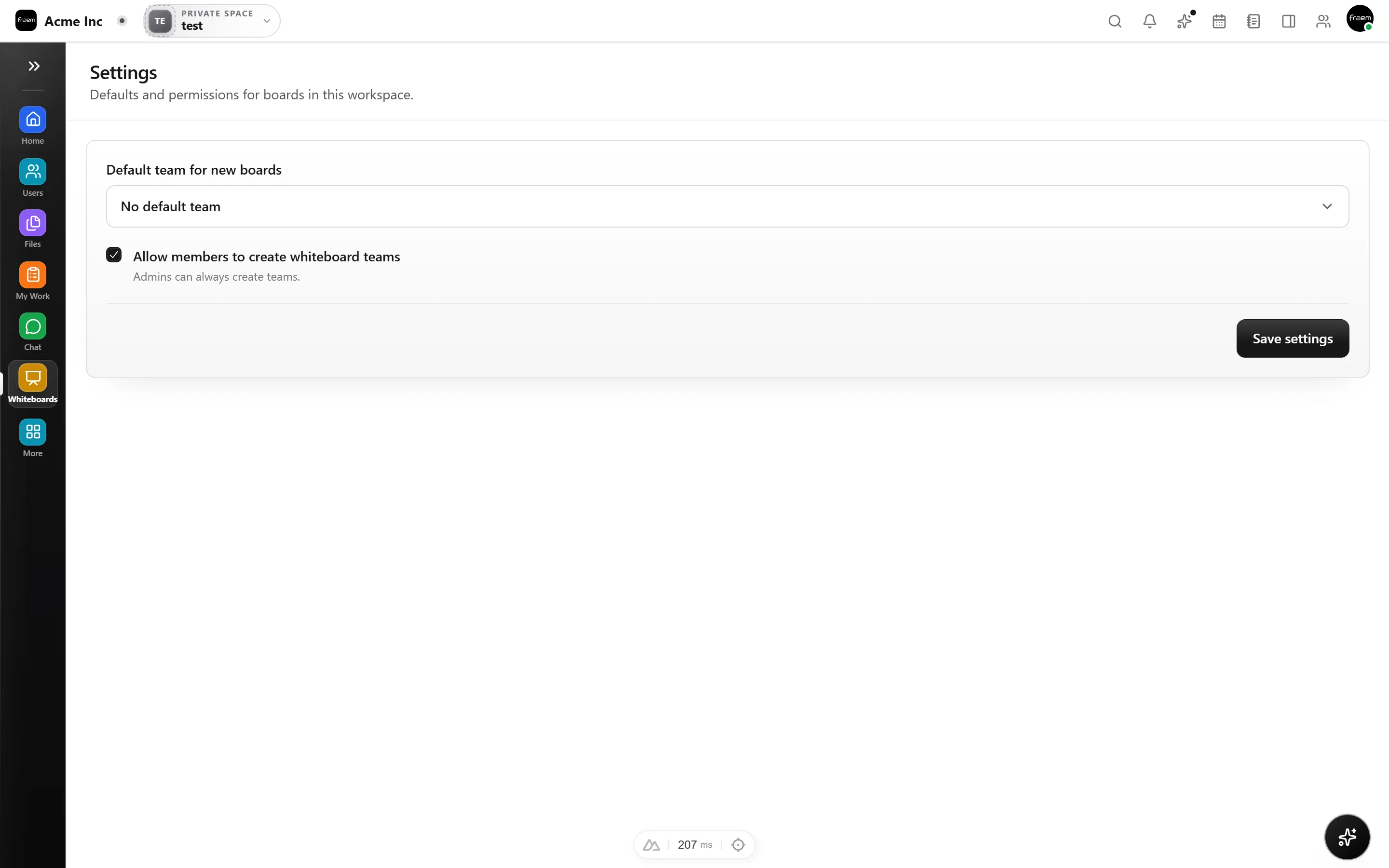
From workshops to architecture reviews, Whiteboard brings visual thinking into your workspace.
Map out sprints and dependencies visually.
Run remote brainstorming with live edits.
Share review boards with controlled access.
Revert and compare versions during design.
Walk leadership through plans visually.
Connect goals to project work on the canvas.
FAQ
Shapes, sticky notes, freehand sketches, diagrams, flowcharts, and more. The canvas is flexible enough for planning, design, and brainstorming.
Multiple users can edit the same whiteboard simultaneously. You see live cursors and instant updates as teammates add or modify elements.
Yes. You can set view only, comment, or edit permissions for individuals and teams. Sharing is secure by default.
Yes. Every whiteboard saves versions over time. You can browse past snapshots and restore earlier states with one click.
Yes. You can link whiteboards to projects, embed them in tasks, and reference visual plans directly from your project workspace.
Yes, with permission controls. You can invite external stakeholders to view or comment while keeping editing rights restricted.
Create a workspace in minutes and explore Projects, Chat, Calendar, and Whiteboard together.