Sprint kickoffs
Map goals and dependencies visually.
Whiteboard
A flexible canvas built for real planning, kick off initiatives, map workflows, and review designs.
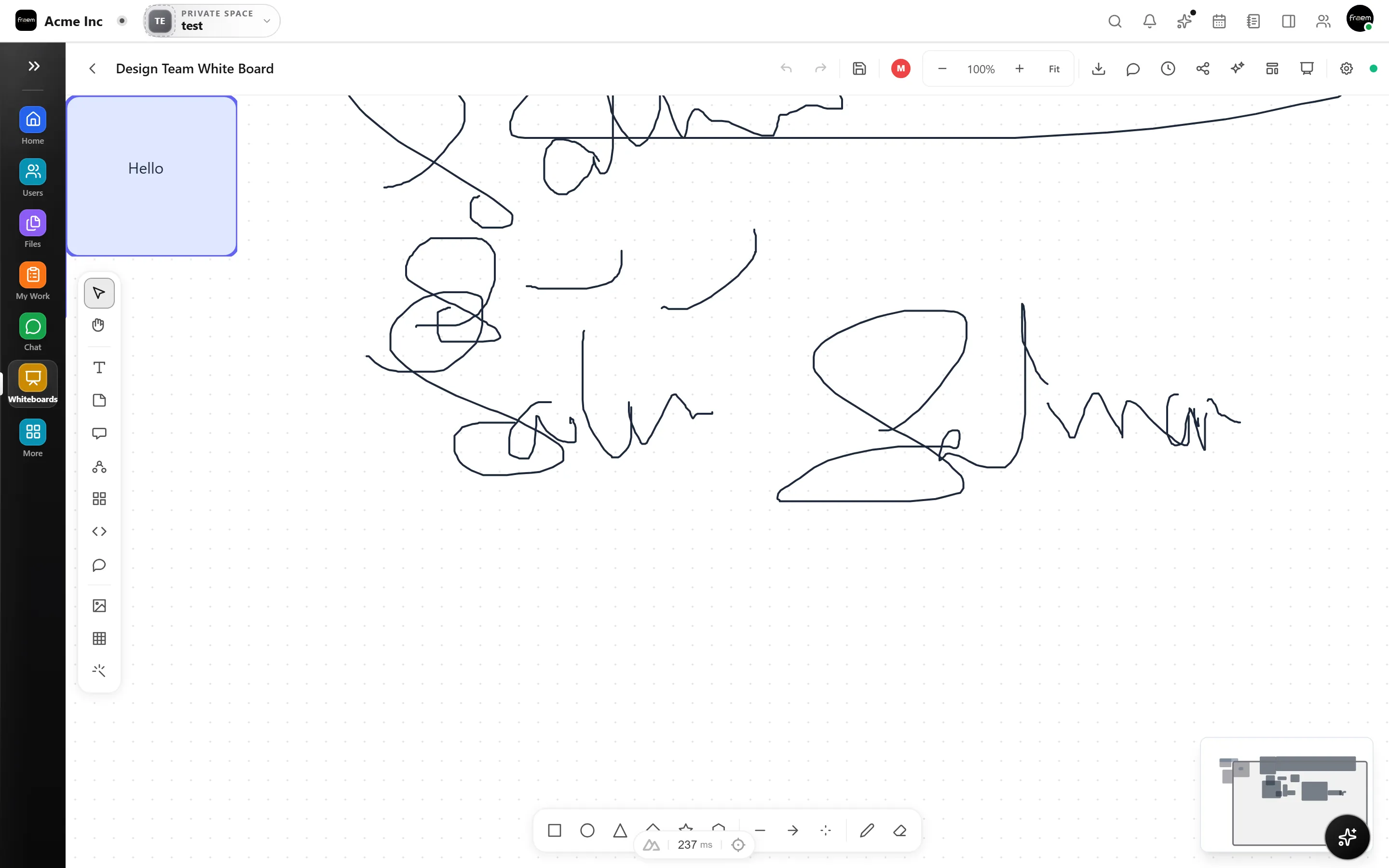
Whiteboard gives you a space to think visually. Add shapes, connect ideas, and review options in a flexible layout that evolves as fast as your team.
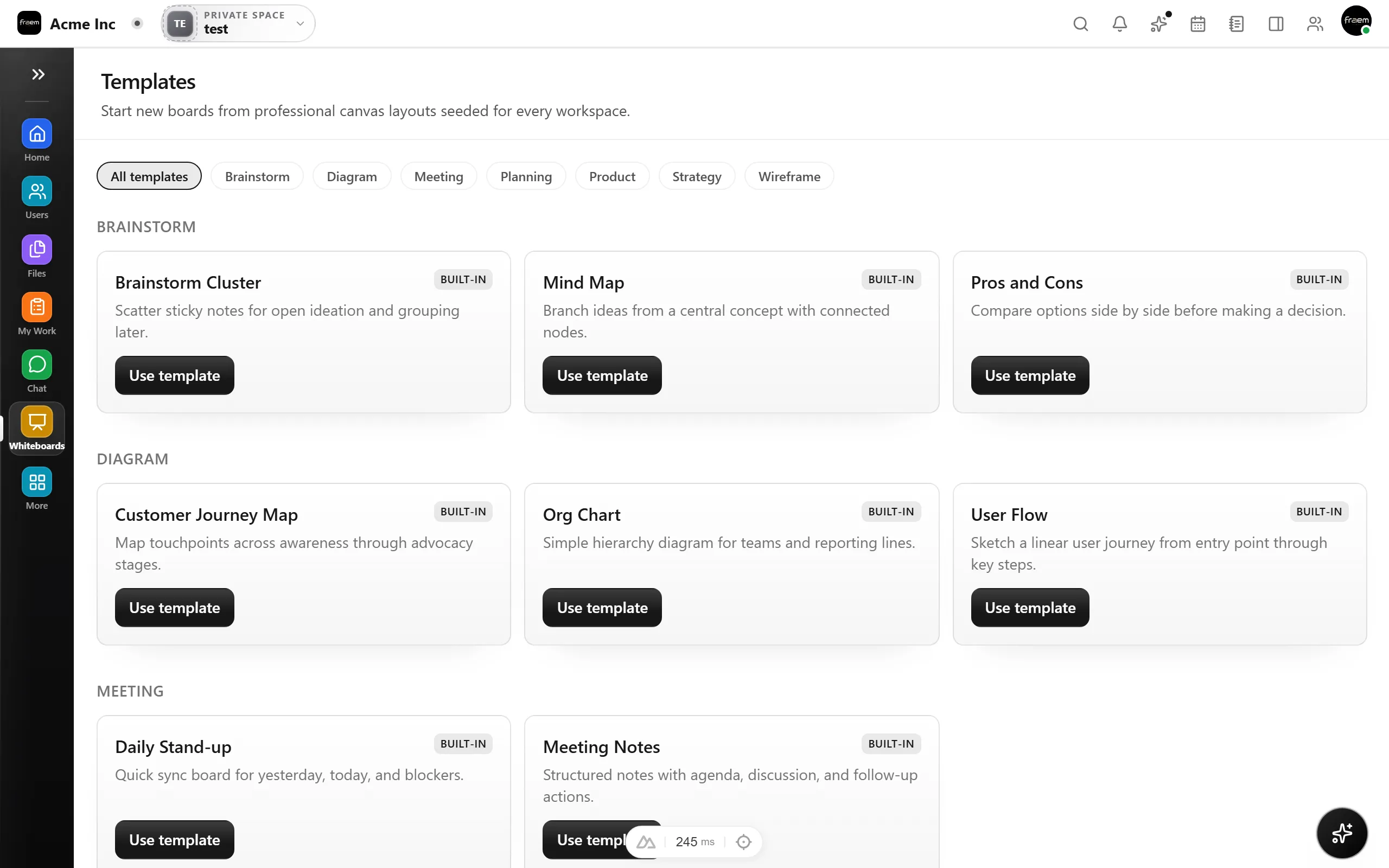
Whiteboards don't have to stay conceptual. Link canvas elements directly to project tasks, goals, and documents, so visual plans become actionable work without copy pasting between tools.
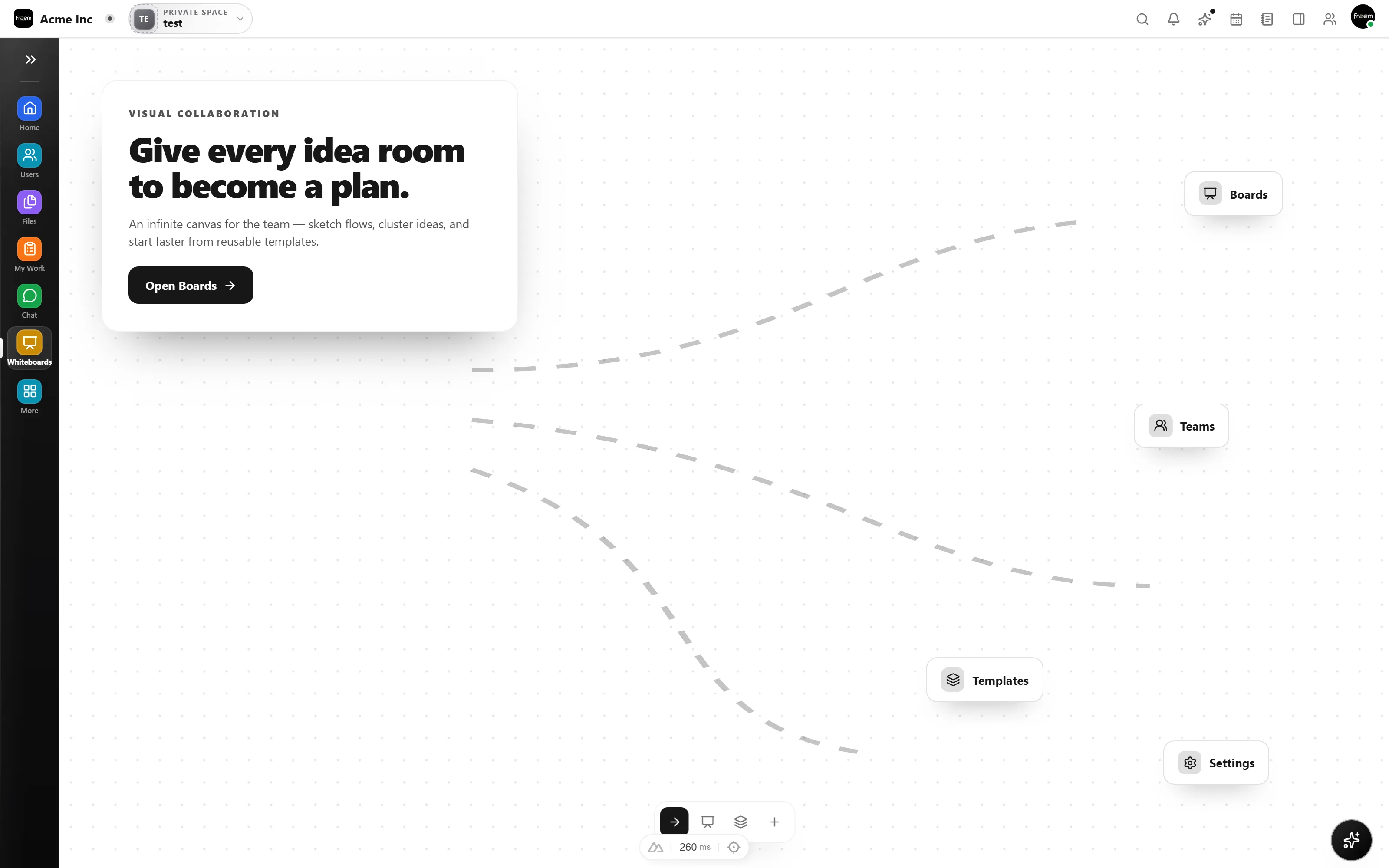
From brainstorming to architecture reviews, Canvas & Tools brings visual thinking to your workflow.
Map goals and dependencies visually.
Structure user stories and flows.
Review mockups with annotations.
Capture ideas before they fade.
FAQ
Shapes, lines, arrows, sticky notes, freehand pen, text boxes, and connectors. The toolset covers most visual planning and diagramming needs.
Yes. You can enable grid alignment for clean diagrams or disable it for freeform brainstorming.
Yes. Export options include PNG and PDF formats for sharing outside the workspace or including in presentations.
Yes. Whiteboard elements can reference project tasks, goals, and documents so visual plans stay connected to execution.
Create a workspace in minutes and explore Projects, Chat, Calendar, and Whiteboard together.