Remote workshops
Run live brainstorming with distributed teams.
Whiteboard
Collaborate live with teammates on the same canvas, reduce back and forth and keep context close.
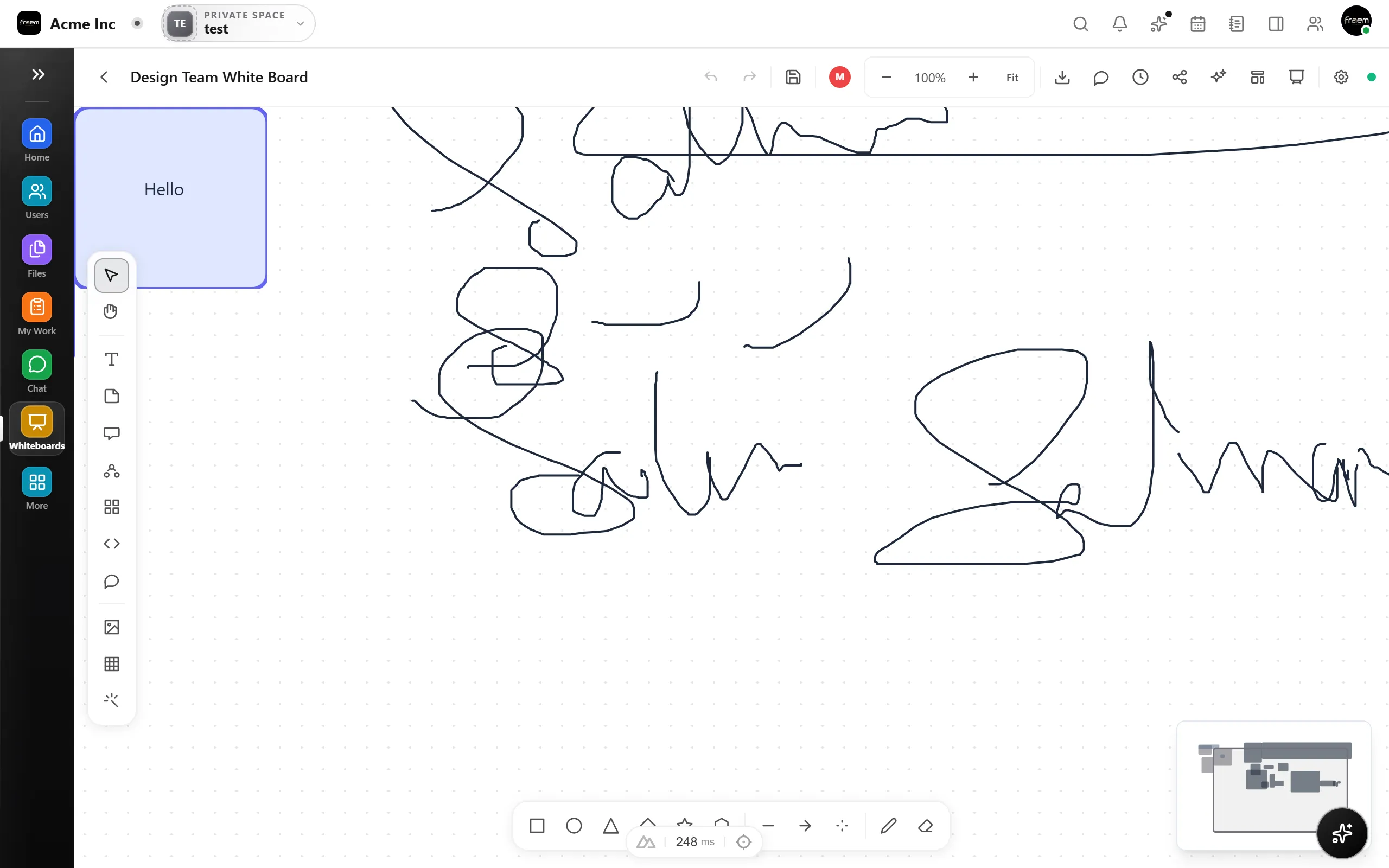
With live collaboration, your team works together on the same canvas. See updates as they happen, align quickly, and keep decisions documented.
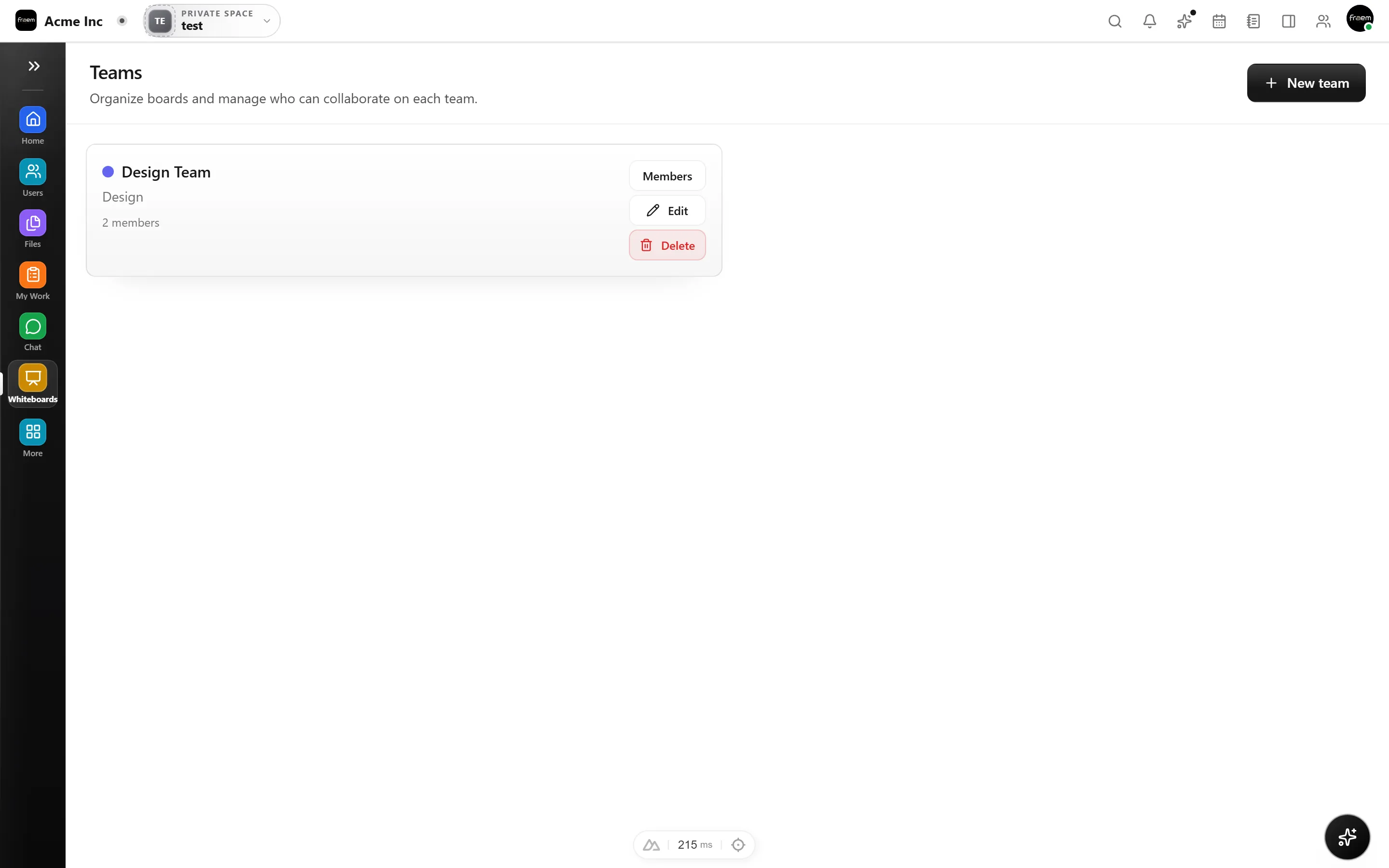
See exactly where your teammates are working with live cursor indicators. Know who is editing, reviewing, or idle, so you can coordinate in real time without stepping on each other's work.
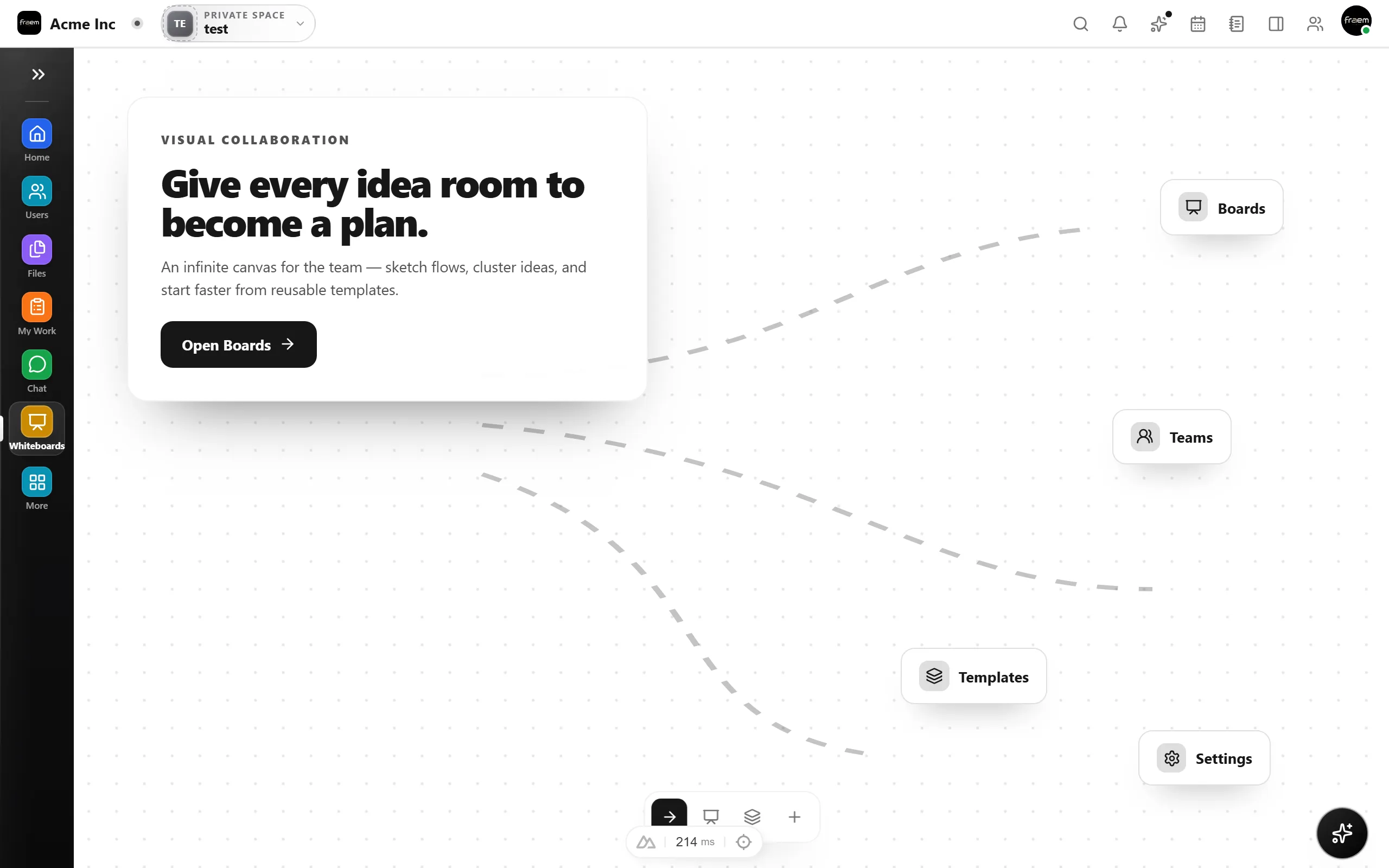
Live collaboration turns async feedback loops into instant alignment sessions.
Run live brainstorming with distributed teams.
Iterate on designs with instant feedback.
Map sprint tasks together in real time.
Draw and revise system diagrams live.
FAQ
Multiple users can edit the same whiteboard simultaneously. The canvas updates in real time for all participants.
Yes. Live cursors show where each collaborator is working, and changes appear instantly as teammates add or modify elements.
The last edit wins, similar to most live collaborative tools. For critical changes, teams can coordinate via chat or voice calls within the same workspace.
Viewing works on mobile. Live editing is optimized for desktop and tablet experiences.
Create a workspace in minutes and explore Projects, Chat, Calendar, and Whiteboard together.