Internal reviews
Share view only access for stakeholder feedback.
Whiteboard
Share securely with clear roles, control who can view, comment, or edit whiteboards.
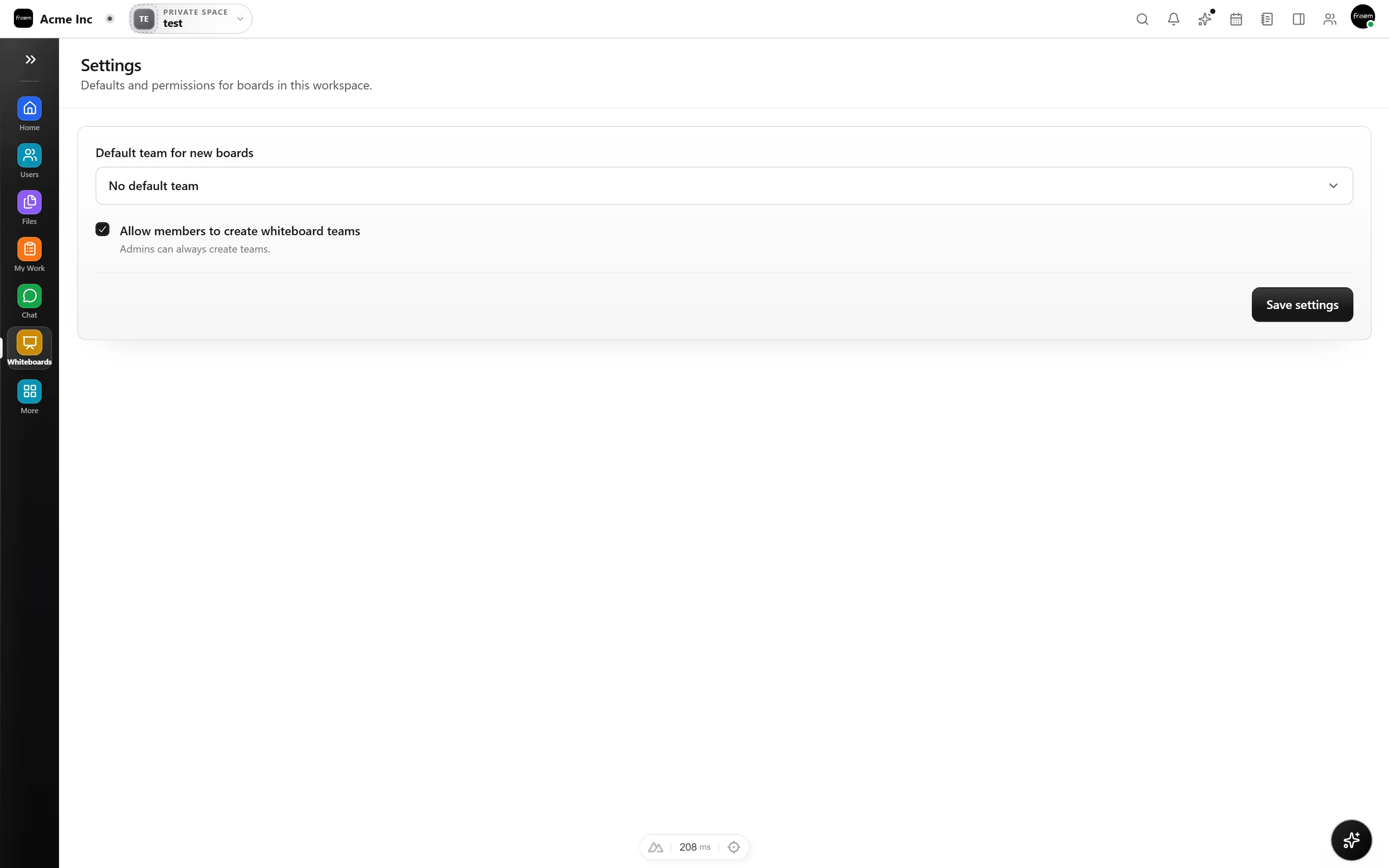
Rowsh makes whiteboard sharing predictable. Set roles and permissions so everyone knows what they can do, and keep sensitive work protected by default.
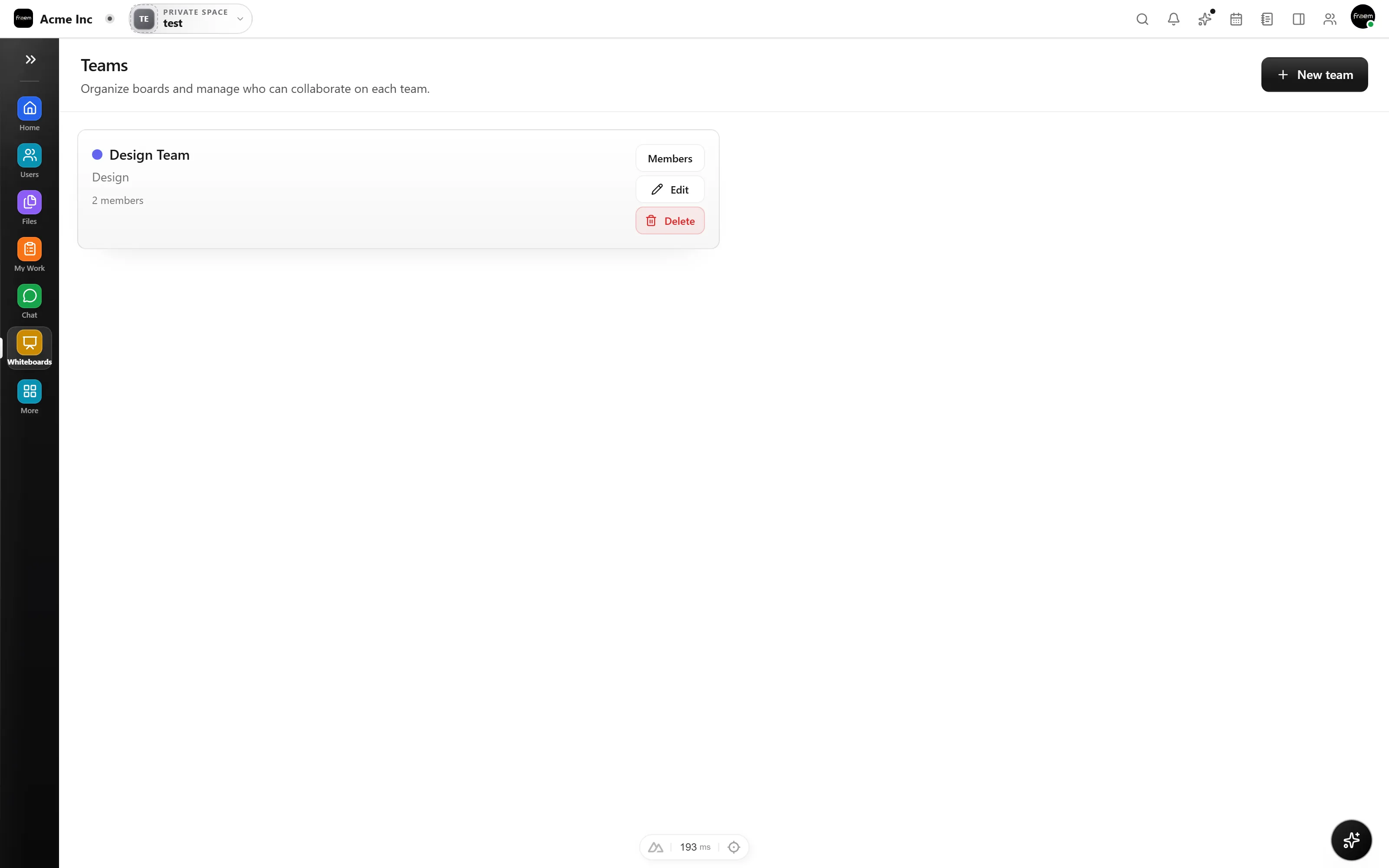
Collaboration doesn't stop at your org boundary. Invite external clients, consultants, or partners with controlled permissions, so they see exactly what you want, and nothing more.
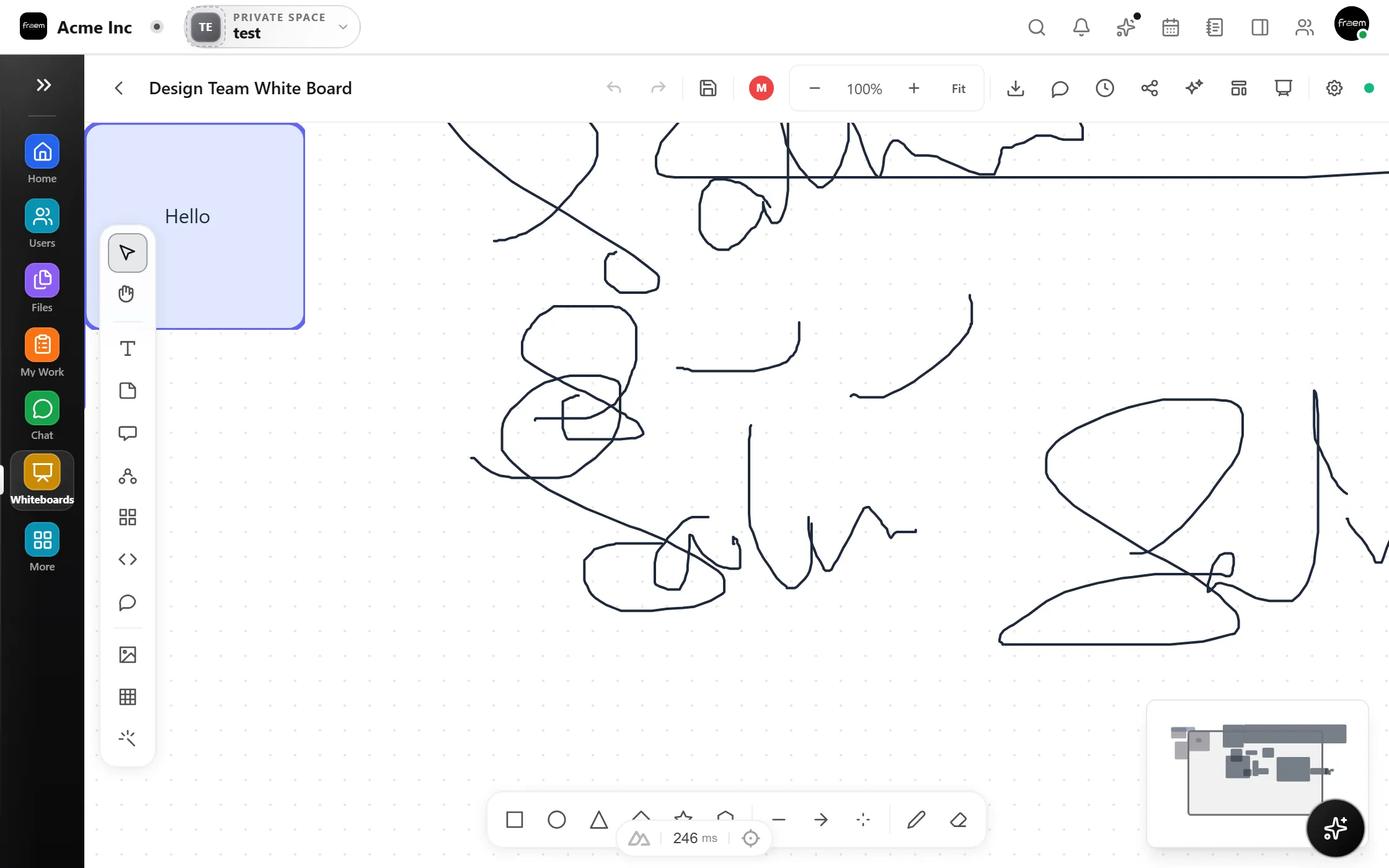
Granular permissions let you share confidently with the right people at the right access level.
Share view only access for stakeholder feedback.
Grant edit access to core collaborators.
Invite guests with comment only permissions.
Share read only links for presentations.
FAQ
View only, comment, and edit permissions. You can assign different levels to different users and teams per whiteboard.
Yes. You can invite external guests with controlled permissions. Workspace admins can configure whether external sharing is allowed.
Private by default. Only the creator and explicitly invited users can access a new whiteboard.
Yes. You can remove individual users or change their permission level at any time. Changes take effect immediately.
Create a workspace in minutes and explore Projects, Chat, Calendar, and Whiteboard together.