Quarterly OKRs
Set company objectives and track key results.
Projects
Tie day to day tasks to measurable outcomes, so progress is visible and automatic.
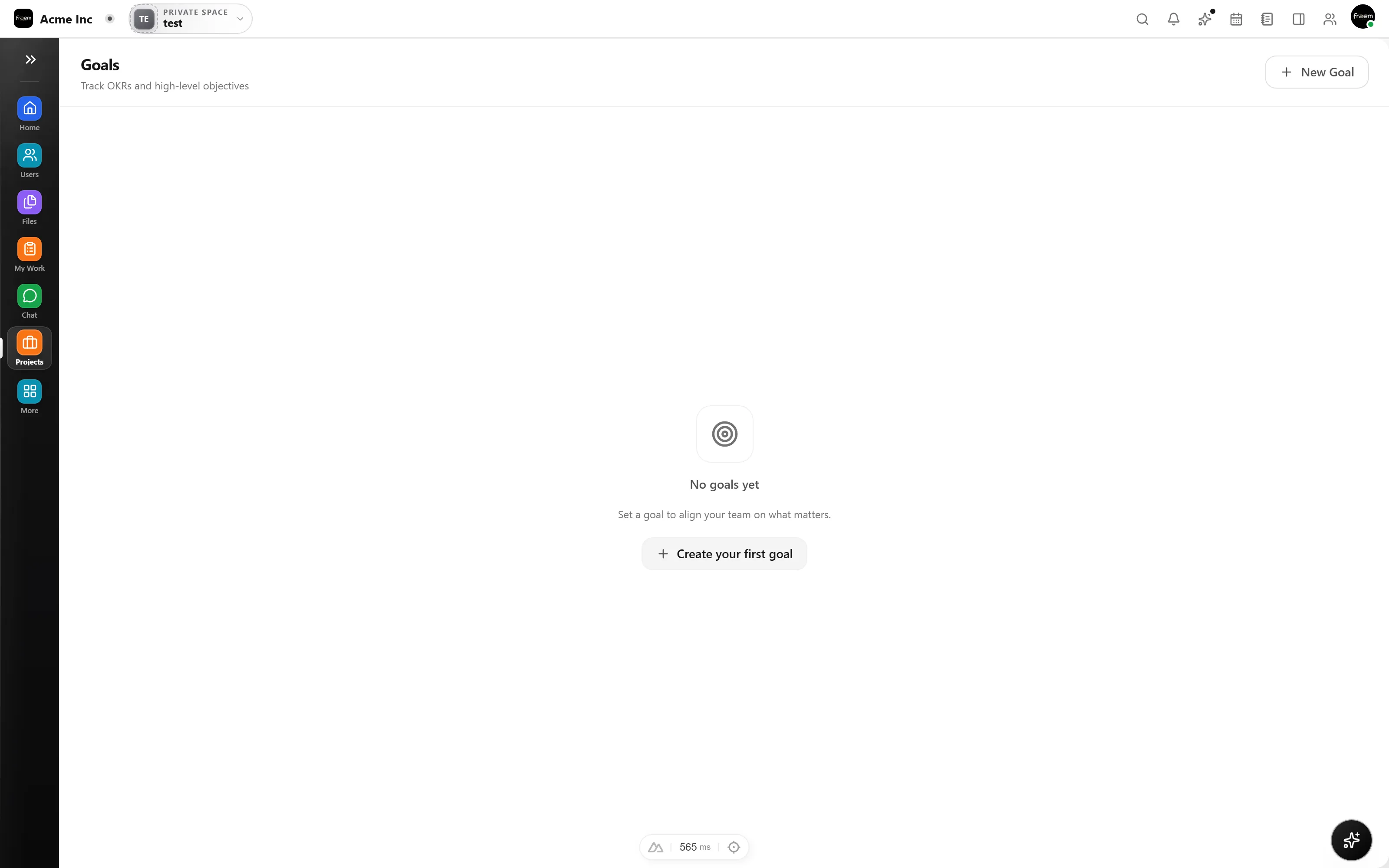
Goals keep teams aligned. In Rowsh, goals are connected to the work itself, so progress updates are driven by execution, not manual reporting.
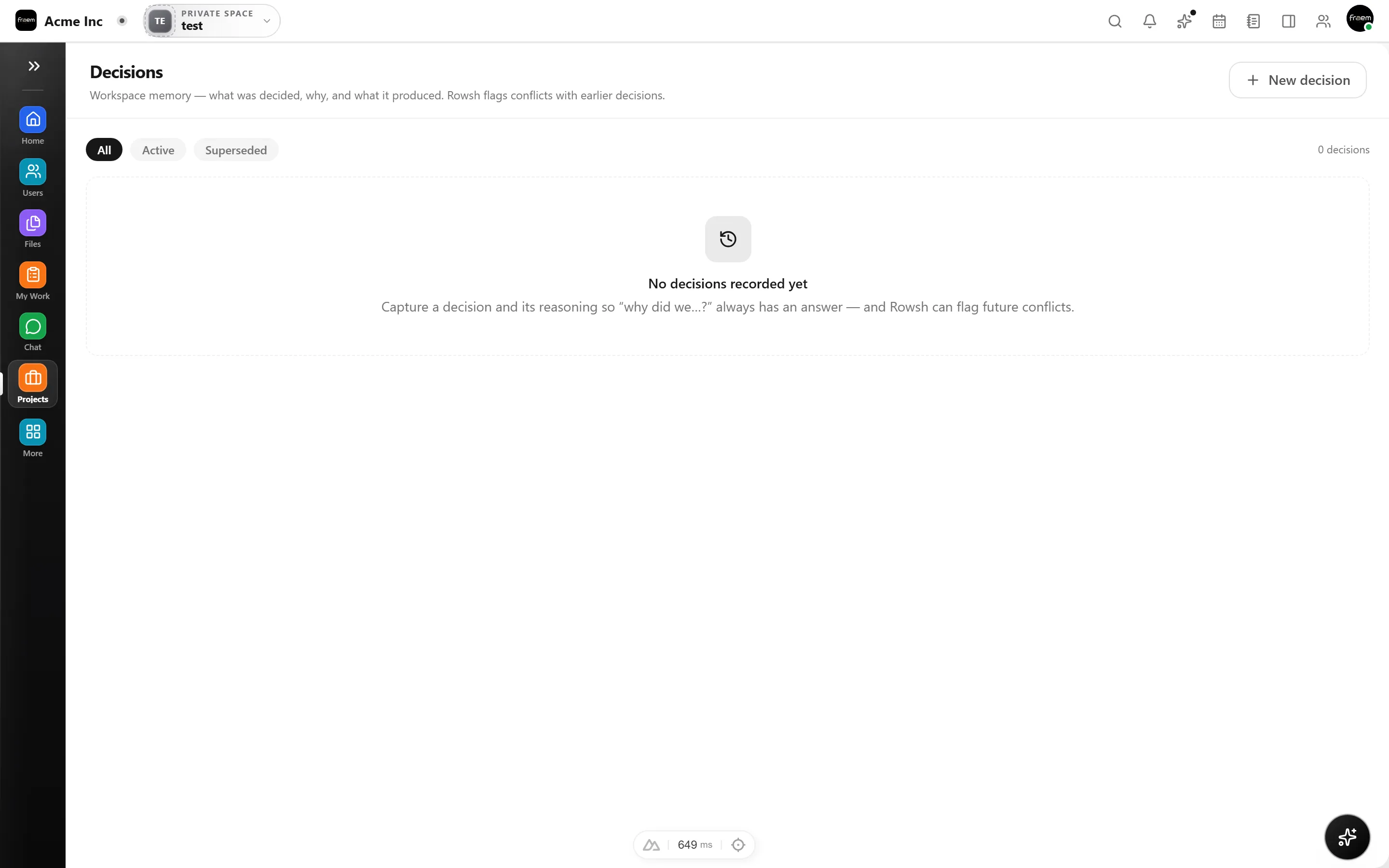
Stop chasing status updates. When tasks linked to a goal move forward, goal progress updates automatically. Leadership sees live dashboards without anyone filling in spreadsheets.
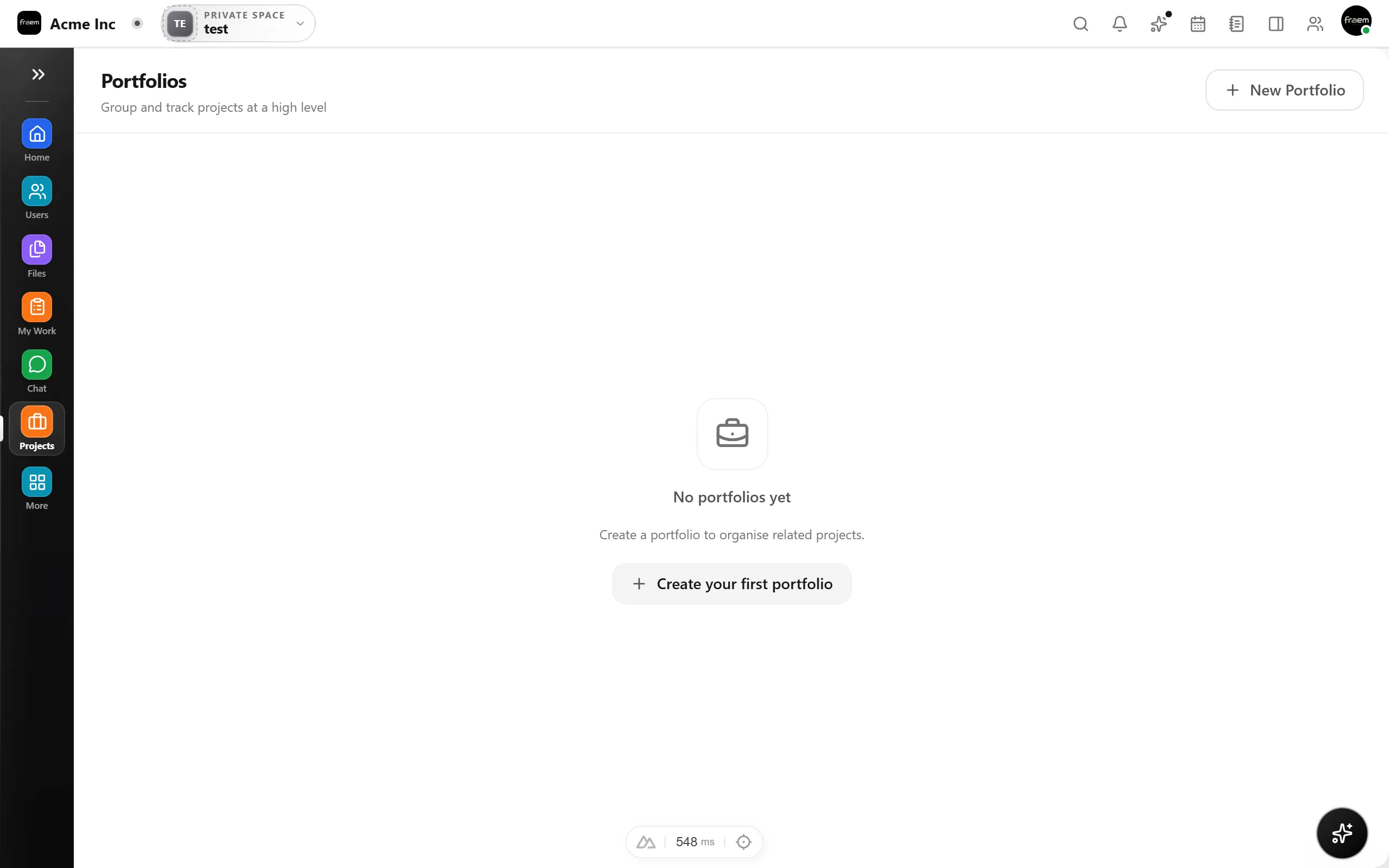
From quarterly OKRs to team level KPIs, Goals keeps outcomes connected to the work.
Set company objectives and track key results.
Monitor metrics that matter to each team.
Link iteration goals to tasks and stories.
Roll up progress for leadership visibility.
FAQ
You can link goals to projects and tasks. As tasks move through statuses and reach completion, goal progress updates automatically.
Yes. Rowsh supports both objective and key result hierarchies and simple KPI tracking with targets and current values.
Progress is automatic when linked to tasks. You can also set manual progress for goals that are not directly tied to project work.
Yes. Goals can be rolled up into portfolio and executive views for cross project and cross team outcome visibility.
Create a workspace in minutes and explore Projects, Chat, Calendar, and Whiteboard together.