Delivery boards
Daily standups and execution tracking.
Projects
Plan work visually, scan it fast, or map it across time, multiple views, one source of truth.
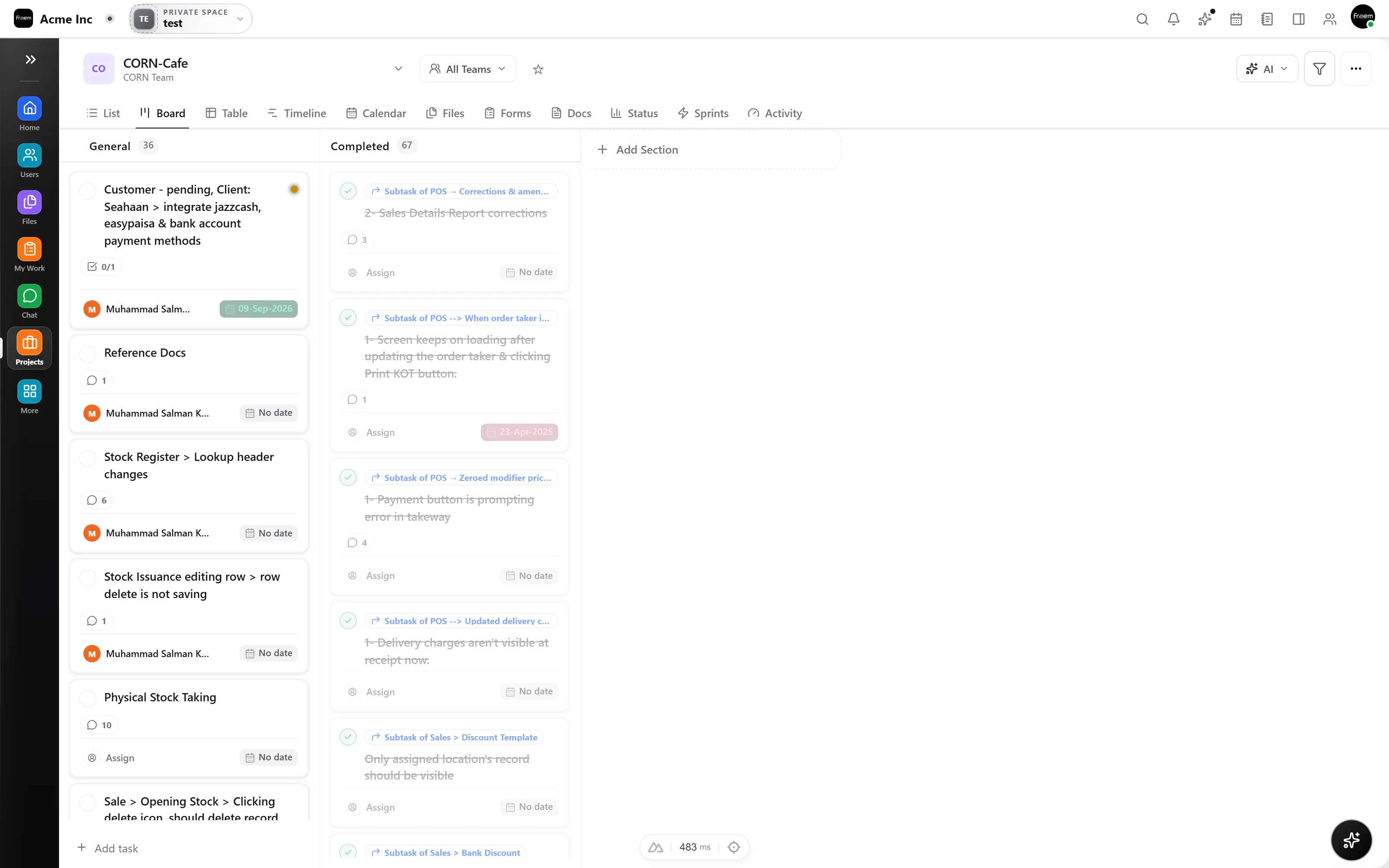
Switch views without duplicating work. Board shows flow and ownership, list enables fast filtering and bulk edits, and timeline maps work across time for stakeholder alignment.
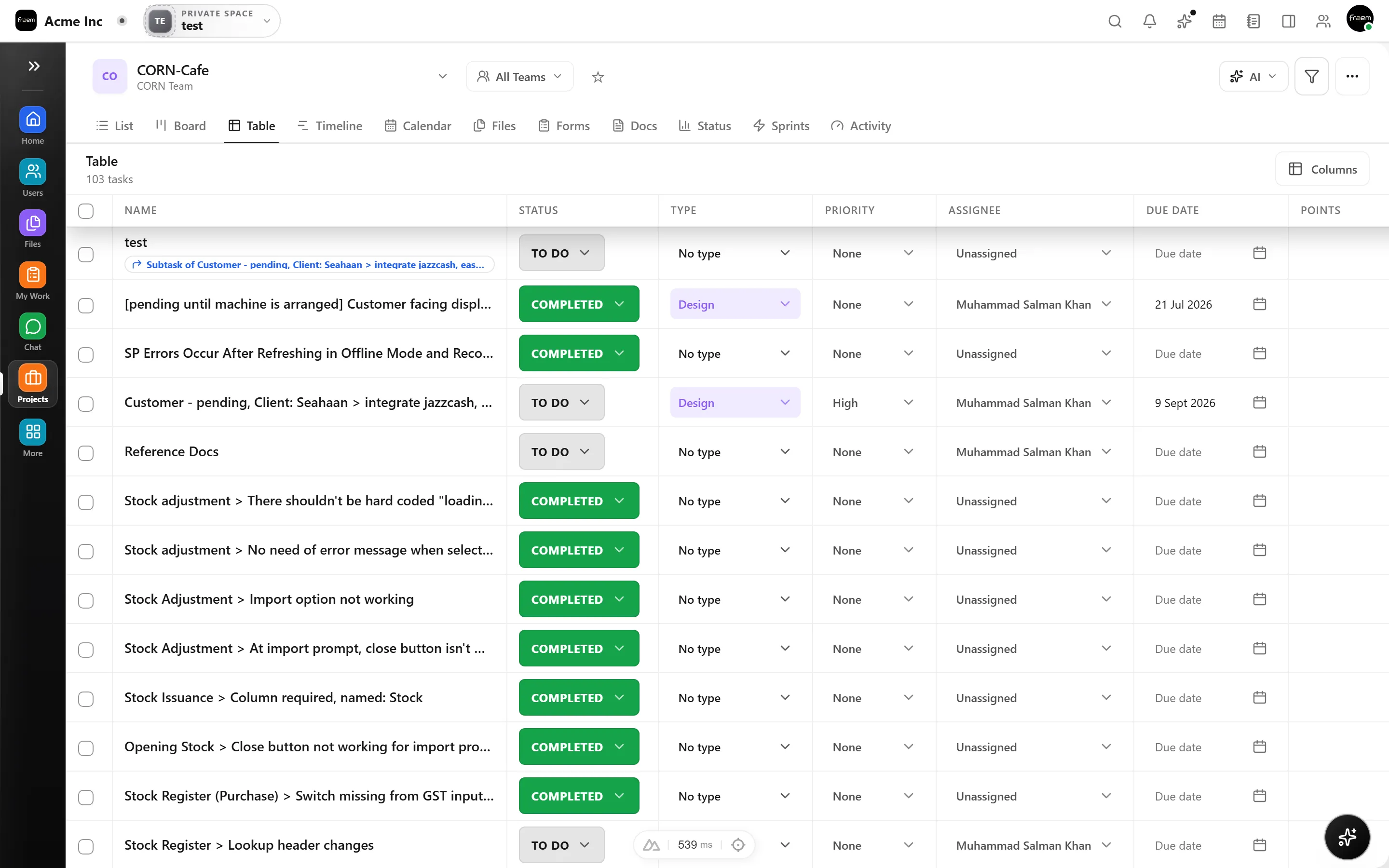
Move a card on the board and the timeline updates instantly. Edit a due date in list view and the board reflects it. Every view shares one task model, no merge conflicts, no stale data.
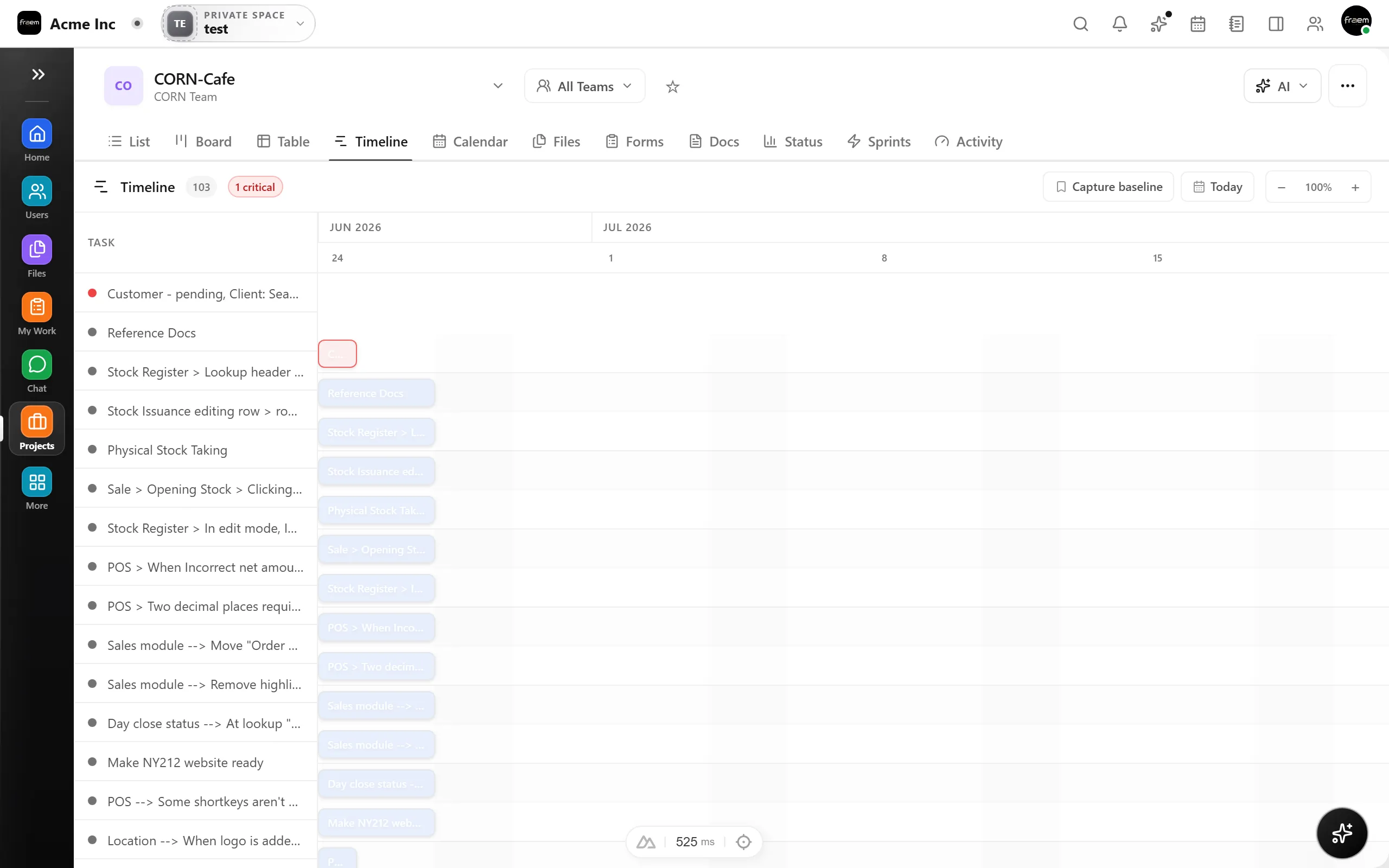
From daily standups to quarterly roadmaps, these views adapt to how your team works.
Daily standups and execution tracking.
Roadmaps, launches, and milestones.
Queues, incoming work, and prioritization.
Map iterations with dependencies.
FAQ
Yes. All views share the same underlying task data. Switching between Kanban, list, and timeline never creates duplicates.
Yes. You can set task dependencies and see them visually on the timeline to identify critical paths and bottlenecks.
Yes. List view supports filtering by assignee, status, priority, due date, and custom fields for fast triage.
Yes. In board view, you can drag tasks between columns to update status. Changes sync instantly to all other views.
Create a workspace in minutes and explore Projects, Chat, Calendar, and Whiteboard together.