Sales calls
Let prospects book demos on your terms.
Calendar
Let others book time based on your real availability, without email ping pong.
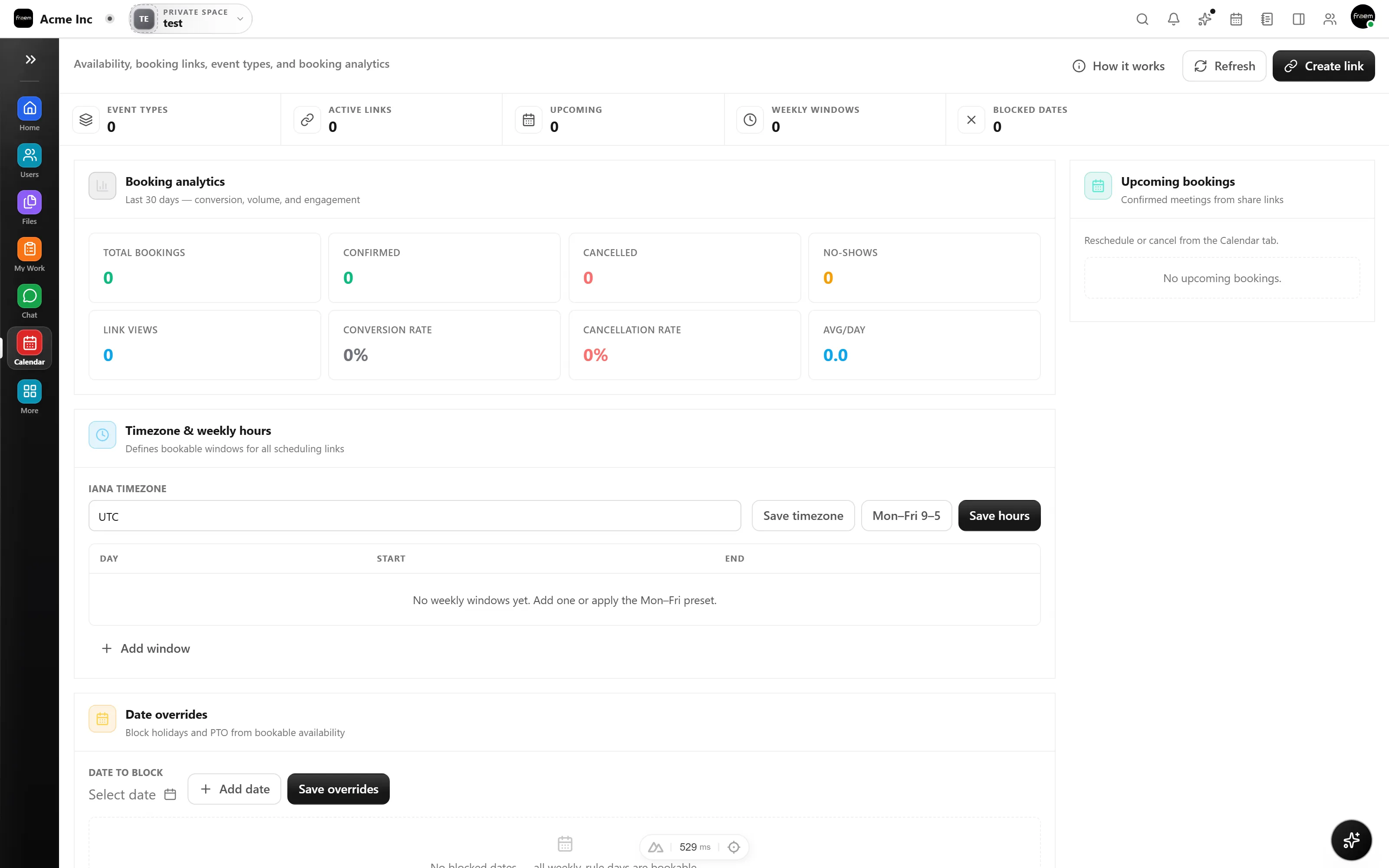
Rowsh scheduling links let customers, candidates, and teammates book time automatically. Define availability rules, add buffers, and keep everyone aligned with clear bookings.
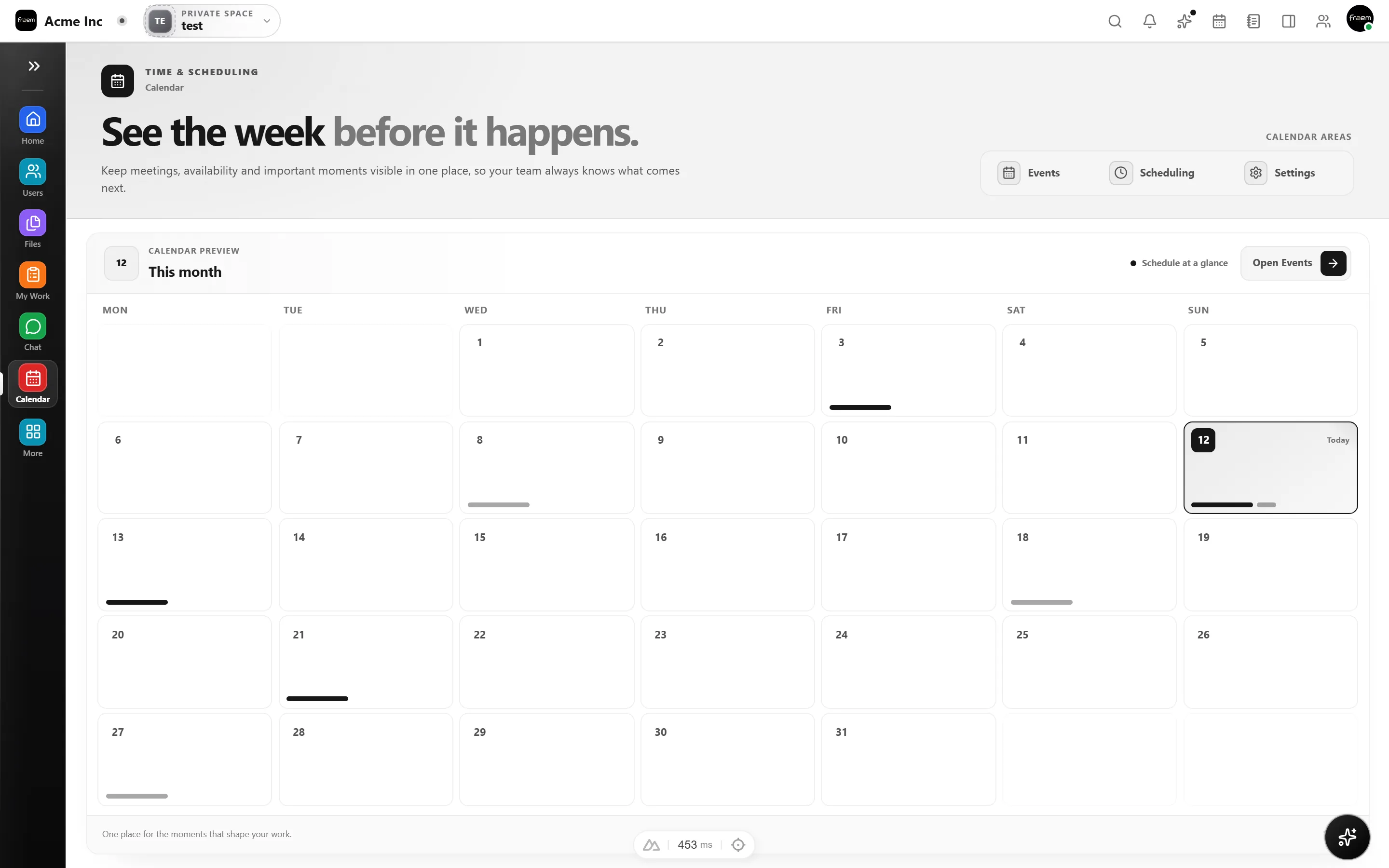
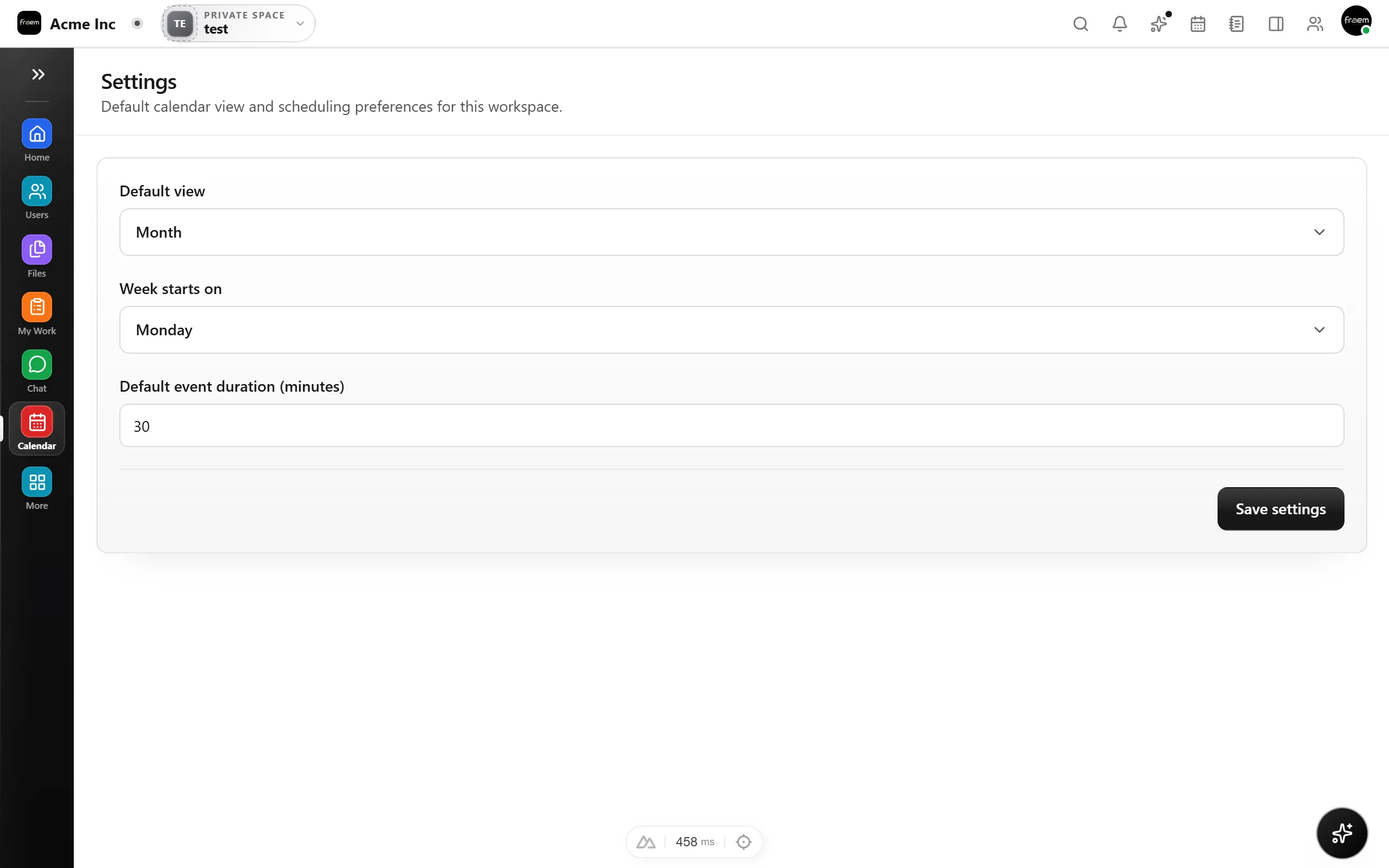
Control exactly when others can book you. Set working hours, minimum notice periods, and buffer time between meetings so your schedule stays productive, not just full.
Scheduling links replace the email dance with instant, rule based bookings.
Let prospects book demos on your terms.
Streamline recruiting with booking links.
Consistent recurring 1:1 slots.
Share public links with buffer rules.
FAQ
You create event types with duration, buffers, and availability rules. Share the link and others can book time that fits your real schedule automatically.
Yes. You can define buffers before and after meetings so you never get back to back bookings without prep time.
You control the visibility. Links can be workspace only, team only, or publicly accessible depending on the event type.
Yes. Set minimum notice windows so no one books a meeting with less than your required prep time.
Create a workspace in minutes and explore Projects, Chat, Calendar, and Whiteboard together.