Task creation
Create tasks without leaving the chat composer.
Chat
Fast actions from the composer, discoverable as you type and friendly to keyboard workflows.
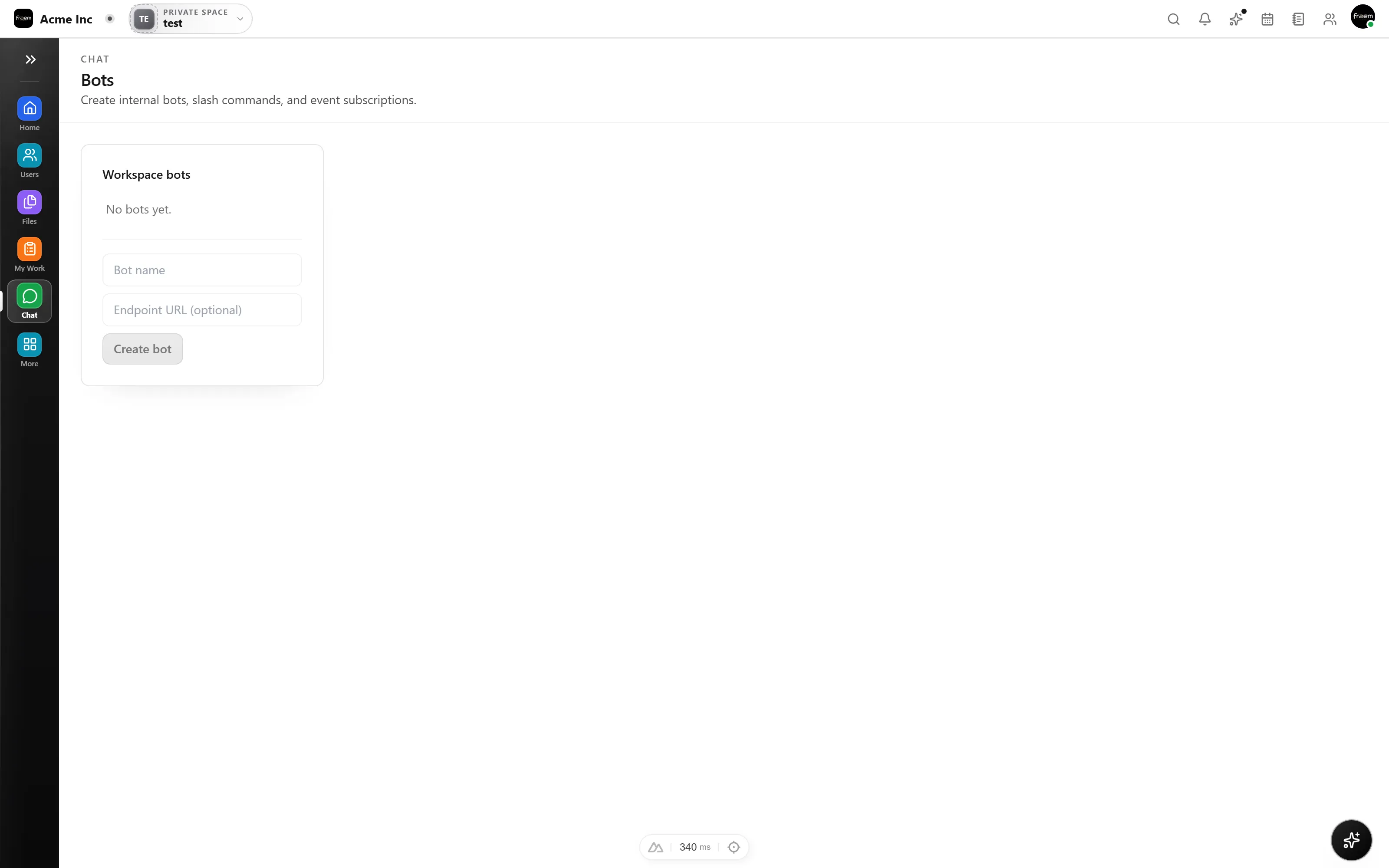
Slash commands help your team move faster. Type / to open suggestions and take actions without switching UI context or reaching for the mouse.
Slash commands aren't just for chat. Create tasks in Projects, add events to Calendar, or start a whiteboard, all from the message composer. One keystroke connects every product in your workspace.
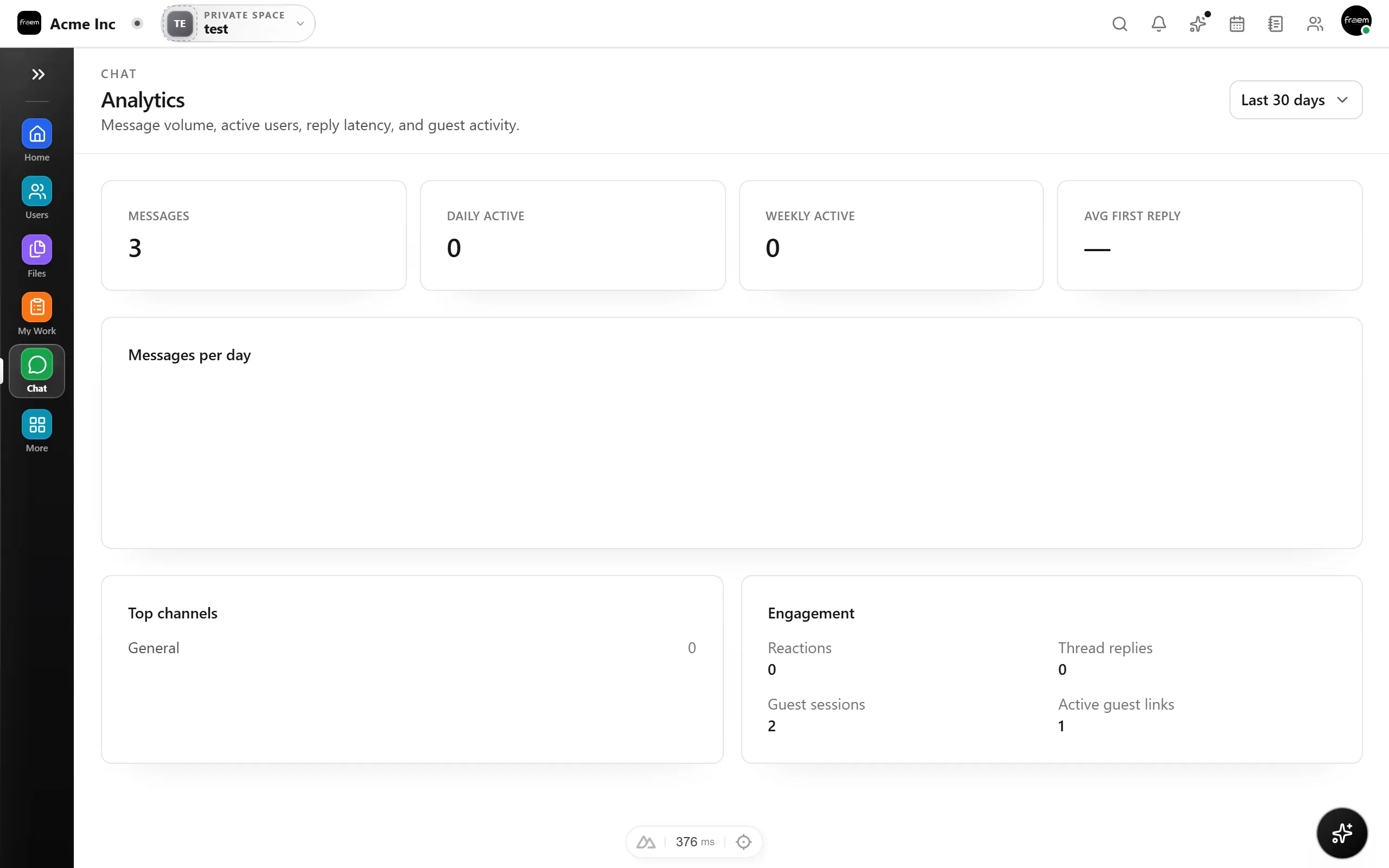
Slash commands turn common chat actions into single keystroke workflows.
Create tasks without leaving the chat composer.
Set reminders for yourself or teammates.
Quickly mention teams or channels with /mention.
Update project status from the composer.
FAQ
Type / in any message composer to see a list of available commands. The list filters as you type, so you can find commands quickly without memorizing them.
Common actions include creating tasks, setting reminders, updating status, and mentioning teams. The available commands grow as the workspace integrates more features.
Yes. The slash command menu is available on both desktop and mobile composers.
Custom slash commands may be supported depending on your workspace configuration and integration settings.
Create a workspace in minutes and explore Projects, Chat, Calendar, and Whiteboard together.