Design iteration
Explore concepts freely, restore if needed.
Whiteboard
Track changes, compare versions, and restore earlier states when you need to iterate or recover.
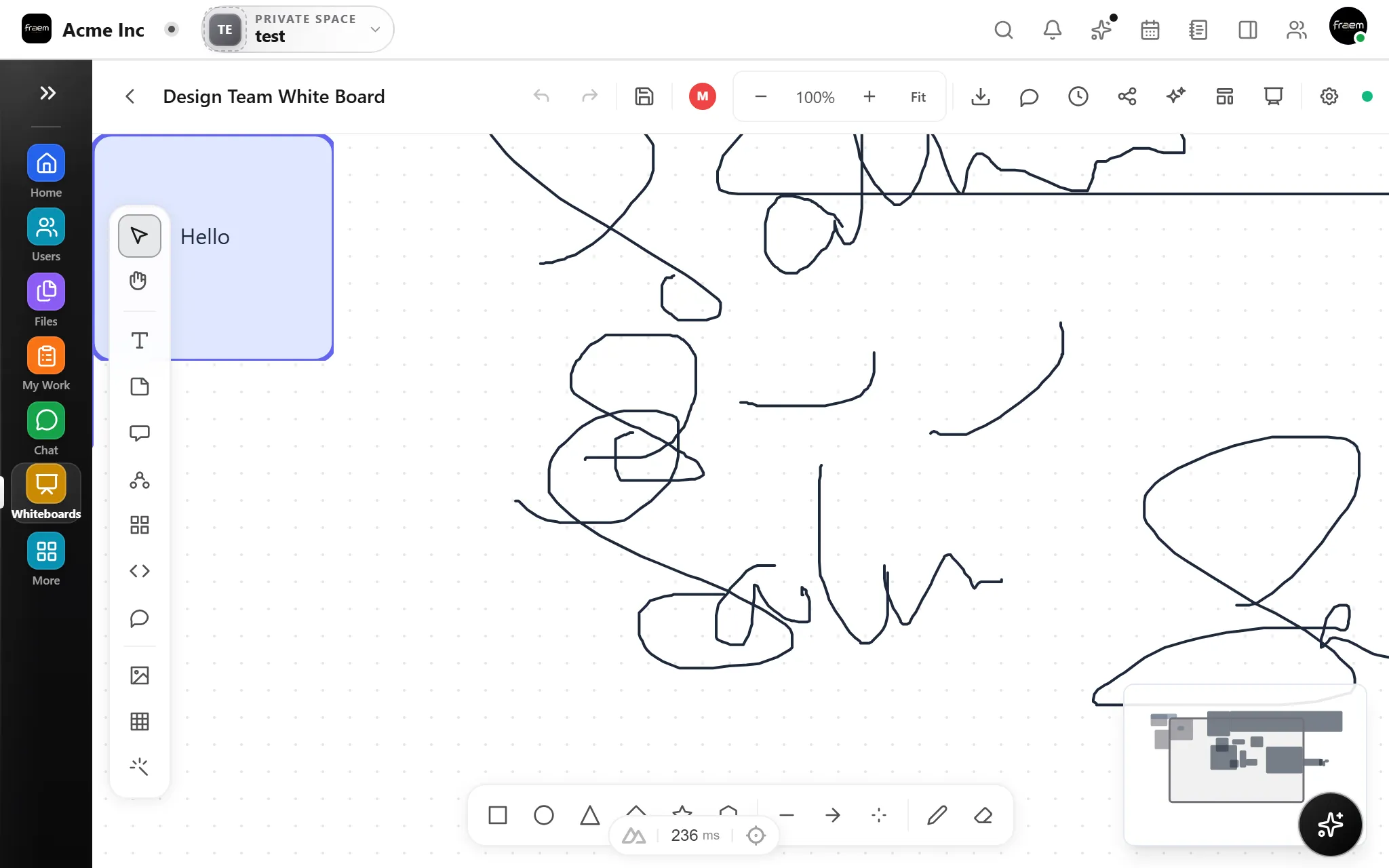
Version history helps teams iterate without fear. Browse past snapshots, see what changed, and restore earlier versions when a direction does not work out.
Every change is timestamped and attributed. See who modified the canvas, when they did it, and what changed, giving teams confidence that nothing is lost and every decision is traceable.
Version history turns risky experimentation into confident iteration.
Explore concepts freely, restore if needed.
Compare two directions side by side.
Restore after unintended changes.
Show earlier versions to explain evolution.
FAQ
Rowsh automatically saves snapshots of your whiteboard as you work. You can browse the timeline, preview past versions, and restore any snapshot with a single click.
Version history is maintained for the full lifecycle of the whiteboard. Specific retention policies may vary by workspace plan.
You can preview any past version and compare it to the current canvas. Full side by side diff may vary by implementation.
Yes, restoring replaces the current canvas with the selected version. A new version is saved before restore so you can undo if needed.
Create a workspace in minutes and explore Projects, Chat, Calendar, and Whiteboard together.