Department teams
Engineering, design, and marketing groups.
Projects
Group users by function or initiative and keep ownership clear across projects.
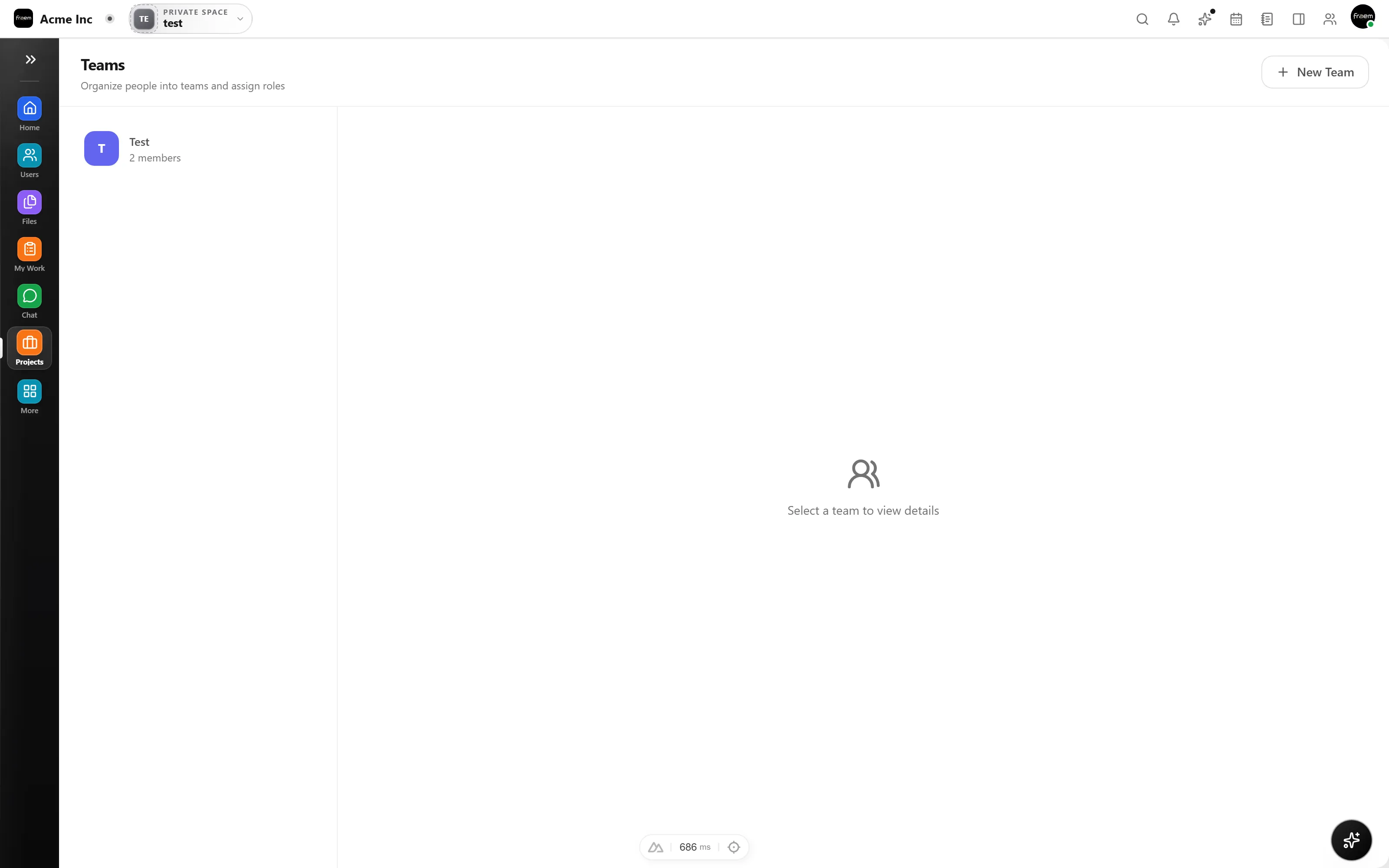
Organize people, ownership, and visibility so work reaches the right team, fast. Create teams aligned to your org structure and assign projects with clear accountability.
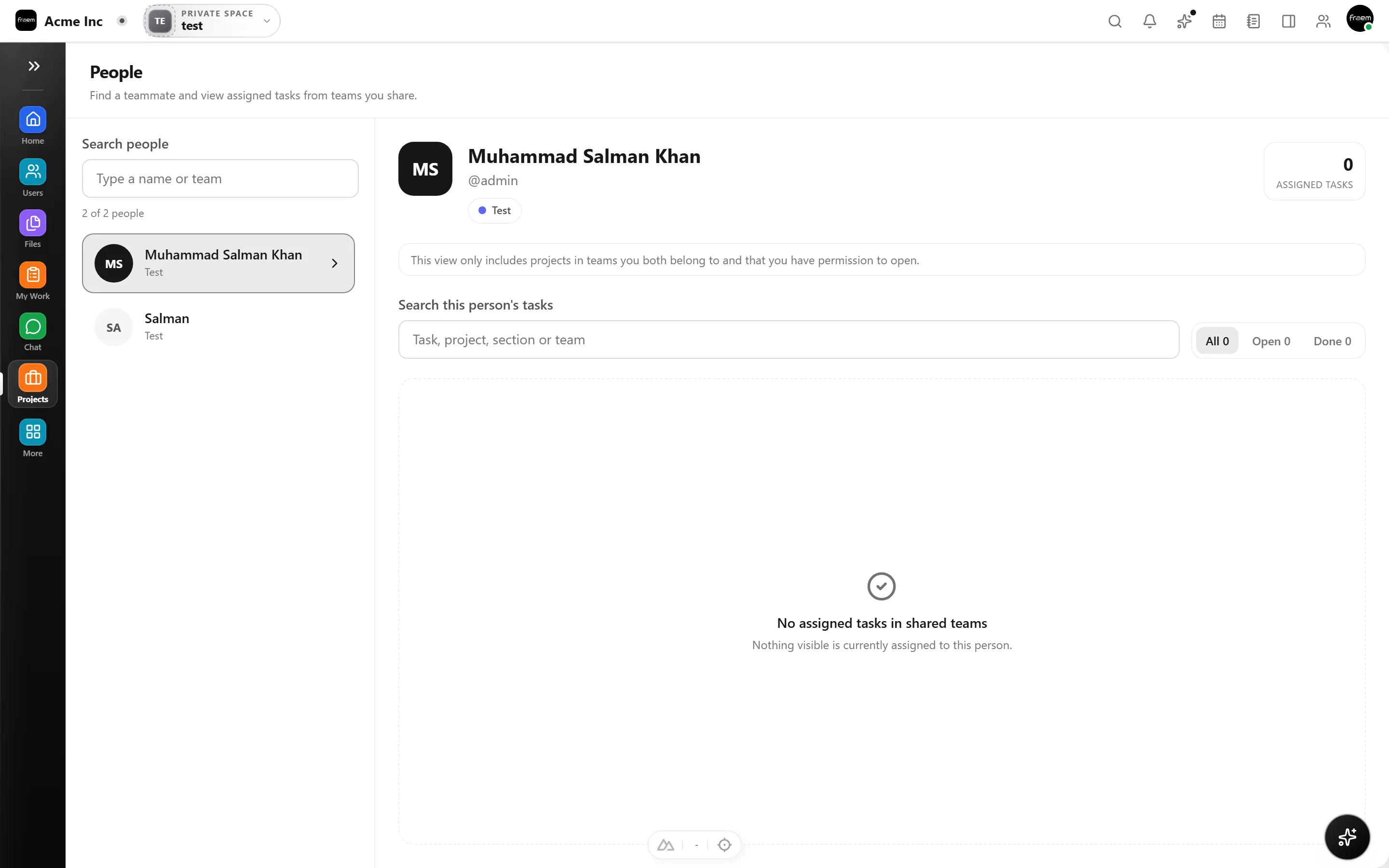
Real organizations don't work in silos. Rowsh lets users belong to multiple teams, share projects across boundaries, and see workload from every angle, so cross functional work doesn't fall through the cracks.
From functional departments to cross functional initiatives, Teams keeps ownership clear.
Engineering, design, and marketing groups.
Project teams spanning multiple departments.
Control who can view and manage each project.
Reduce confusion with team first organization.
FAQ
You can create teams that map to your organization, departments, squads, or cross functional pods. Assign projects to teams and control visibility at the team level.
Yes. Users can be members of multiple teams, and their permissions aggregate based on team membership and project roles.
Projects can be restricted to specific teams. Members outside those teams need explicit invitations or access requests to participate.
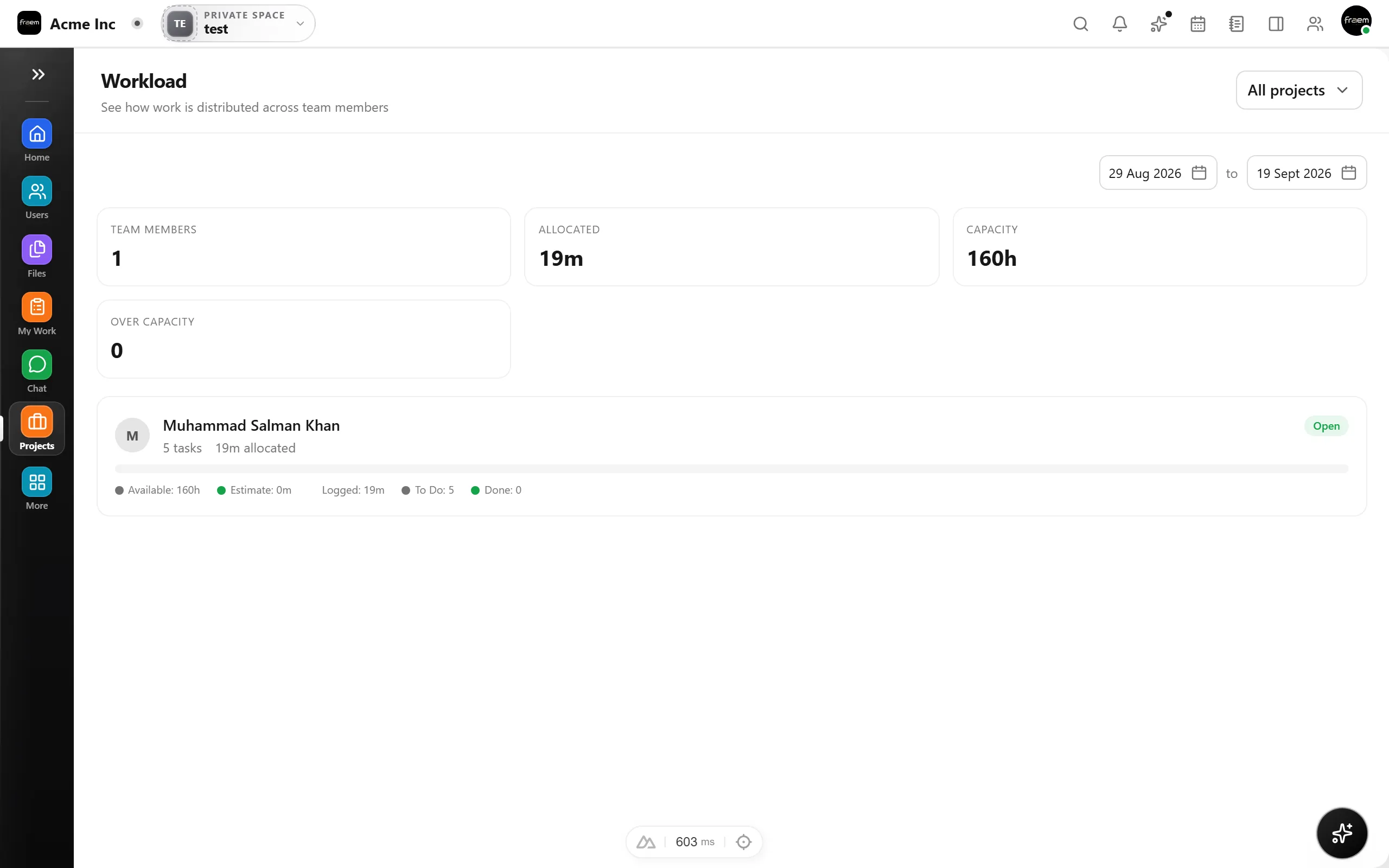
Yes. Analytics and workload views show task distribution across teams so you can balance capacity and identify bottlenecks.
Create a workspace in minutes and explore Projects, Chat, Calendar, and Whiteboard together.