Support intake
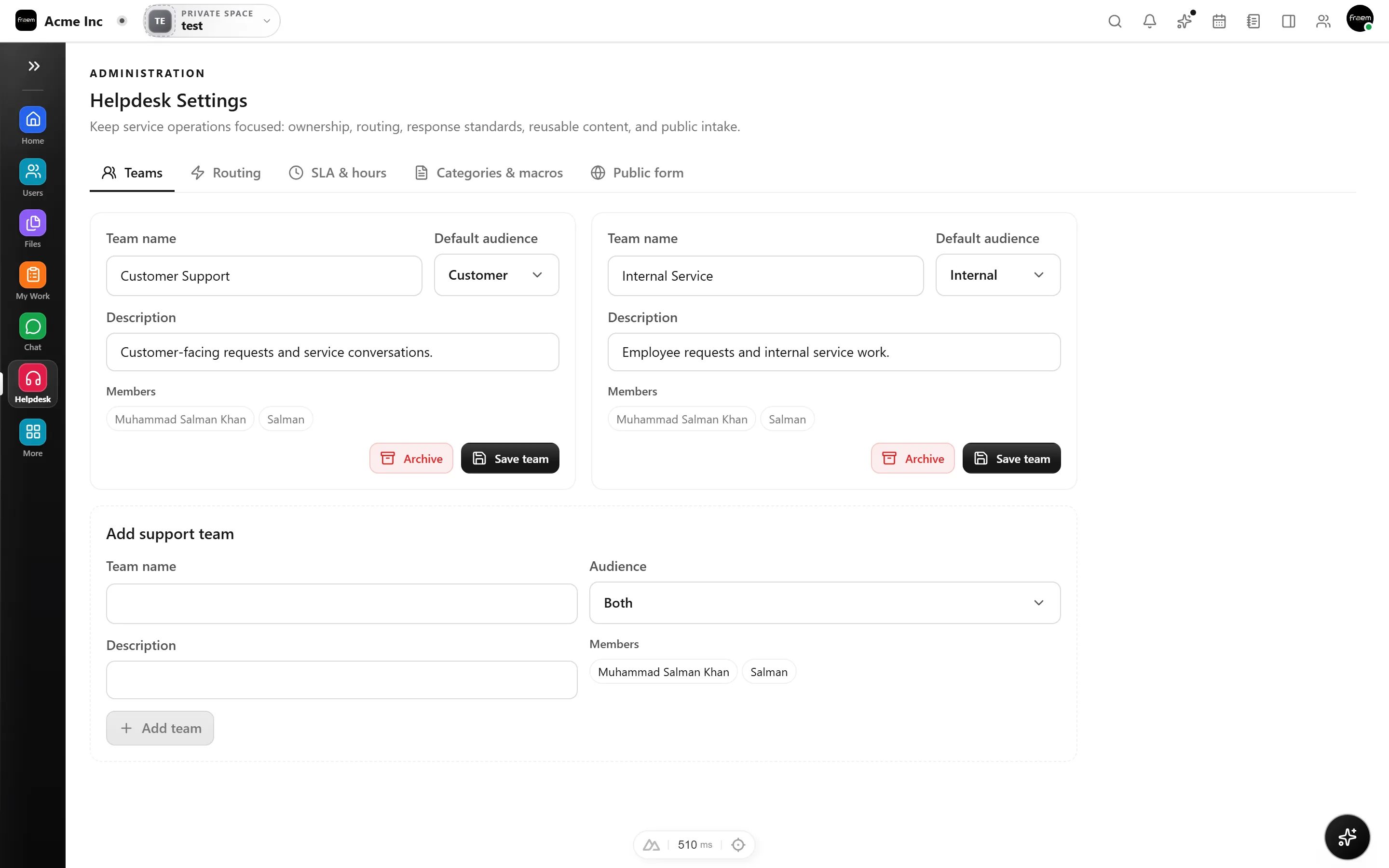
Turn requests into helpdesk tickets automatically.
Forms
Build public forms with a drag and drop builder, multiple field types, field validation, conditional logic, and multipage flows. Collect submissions with file uploads, send receipts and notifications, block spam, and export to CSV, all inside your workspace.
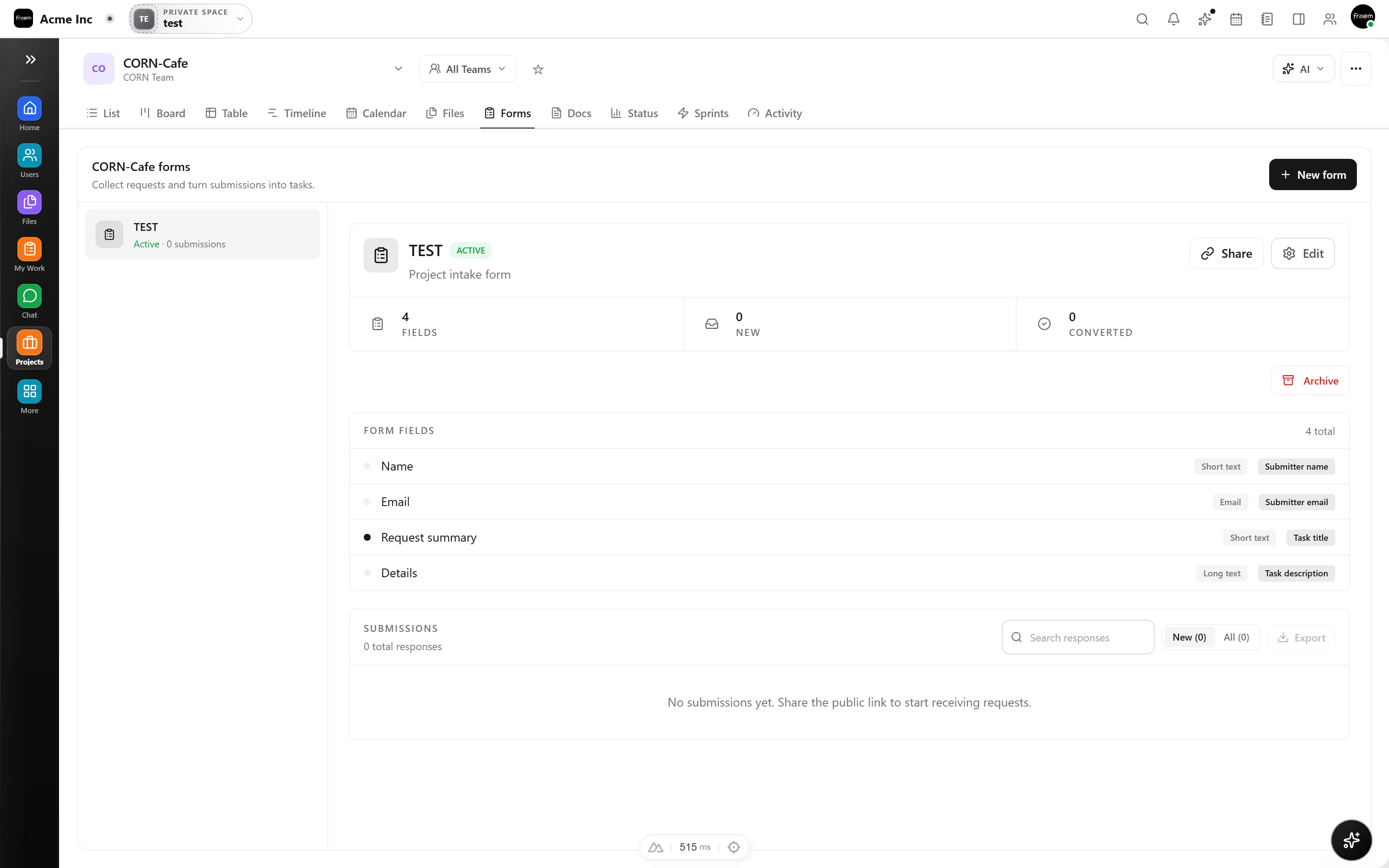
Compose forms from a full set of field types, add validation to each field so answers arrive clean, and split longer forms across multiple pages. Let people attach files when you need documents, not just text.
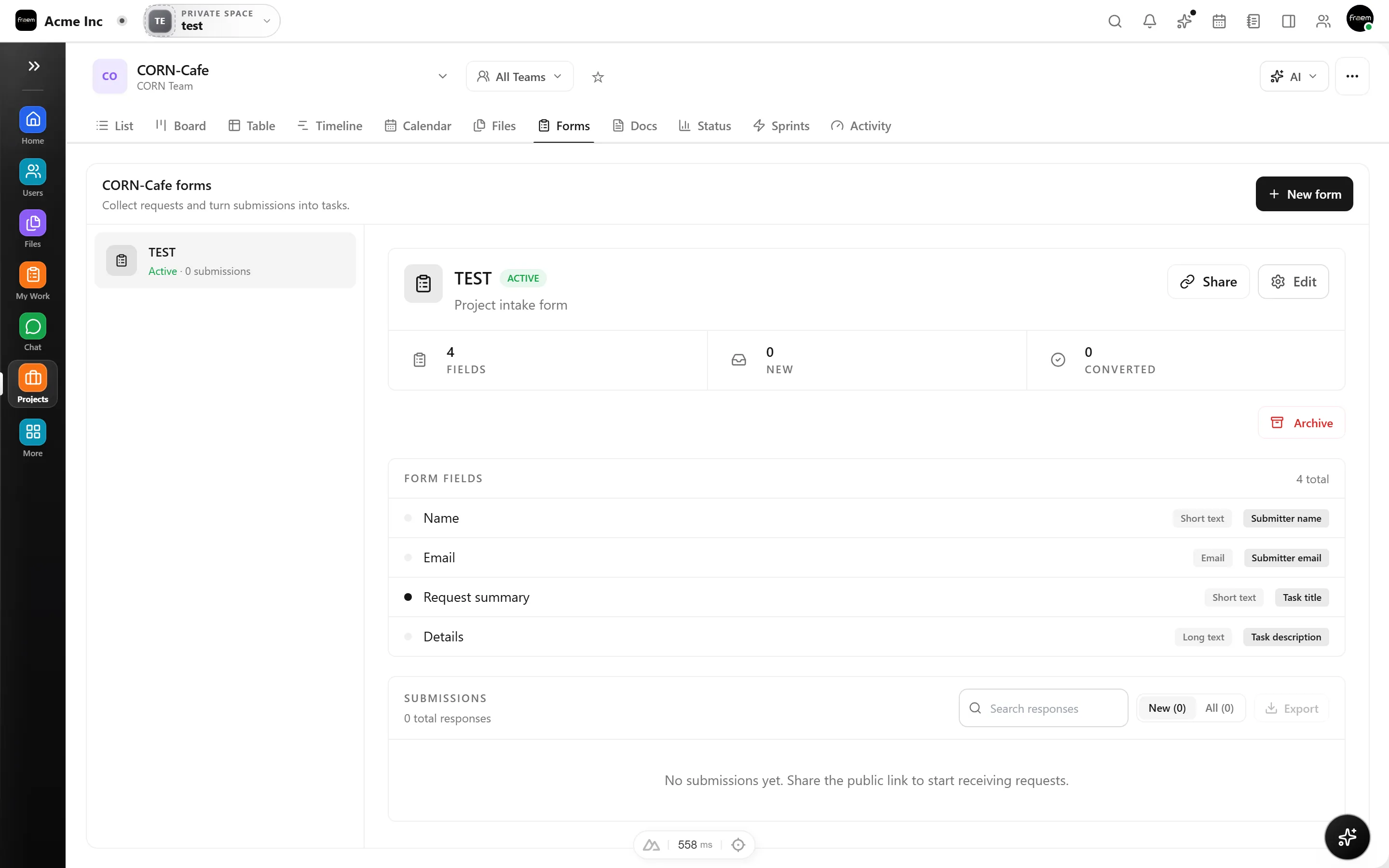
Show and hide fields based on earlier answers, so respondents only see what's relevant to them. Forms feel shorter and smarter, and the data you collect is cleaner as a result.
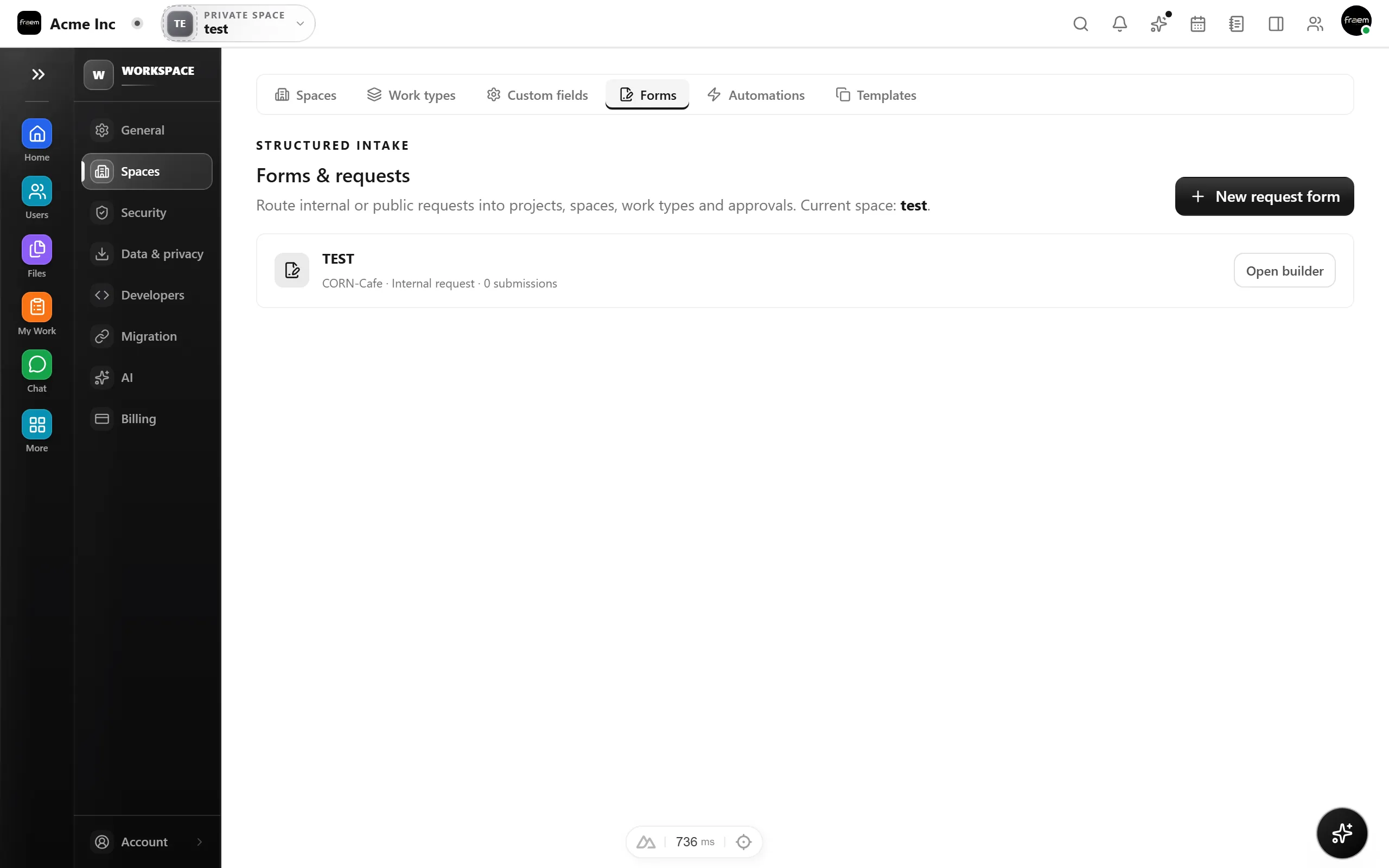
Send an automatic receipt to the person who submitted and notify your team of every response. Review submissions in the app, and export the whole dataset to CSV whenever you need it elsewhere.
Publish a link and route responses straight into the space that owns them.
Turn requests into helpdesk tickets automatically.
Collect inbound interest for your sales pipeline.
Gather candidate details for open roles.
Standardize how the team asks for things.
FAQ
Yes. Each form gets a public link you can share, and submissions flow back into your workspace. You can also use forms internally.
Forms include a hidden honeypot field and Cloudflare Turnstile support to block bots, so your submissions stay clean.
Yes. Submissions can send receipt and notification emails, and intake forms can open helpdesk tickets automatically in the relevant space.
Anytime. Review submissions in the app and export the full set to CSV with one click.
Create a workspace in minutes and explore Projects, Chat, Calendar, and Whiteboard together.