Deep discussions
Move detailed conversations out of the main flow.
Chat
Keep channels clean with threads, and capture quick feedback with reactions.
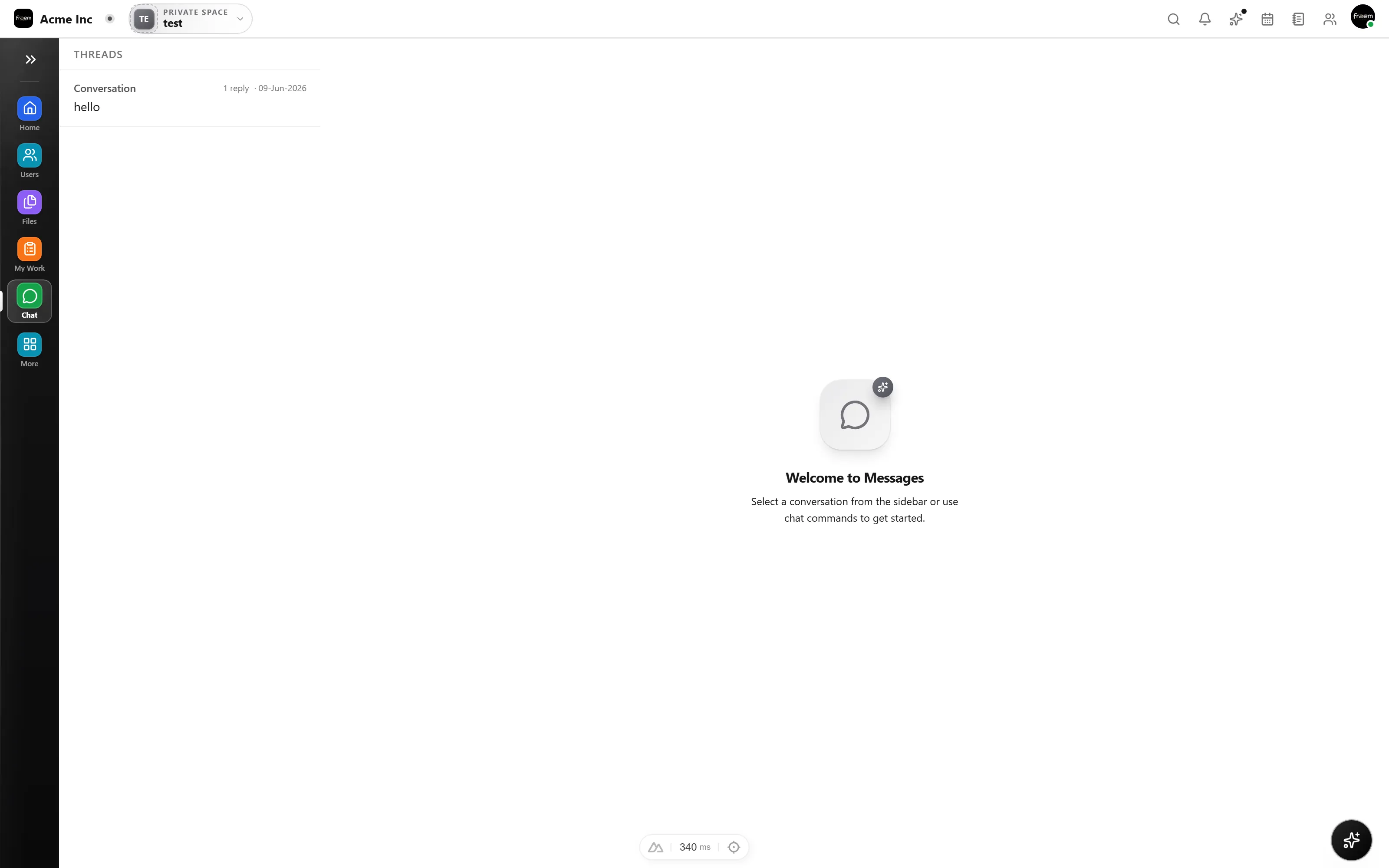
Threads reduce noise by keeping deep discussions attached to the original message. Reactions let teams confirm quickly without adding extra messages to the main channel.
A single emoji can replace an entire reply. Use reactions to approve, acknowledge, vote, or flag messages, cutting notification noise while still capturing team sentiment in real time.
Threads and reactions keep busy channels productive without losing important discussions.
Move detailed conversations out of the main flow.
Emoji reactions for fast approvals and acknowledgments.
Use reactions to gauge team sentiment quickly.
Keep main channels clean and scannable.
FAQ
You can reply to any message in a thread. Thread replies are grouped together and visible from the main channel, keeping the primary conversation flow clean.
Yes. Any message in a channel, thread, or DM can receive emoji reactions. They are a lightweight way to provide feedback without creating new messages.
Yes. Thread content is fully searchable alongside regular messages, so you can find past decisions and detailed discussions easily.
Reactions are primarily for lightweight feedback. For actions, use slash commands or the task creation flow from messages.
Create a workspace in minutes and explore Projects, Chat, Calendar, and Whiteboard together.