Channels, DMs & threads
- Rowsh
- Included
- Slack
- Included
Compare
Slack is where conversations happen, and where decisions get buried. Rowsh keeps the channels, threads, and calls your team knows, and adds the task boards, calendar, and files Slack makes you buy elsewhere.
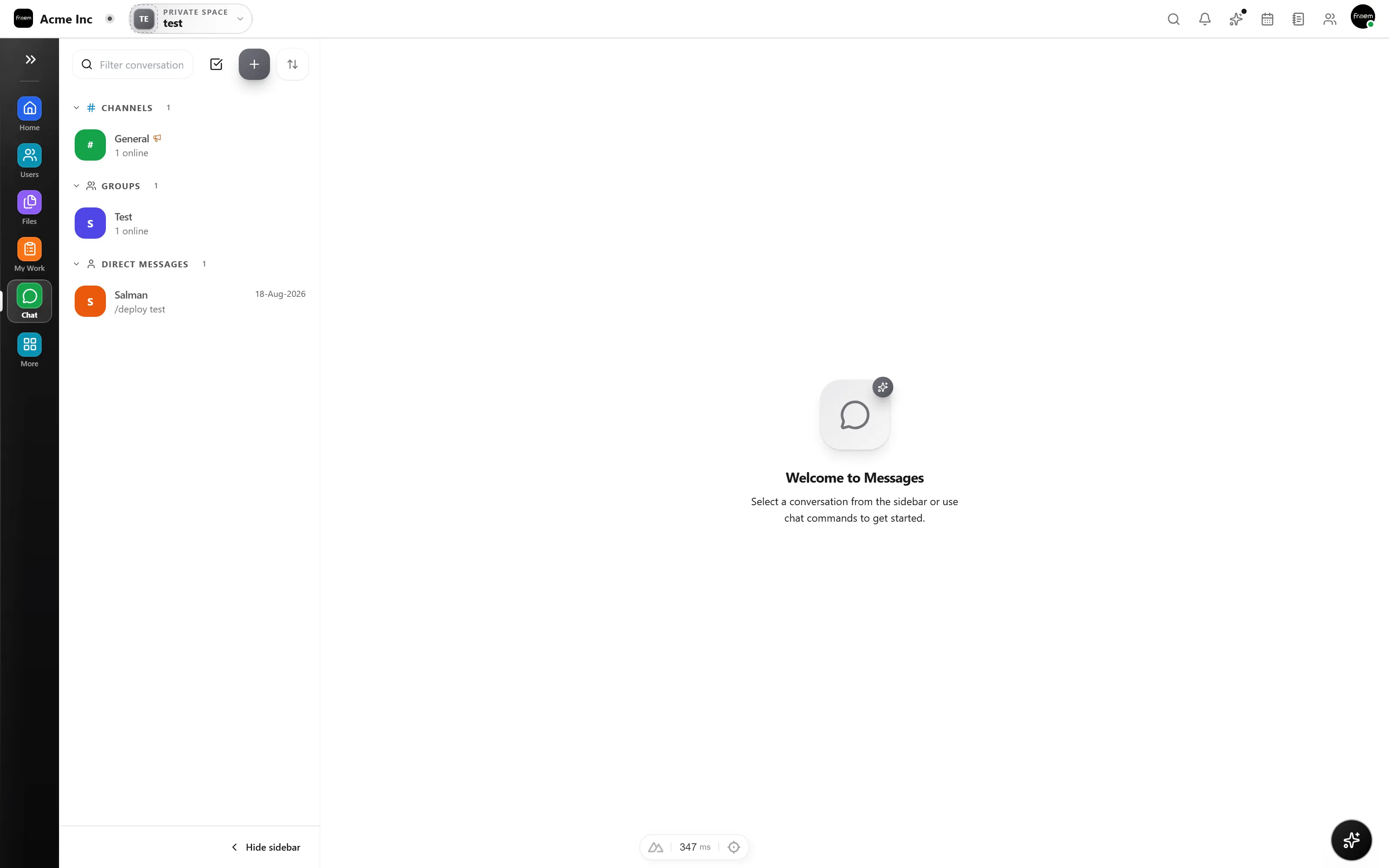
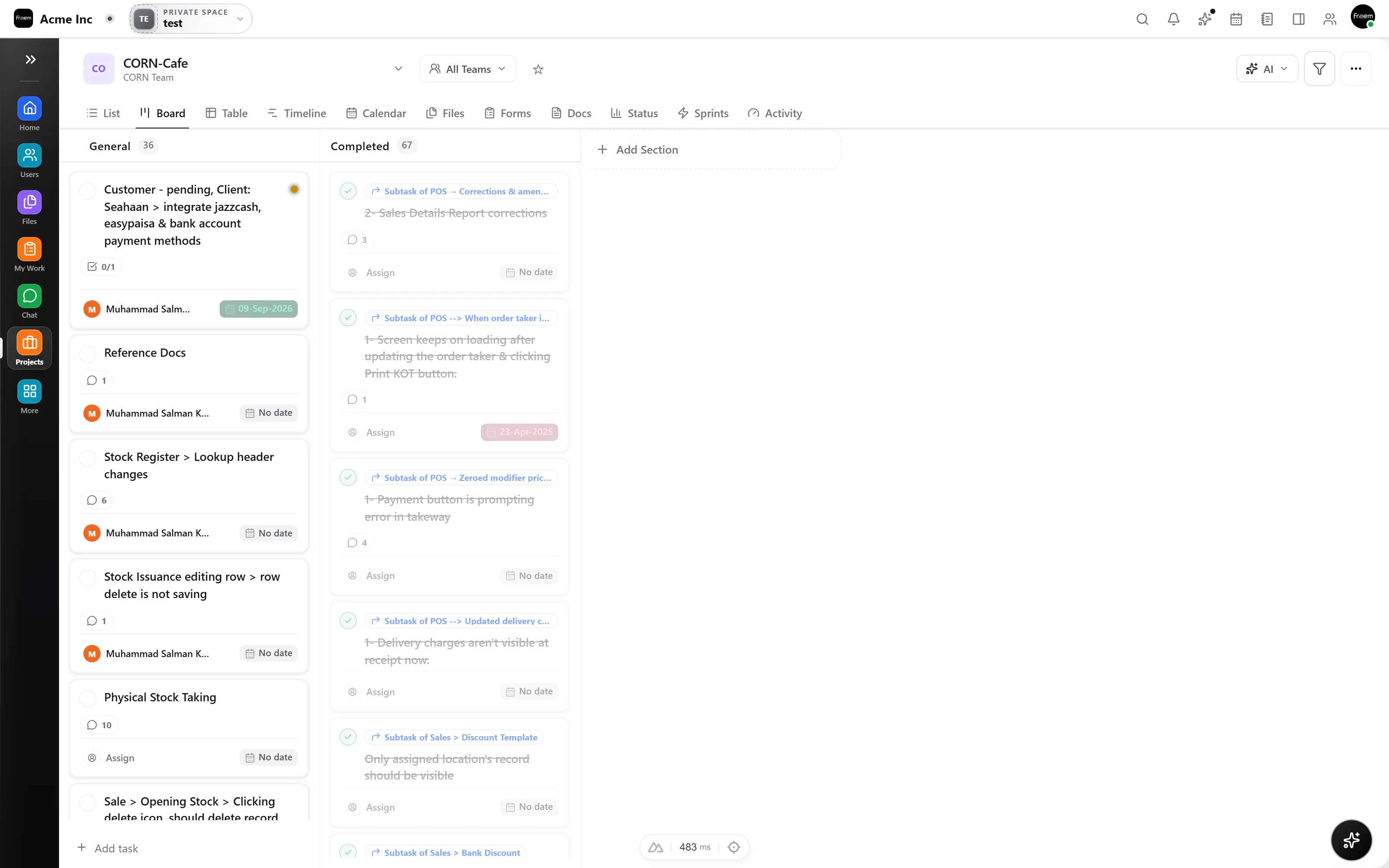
In chat only tools, an agreed action lives exactly as long as the conversation stays on screen. In Rowsh, any message becomes a task with an assignee and a due date, in the same app, without copy pasting into a second tool.
Rowsh publishes each plan's user, storage, module, and AI limits. The comparison below pairs those live Rowsh details with Slack's current official pricing and capabilities.
A current capability and pricing comparison, with the official Slack source linked below.
| Feature | Rowsh | Slack |
|---|---|---|
| Channels, DMs & threads | Included | Included |
| Voice & video calls | Included | Huddles |
| Turn messages into tasks | Included | Lists and workflows |
| Project & task management | Included | Slack Lists |
| Team calendar & booking links | Included | Calendar integrations |
| File storage & sharing | Included | Files in conversations, with plan limits |
| Whiteboards & notes | Included | Canvases, without a native whiteboard |
| AI summaries & copilot | Included | Basic AI included, advanced features vary by plan |
| Starting paid plan | Live pricing published by Rowsh | $7.25 USD per user monthly when billed annually, or $8.75 monthly |
Reviewed 5 September 2026 using Slack's official pricing page. Plans, prices, and availability can change.
See live Rowsh plansFAQ
No. Rowsh chat works the way modern team chat is expected to: channels, direct messages, threads, reactions, mentions, and file sharing. The difference is what surrounds it, tasks, calendar, and files in the same workspace.
Yes. You can start a voice or video call directly from any conversation, so meetings stay contextual instead of living in a separate video tool.
Rowsh loads its currently published plans on the pricing page. Slack Pro is listed at $7.25 USD per user each month when billed annually, or $8.75 with monthly billing, as of the review date shown above.
Yes. Describe your channels, content, users, and rollout needs through the contact form. Any migration service, scope, timing, or fee will be confirmed in writing.
Create a workspace in minutes and explore Projects, Chat, Calendar, and Whiteboard together.