Notes & documents
- Rowsh
- Included
- Notion
- Included
Compare
Notion is a brilliant document tool, and teams bend it into a task manager, a wiki, and a CRM until nobody can find anything. Rowsh gives you real notes and real task management, plus the chat and calendar a docs tool was never meant to be.
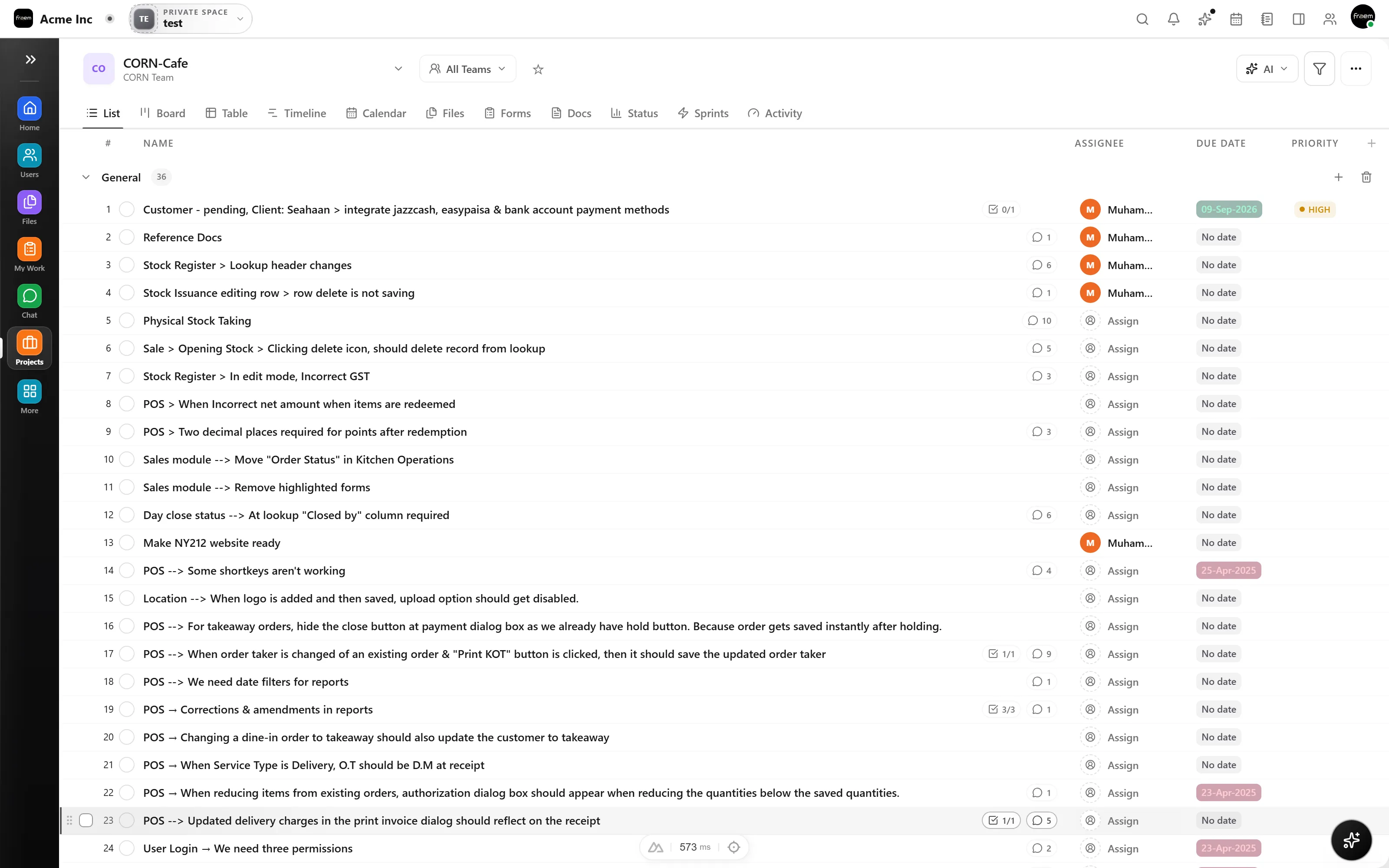
A database with a board view isn't a project tool: no real dependencies, no workload, and every team reinvents the schema. Rowsh tasks work out of the box, assignees, priorities, subtasks, dependencies, custom fields, and automations across Kanban, list, and timeline.
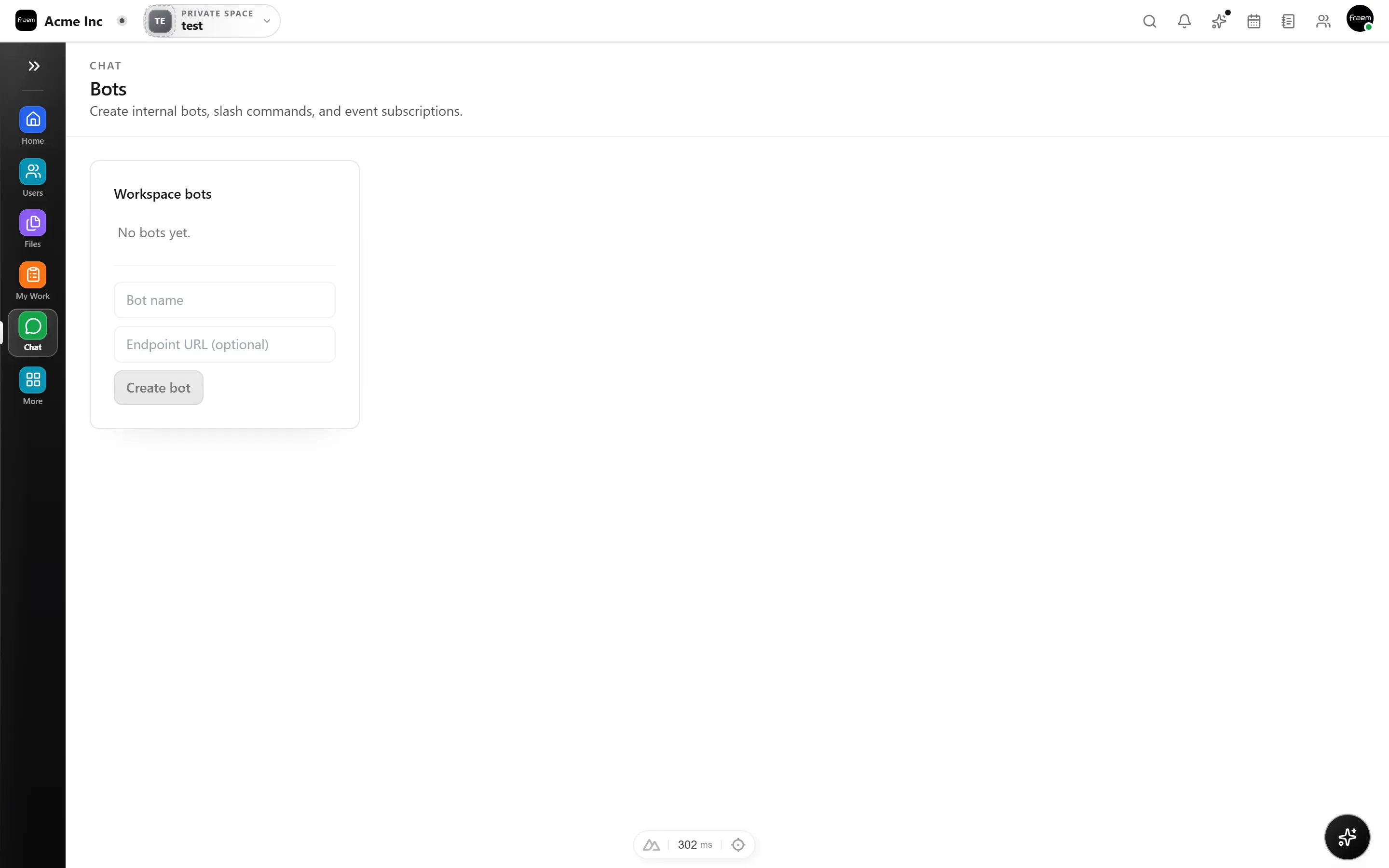
Docs tools have comments, not conversations, so teams keep Slack or WhatsApp running next to the wiki, and context splits in two. Rowsh includes channels, DMs, threads, and voice/video calls in the same workspace as your notes and tasks.
A current look at knowledge, structured work, communication, AI, and pricing.
| Feature | Rowsh | Notion |
|---|---|---|
| Notes & documents | Included | Included |
| Purpose built task management | Included | Projects built on configurable databases |
| Task dependencies | Included | Included |
| Team chat included (channels & DMs) | Included | Not included |
| Voice & video calls | Included | Not included |
| Team calendar & booking links | Included | Notion Calendar, without native booking links |
| Whiteboards | Included | Not included |
| AI summaries & copilot | Included | Trial on Free and Plus, included capabilities on Business |
| Workspace structure | Purpose built modules and spaces | Configurable pages and databases |
| Pricing model | Live pricing published by Rowsh | Per member pricing, localized by region |
Reviewed 5 September 2026 using Notion's official pricing page. Plans, prices, and availability can change.
See live Rowsh plansFAQ
Rowsh includes Notes and Knowledge modules for working material and shared guidance, alongside the projects and tasks they describe. Validate advanced documentation requirements before moving.
Because you stop maintaining it. Rowsh tasks come with assignees, subtasks, dependencies, priorities, custom fields, and three views out of the box, no schema to design, no formulas to babysit, and nothing that breaks when someone edits a property.
Yes, an AI copilot is included that knows your projects, tasks, and conversations. It can summarize threads, create tasks from chat, generate reports, and give you a daily briefing.
Describe the pages, databases, files, permissions, and users involved. Any migration service, scope, timing, or fee will be confirmed in writing.
Create a workspace in minutes and explore Projects, Chat, Calendar, and Whiteboard together.