Kanban, list & timeline views
- Rowsh
- Included
- monday.com
- Timeline and Calendar views from Standard
Compare
Rowsh puts tasks, chat, calendar, files, notes, AI, and structured spaces into one workspace. Compare that connected model with the way your team currently uses monday.com.
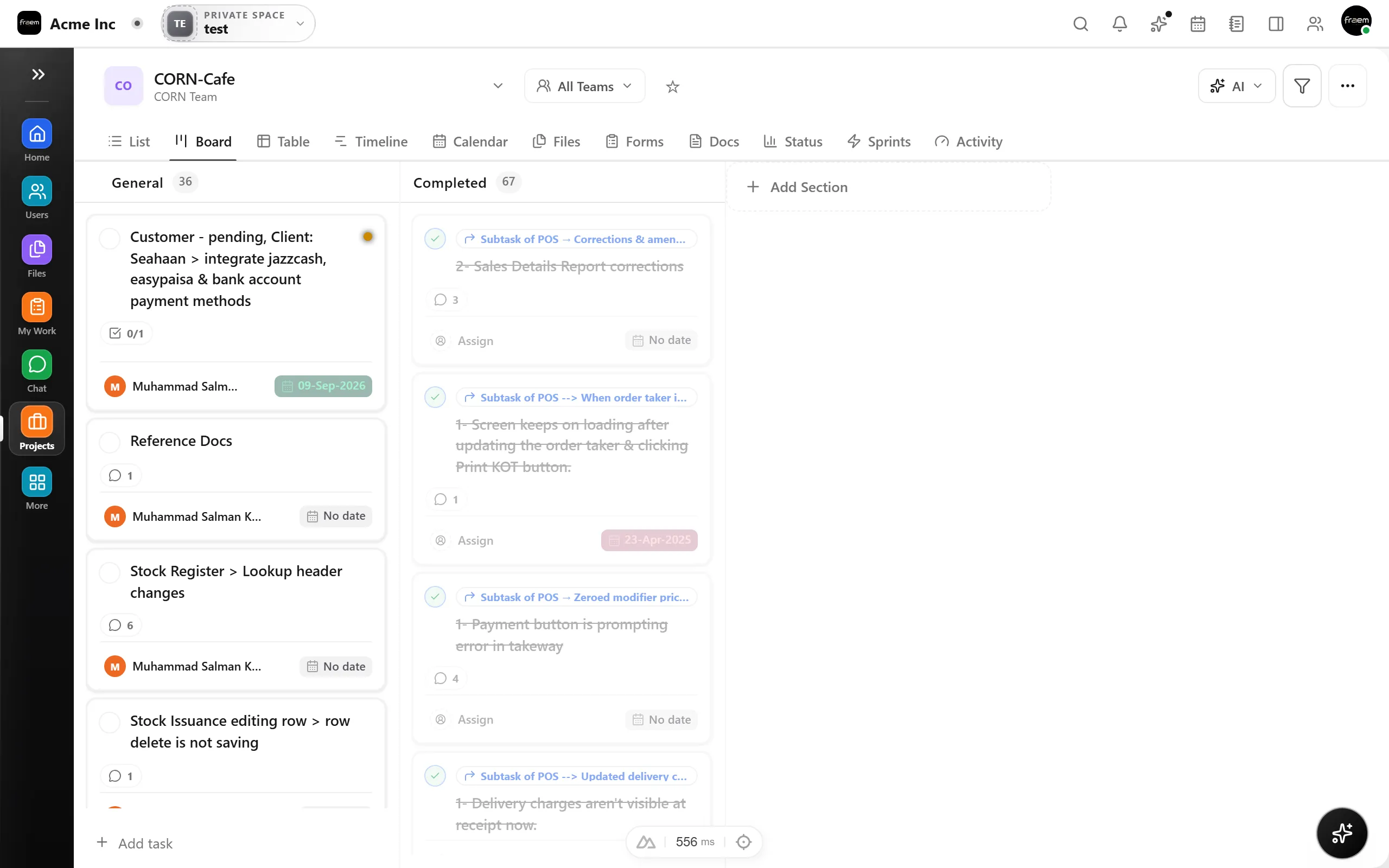
Rowsh provides Kanban, list, and timeline views, custom fields, automations, goals, and analytics over one task model.
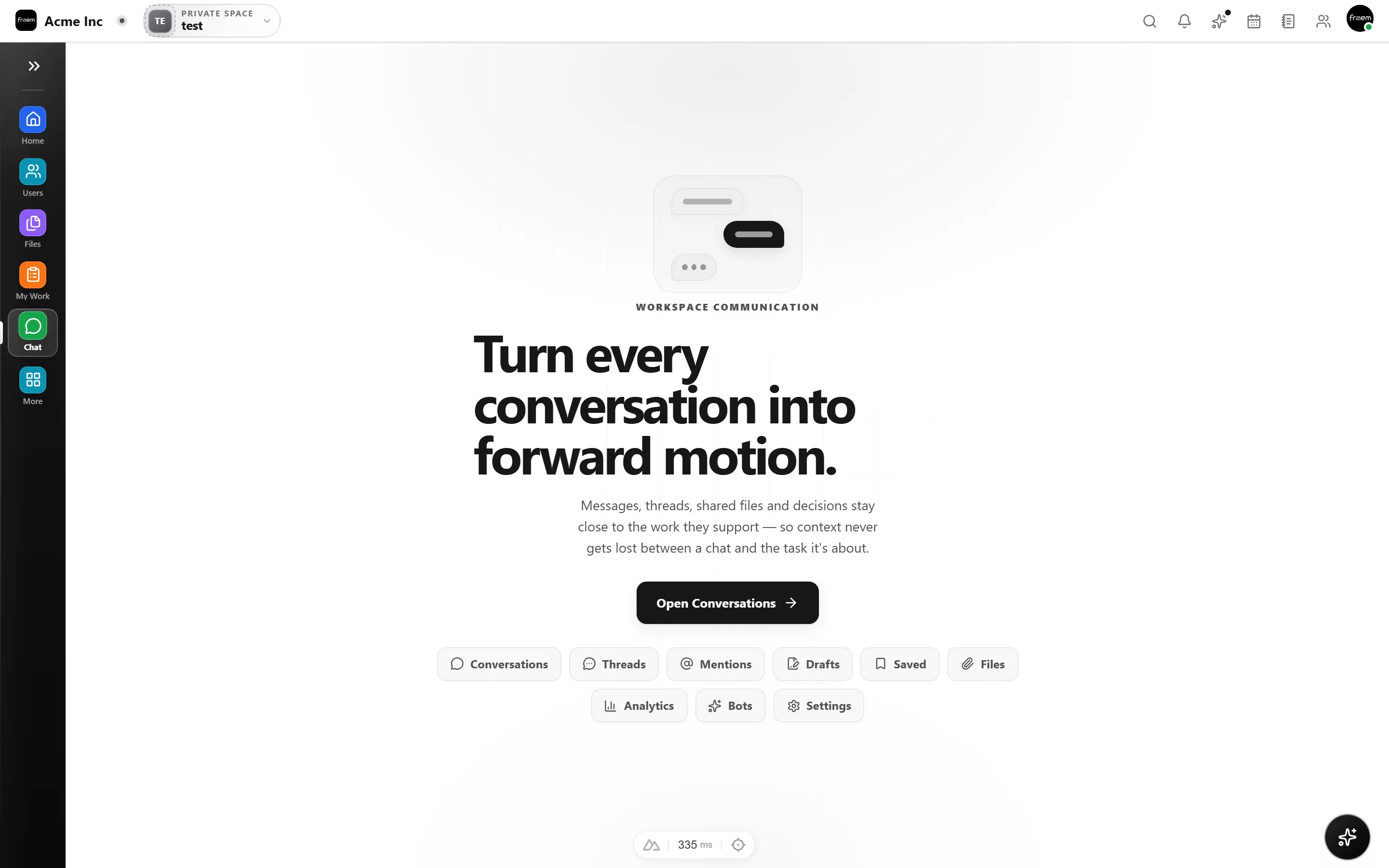
On monday.com, the conversation about the work happens somewhere else, Slack, WhatsApp, email. Rowsh has real team chat with channels, threads, and voice & video calls built in, and any message can become a task without switching apps.
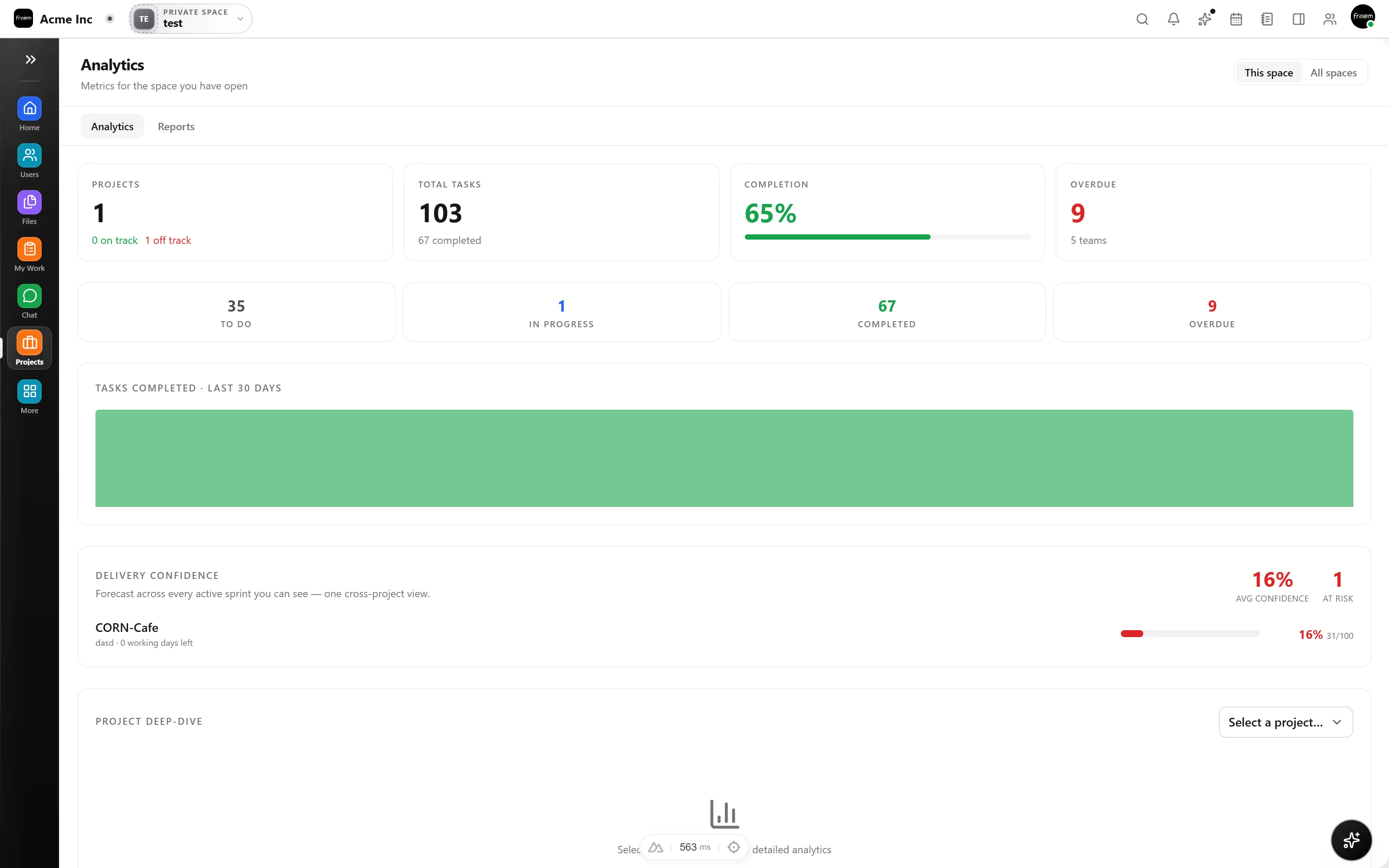
A current look at visual work, communication, AI, capacity, and pricing.
| Feature | Rowsh | monday.com |
|---|---|---|
| Kanban, list & timeline views | Included | Timeline and Calendar views from Standard |
| Team chat included (channels & DMs) | Included | Not included |
| Voice & video calls | Included | Not included |
| Team calendar & booking links | Included | Calendar view from Standard, without native booking links |
| Whiteboards & notes | Included | Workdocs included, without a native whiteboard |
| AI summaries & copilot | Included | AI credits available from Basic |
| Free plan capacity | Published on live pricing | Up to 2 seats |
| Starting paid plan | Live pricing published by Rowsh | $9 USD per seat monthly when billed annually |
Reviewed 5 September 2026 using monday.com's official pricing page. Plans, prices, and availability can change.
See live Rowsh plansFAQ
Rowsh has Kanban, list, and timeline views with custom fields, subtasks, dependencies, and automations. Validate your exact workflow against the product before moving.
Rowsh publishes live billing options and plan limits on its pricing page. monday.com Basic is listed at $9 USD per seat each month when billed annually, as of the review date shown above.
No. Rowsh includes team chat with channels, DMs, threads, and integrated voice & video calls, in the same workspace as your boards and calendar.
Describe the boards, fields, files, and integrations you need to move. Any migration service, scope, schedule, and fee will be confirmed in writing.
Create a workspace in minutes and explore Projects, Chat, Calendar, and Whiteboard together.