Kanban, list & timeline views
- Rowsh
- Included
- ClickUp
- Included
Compare
Rowsh combines tasks, chat, calendar, files, notes, and AI in a workspace organized around clear modules and spaces. Compare the product fit using your team's real requirements.
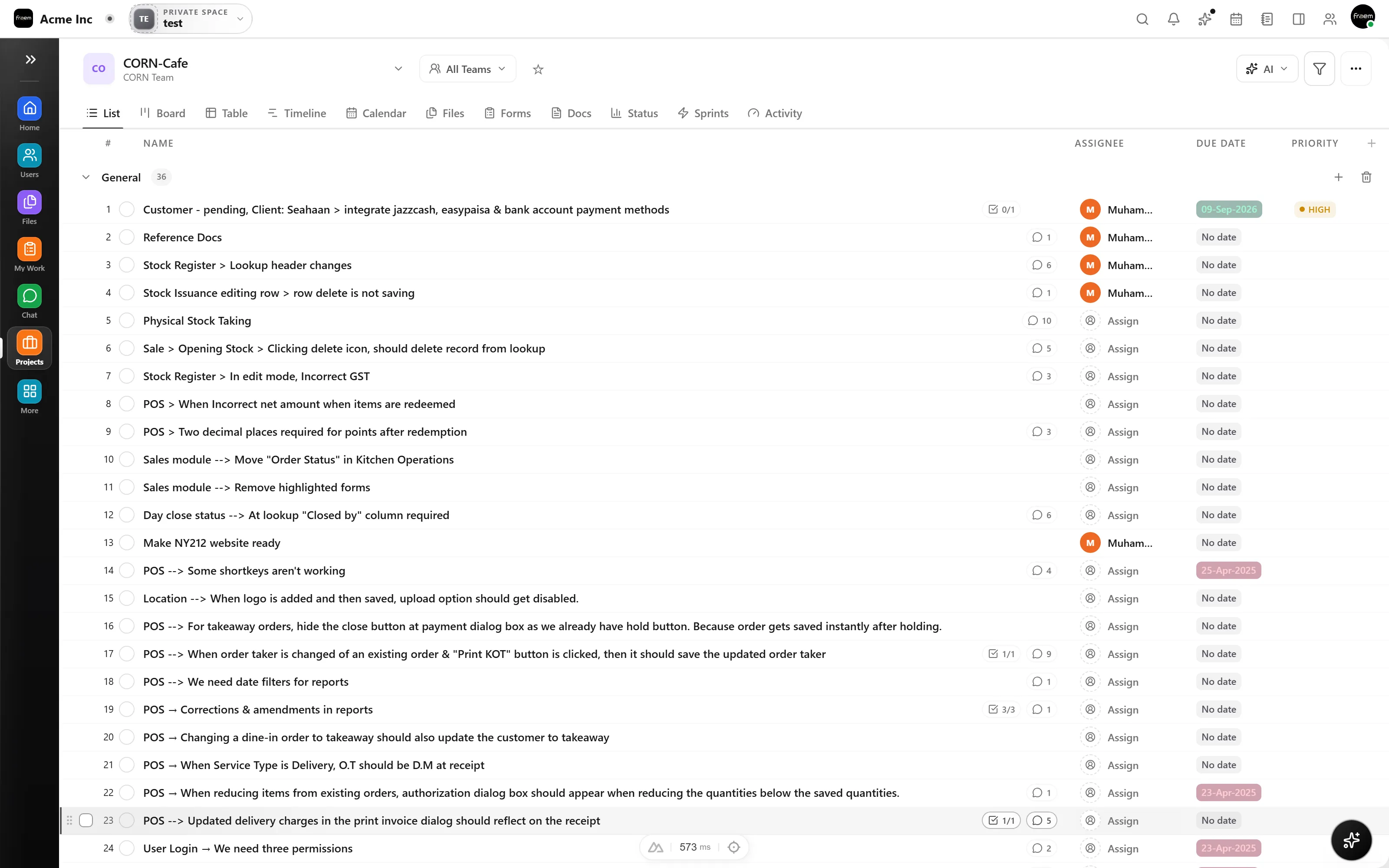
Rowsh gives you the views and structure real projects need, Kanban, list, timeline, subtasks, dependencies, custom fields, automations, without burying your team under hierarchy levels and settings screens they'll never open.
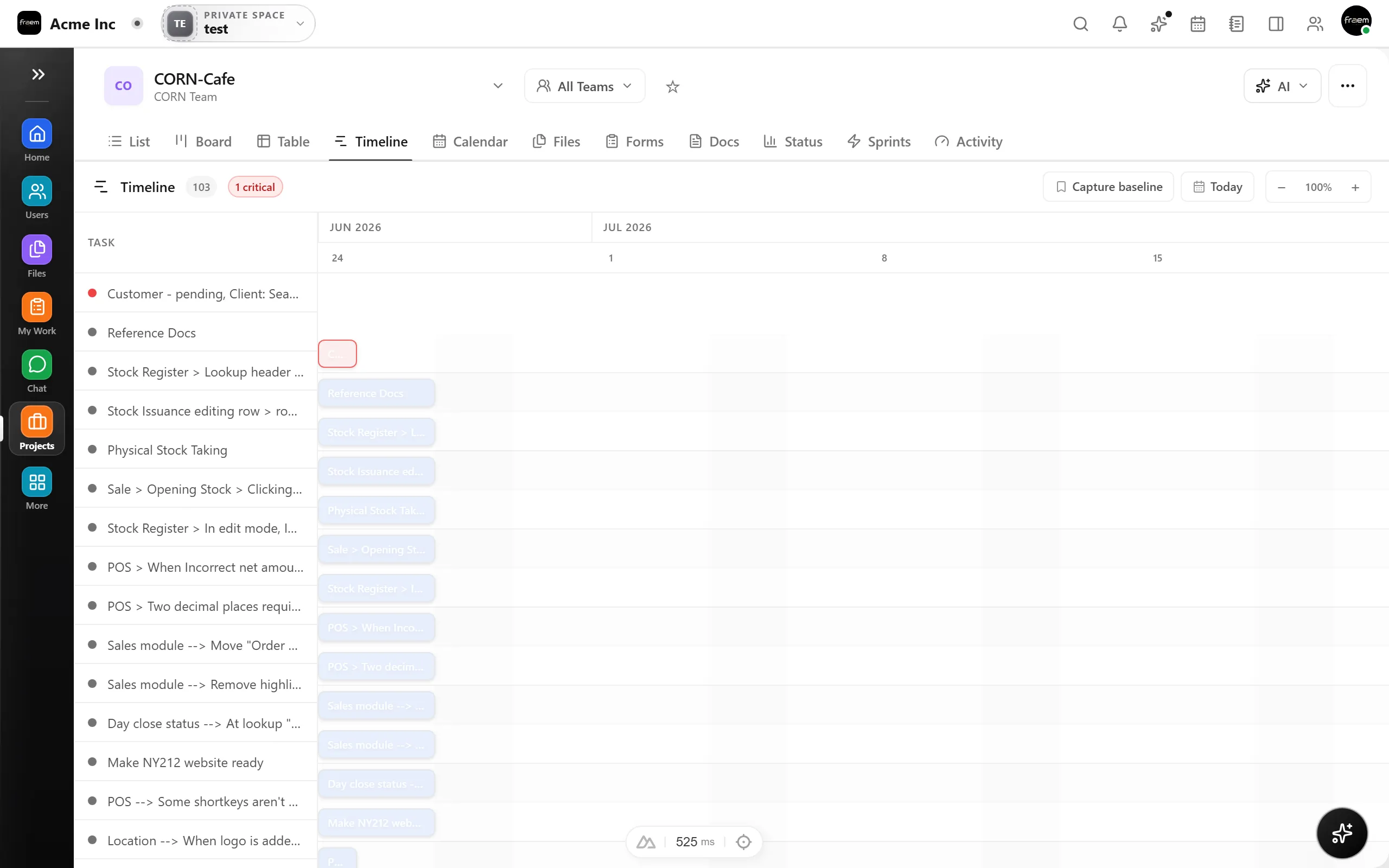
Start with Rowsh's existing spaces, boards, and modules, then document any data or rollout support you need. Services and timing are confirmed for the applicable engagement.
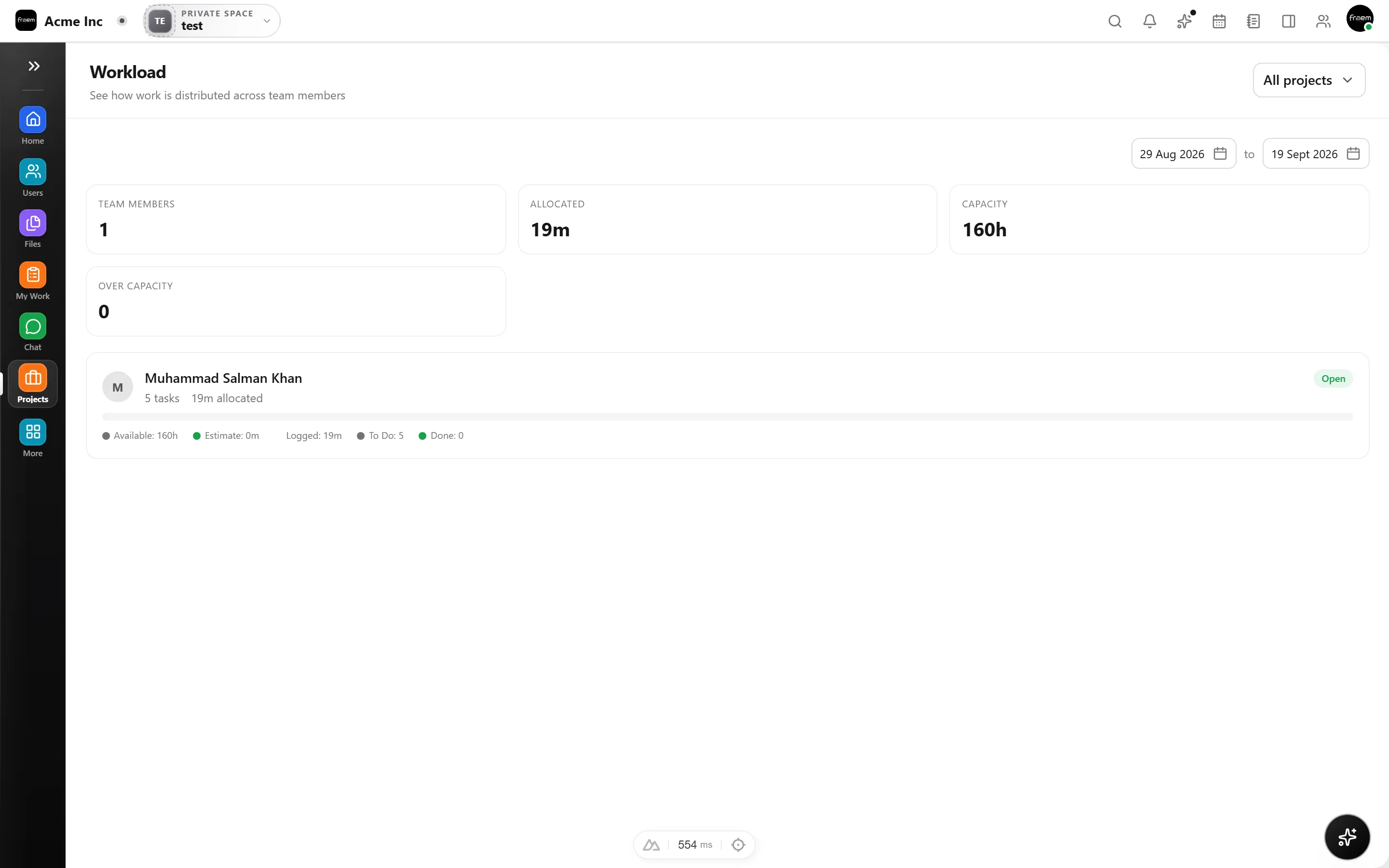
A current look at connected work, communication, AI, and pricing across both products.
| Feature | Rowsh | ClickUp |
|---|---|---|
| Kanban, list & timeline views | Included | Included |
| Team chat included (channels & DMs) | Included | Included from Unlimited |
| Voice & video calls | Included | SyncUps, with limits varying by plan and role |
| Team calendar & booking links | Included | Calendar included, scheduling links listed as coming soon |
| Whiteboards & notes | Included | Included |
| AI summaries & copilot | Included | Free usage with plan limits, with paid AI options |
| Workspace structure | Spaces and modules | Configurable hierarchy |
| Starting paid plan | Live pricing published by Rowsh | $7 USD per user monthly when billed annually, or $10 monthly |
Reviewed 5 September 2026 using ClickUp's official pricing page. Plans, prices, and availability can change.
See live Rowsh plansFAQ
Rowsh focuses on what teams use daily: projects with multiple views, chat with calls, calendar with booking links, files, notes, whiteboards, and AI. What it drops is the configuration overhead, not the capability you'll actually miss.
Timing depends on your users, data, integrations, and rollout requirements. Share that scope with Rowsh so any services and schedule can be confirmed in writing.
Yes, task automations with sensible defaults, plus an AI copilot that can create tasks from chat, summarize threads, and suggest automations based on how your team works.
Rowsh publishes live billing options and plan limits on its pricing page. ClickUp Unlimited is listed at $7 USD per user each month when billed annually, or $10 with monthly billing, as of the review date shown above.
Create a workspace in minutes and explore Projects, Chat, Calendar, and Whiteboard together.