Kanban, list & timeline views
- Rowsh
- Included
- Asana
- Included
Compare
Rowsh puts projects, chat, calls, calendar, files, and structured spaces into one workspace. Review the capabilities against the way your team currently uses Asana.
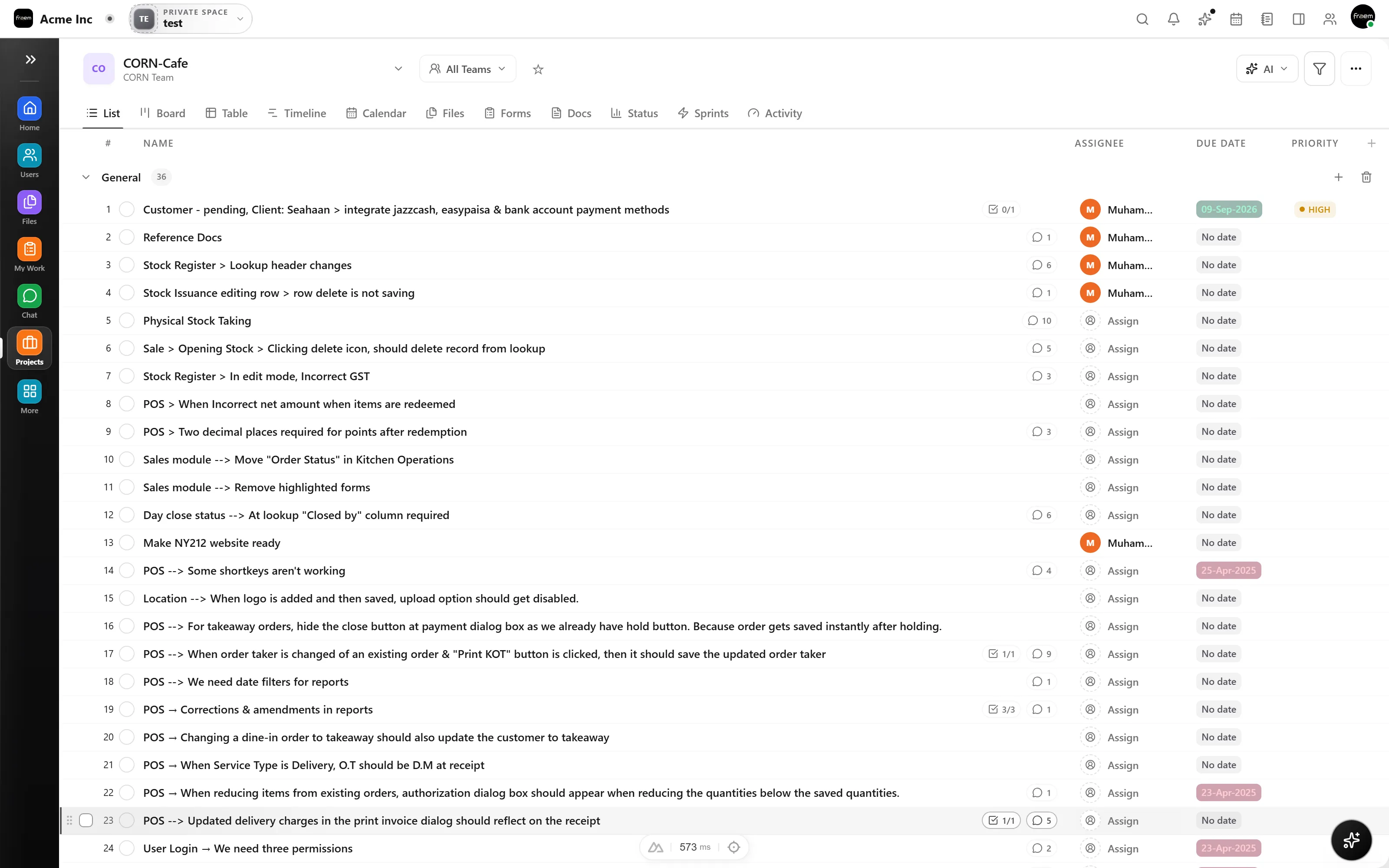
Boards support execution, lists support triage, and timelines support planning, with assignees, priorities, subtasks, dependencies, and custom fields over the same task model.
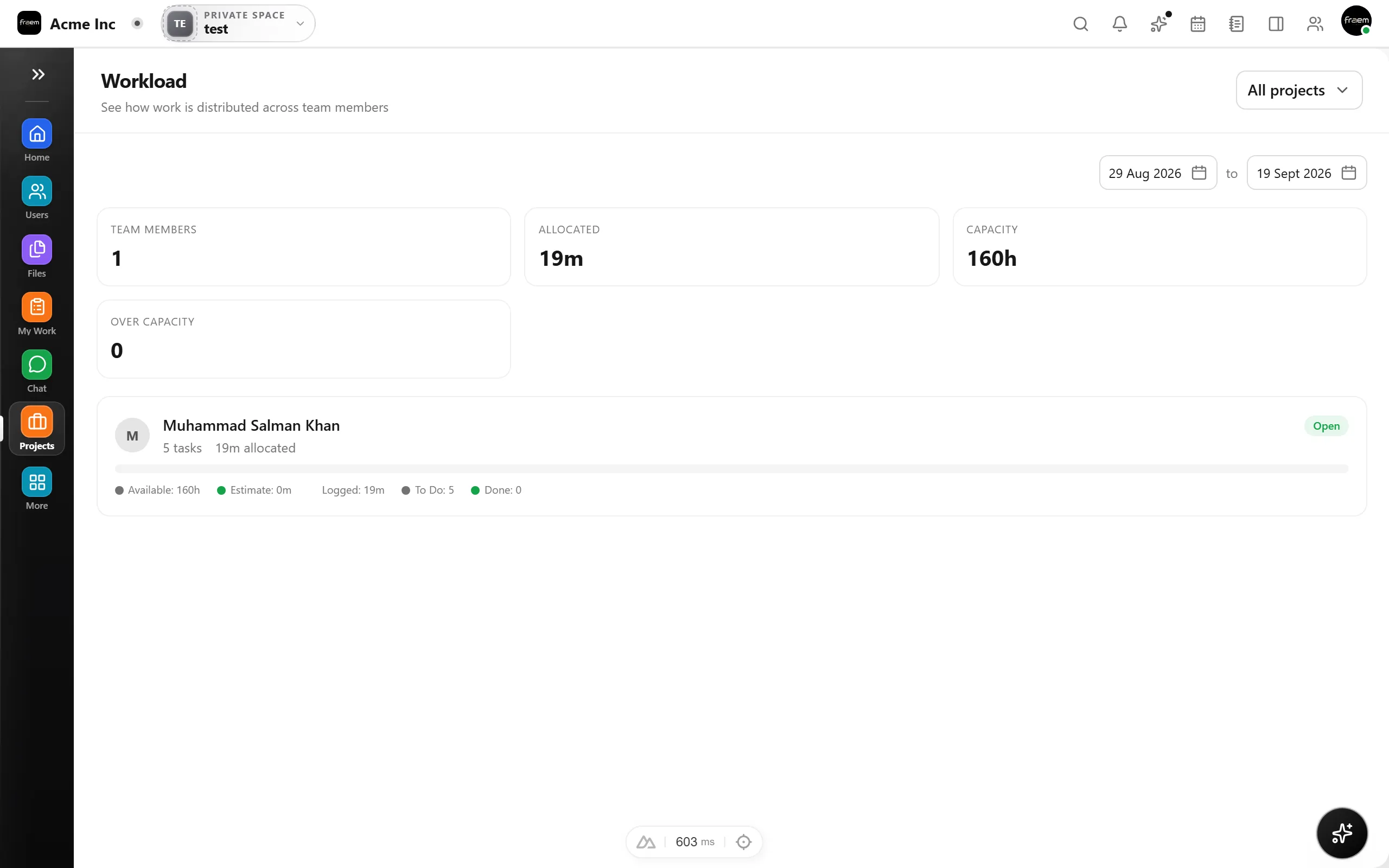
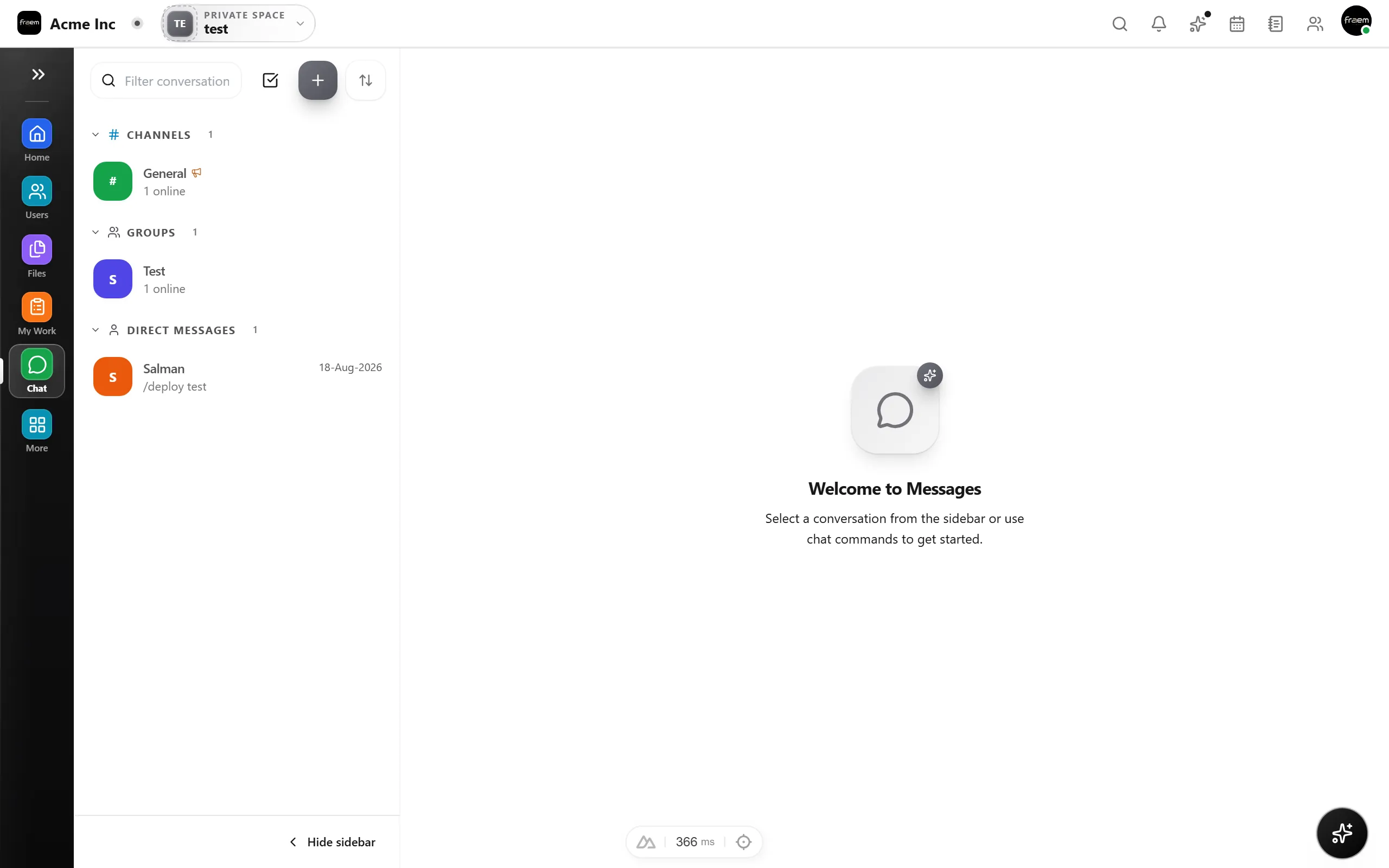
Task comments aren't a chat. Real project discussion needs channels, threads, and calls, and when it happens in a separate app, context gets lost between the two. In Rowsh, chat and tasks stay connected inside the same platform and the right space: discuss, decide, and turn the decision into a task.
A current look at project delivery, communication, and pricing across both products.
| Feature | Rowsh | Asana |
|---|---|---|
| Kanban, list & timeline views | Included | Included |
| Subtasks & dependencies | Included | Availability varies by plan |
| Goals & OKRs | Included | Advanced plan |
| Team chat included (channels & DMs) | Included | Project, team, and direct messages without live chat channels |
| Voice & video calls | Included | Not included |
| Team calendar & booking links | Included | Calendar view, with scheduling through integrations |
| Whiteboards & notes | Included | Not included |
| AI summaries & copilot | Included | AI credits included on paid plans |
| Starting paid plan | Live pricing published by Rowsh | $10.99 USD per user monthly when billed annually, or $13.49 monthly |
| Migration from Asana | Import path included | Export options available |
Reviewed 5 September 2026 using Asana's official pricing page. Plans, prices, and availability can change.
See live Rowsh plansFAQ
Yes | Rowsh includes an Asana import. Connect your account, pick the projects to bring over, and Rowsh migrates tasks, sections, assignees, and due dates in the background, then emails you when it's done.
Yes. Rowsh includes Kanban boards, list view, and timeline view over a single task model, plus subtasks, dependencies, priorities, custom fields, and automations.
Rowsh includes channels and DMs, voice and video calls, a team calendar with booking links, notes, whiteboards, and file storage alongside project work.
Rowsh publishes live billing options and plan limits on its pricing page. Asana Starter is listed at $10.99 USD per user each month when billed annually, or $13.49 with monthly billing, as of the review date shown above.
Create a workspace in minutes and explore Projects, Chat, Calendar, and Whiteboard together.